A live decision simulation that turns OCBC's five values into five judgment calls for a room of graduate trainees.
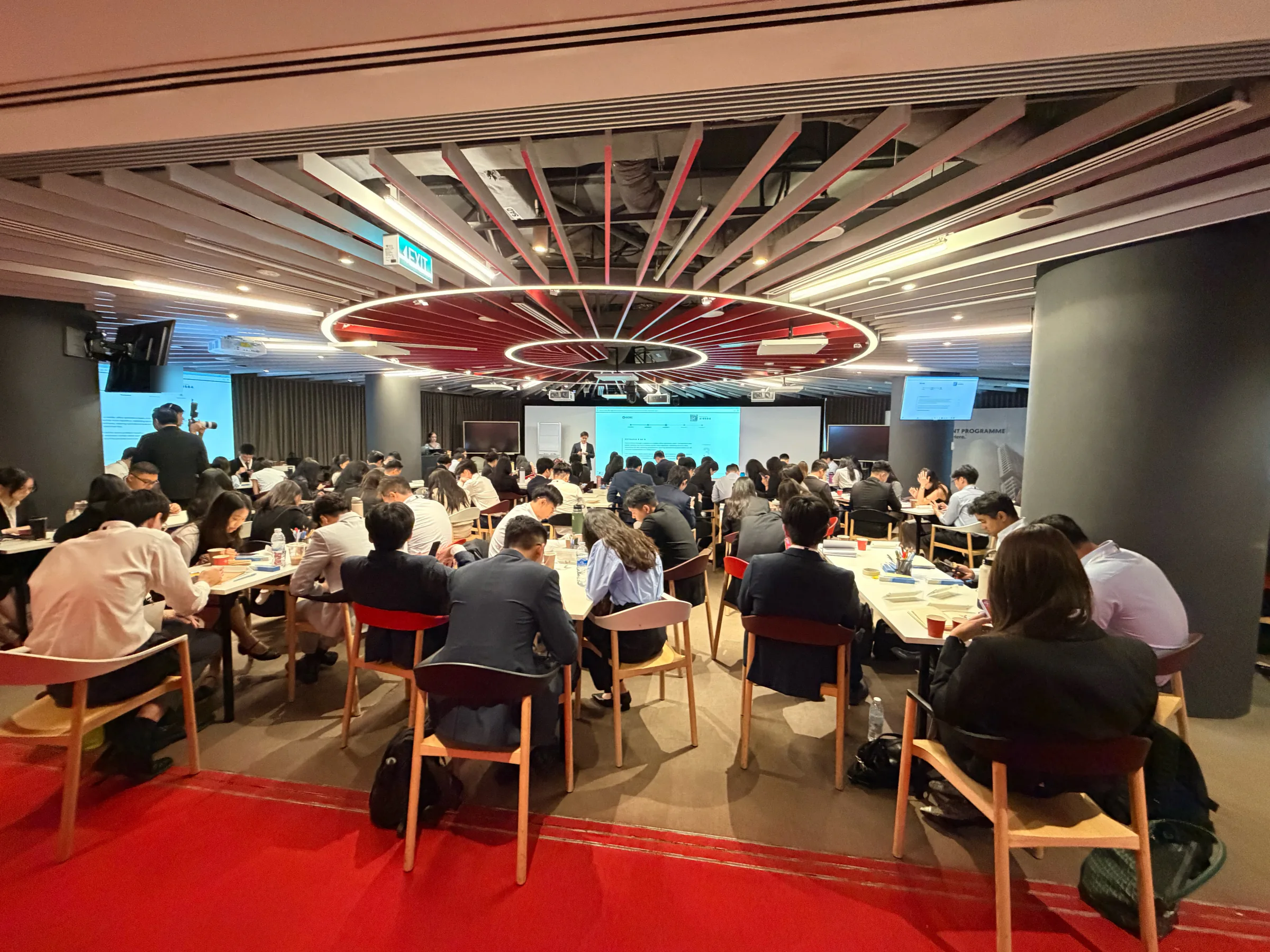
Ran live on 13 July 2026: 90 OCBC graduate trainees, one session, their own phones.
Project facts
- Role
- Product design and the v1 build, for IntLabs
- Timeline
- Built 22 May to 9 June 2026; live 13 July 2026
- Built with
- Claude Code
- Playwright
- ffmpeg
- Stack
- Next.js 15
- React 19
- TypeScript
- Tailwind CSS
- Motion
- react-pdf
- SheetJS
- Resend
- Vercel
Why
OCBC's graduate trainees spend their first eighteen months rotating through the bank. The bank's five values are Lasting value, Integrity, Forward-looking, Respect and Responsibility: LIFRR for short. Values like these are easy to recite and hard to practise.
IntLabs, which builds facilitated business simulations, needed a session that one facilitator could run for a whole cohort during onboarding. It had to make trainees feel the consequence of a choice, reward mature judgment, and never turn into a quiz with right answers.
The format is a situational judgment test, run as facilitated experiential learning. Every scenario is a realistic moment from a rotation with four defensible options, graded from less to more mature. How the room splits is the teaching material, and the debrief after each reveal is where the learning happens.
The brief came with hard constraints:
- One laptop. A facilitator who is not a technologist runs the whole session from it, with the room on a projector.
- Any phone. Every trainee plays on the phone they brought, with nothing to install.
- A debrief after every scenario, with the facilitator holding the pace.
- The client's words only. Every scenario, option, consequence and score comes from OCBC's own material.
How It Works
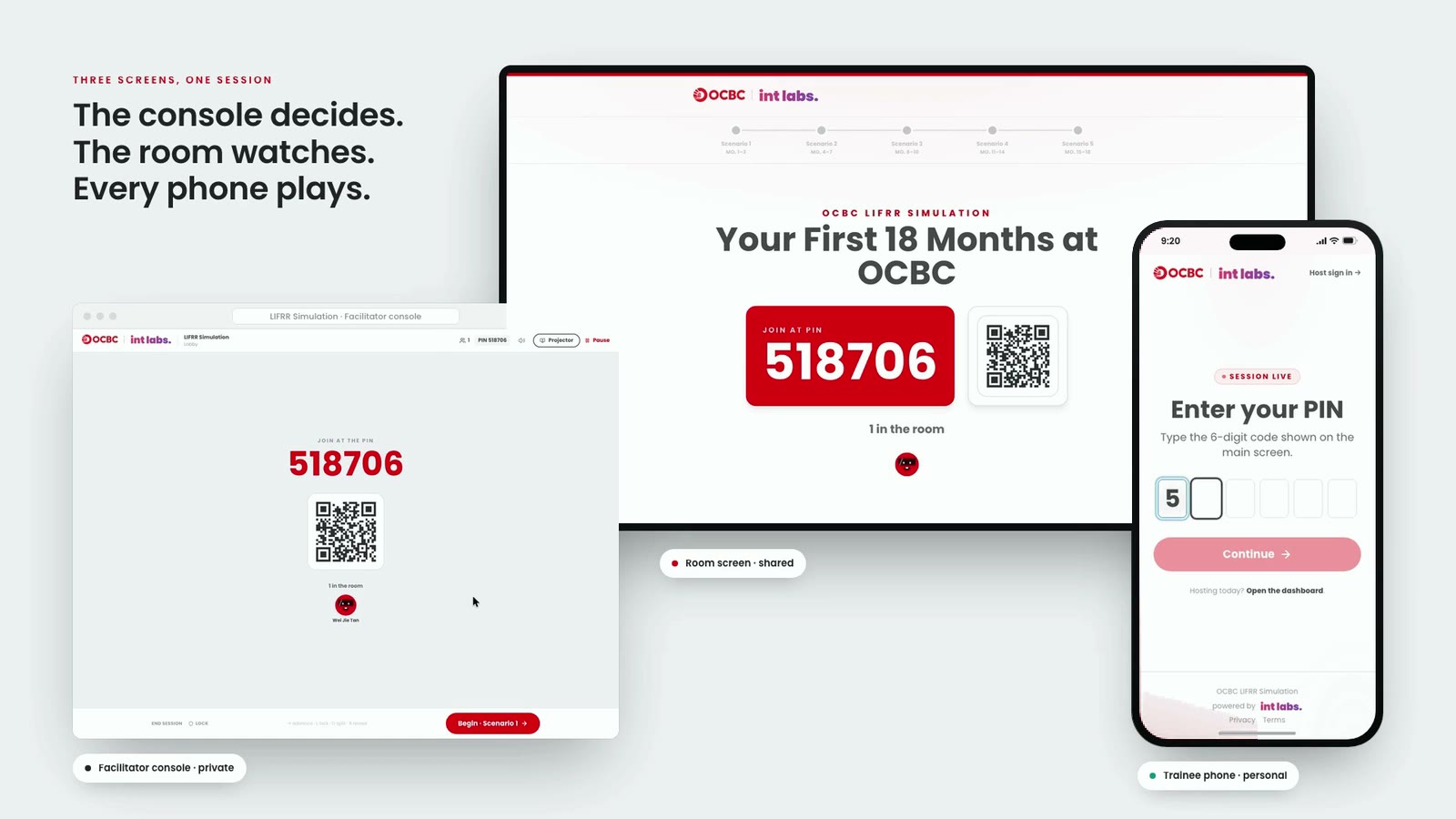
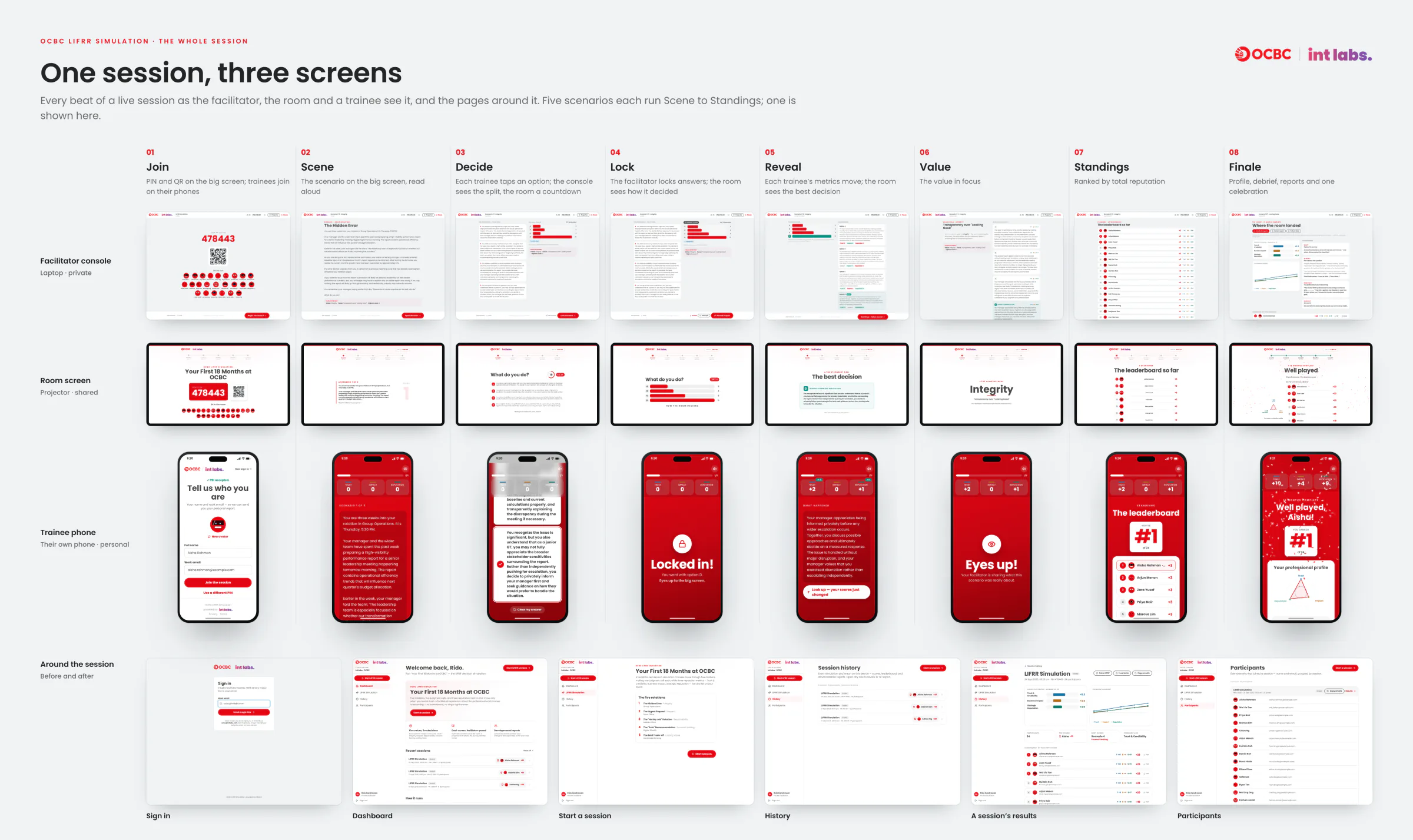
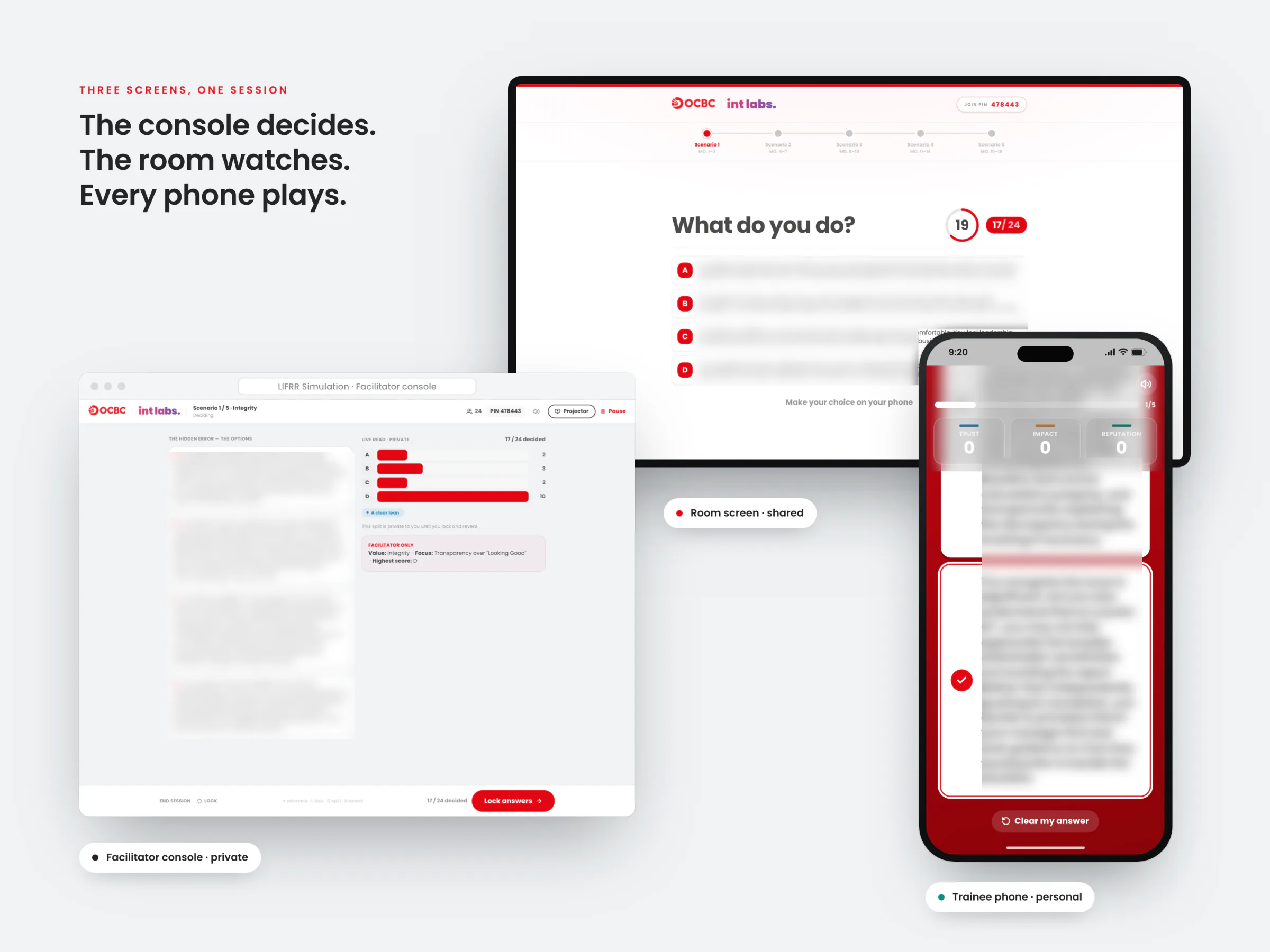
Three screens run one session. The console on the facilitator's laptop is a director's booth, the room screen is the shared stage, and each phone is personal. Five scenarios, one per value, each move three running reputation metrics: Trust & Credibility, Business Impact and Strategic Reputation.
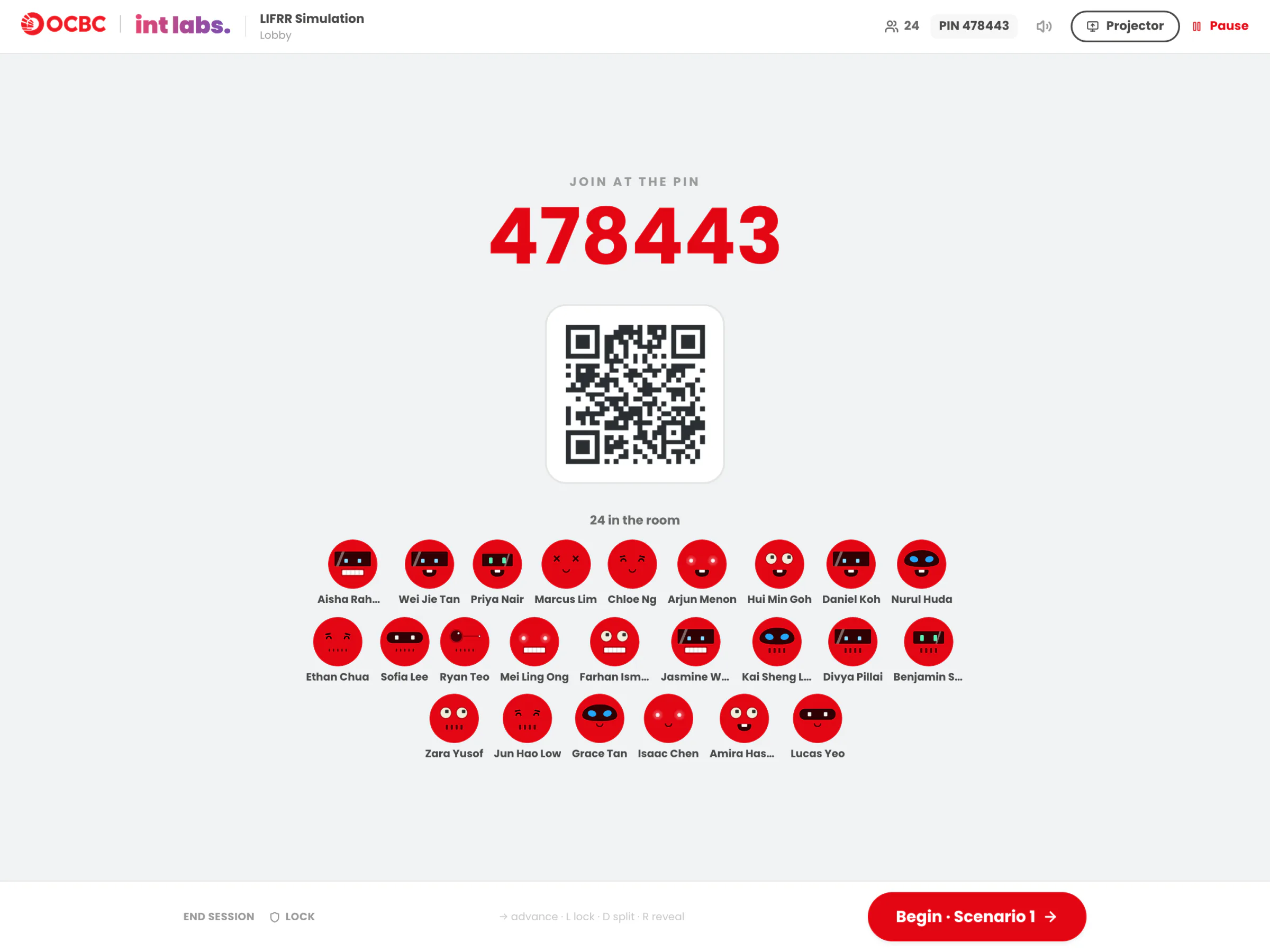
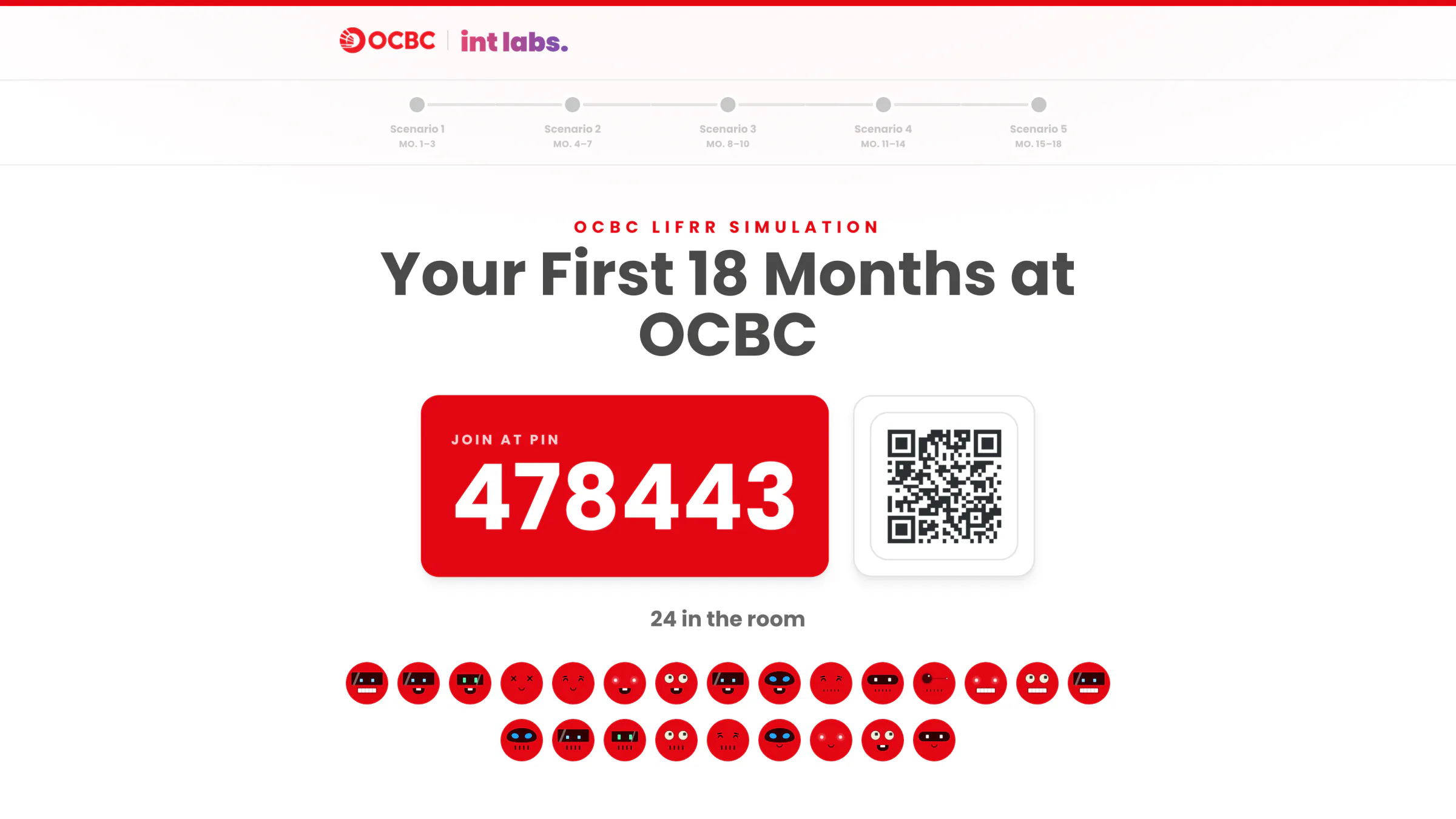
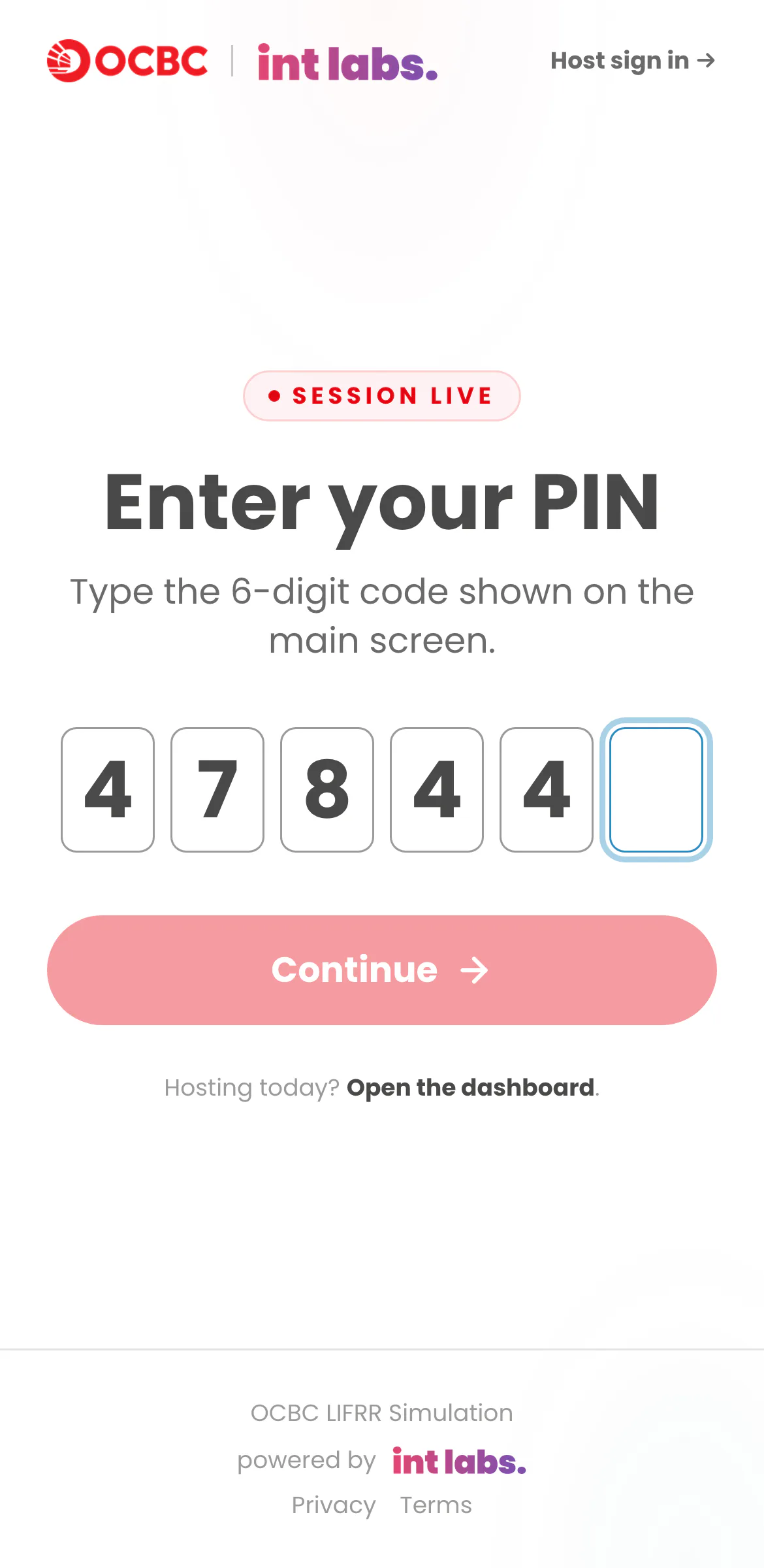
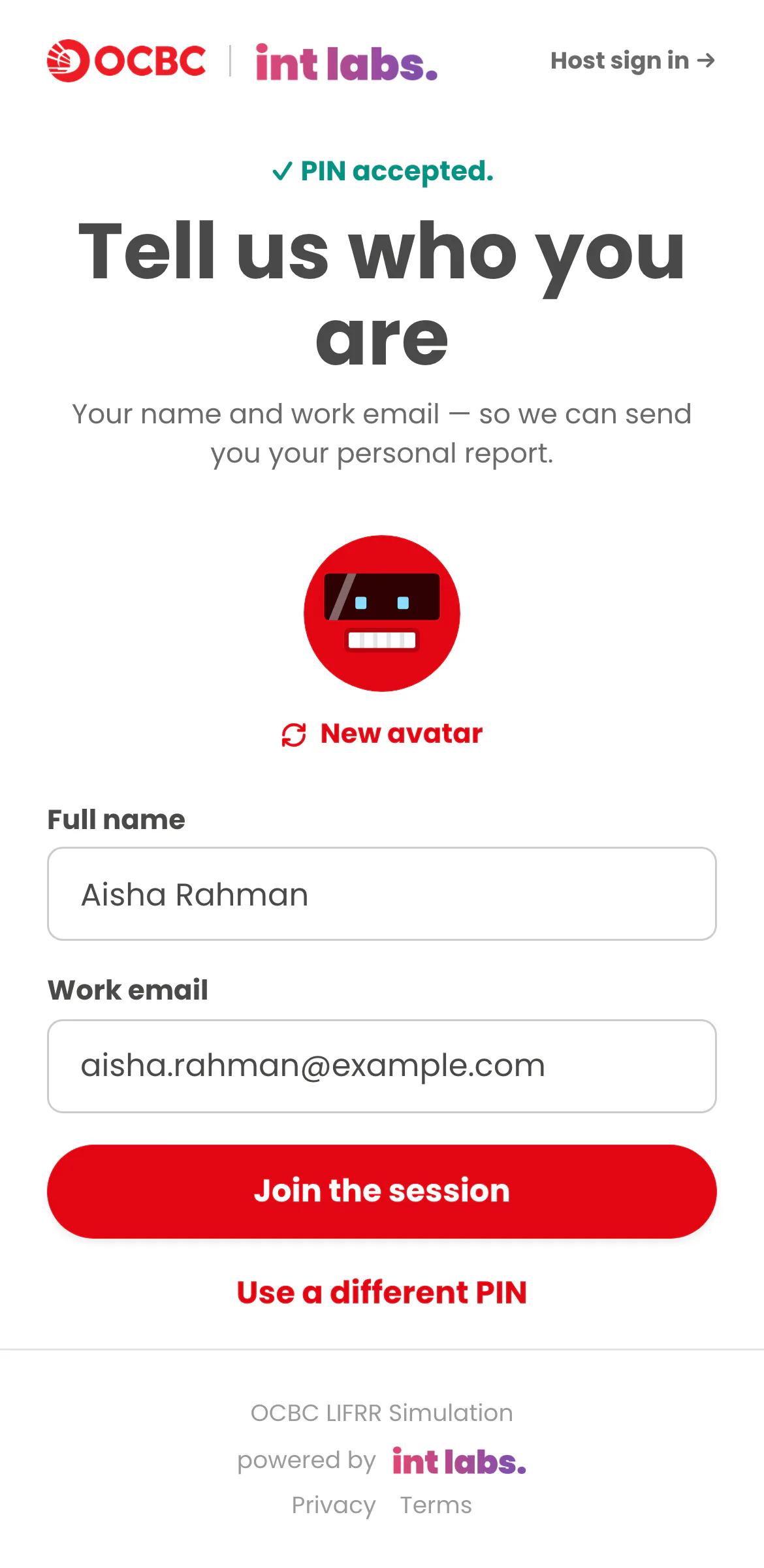
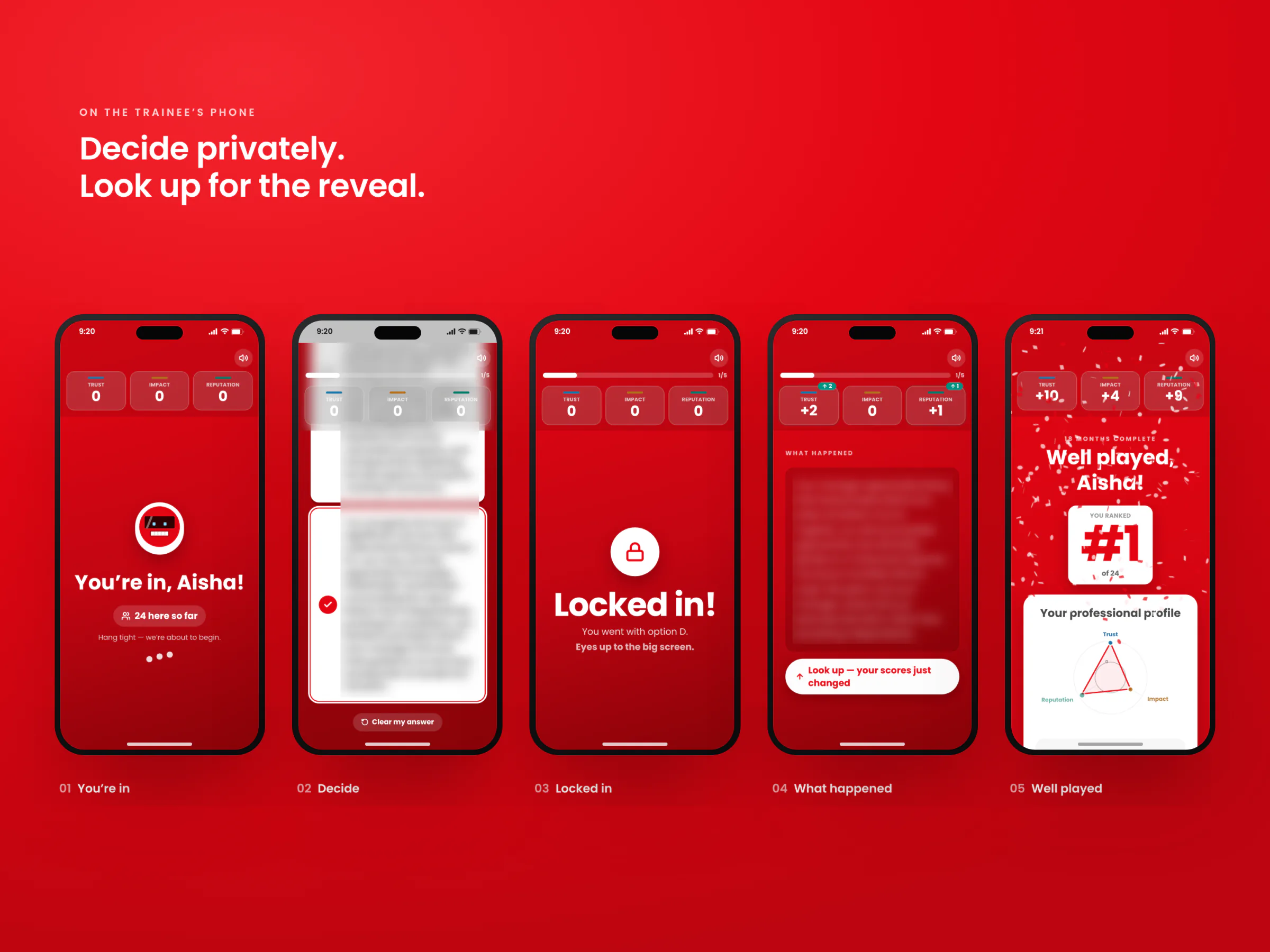
- Join. The room screen shows a PIN and a QR code. Trainees join from their own phones with a name and a work email, and avatars fill the lobby as they arrive.
- Read. The facilitator reads the scenario aloud while it lands on every phone. Only the console sees which value it tests and which option scores highest.
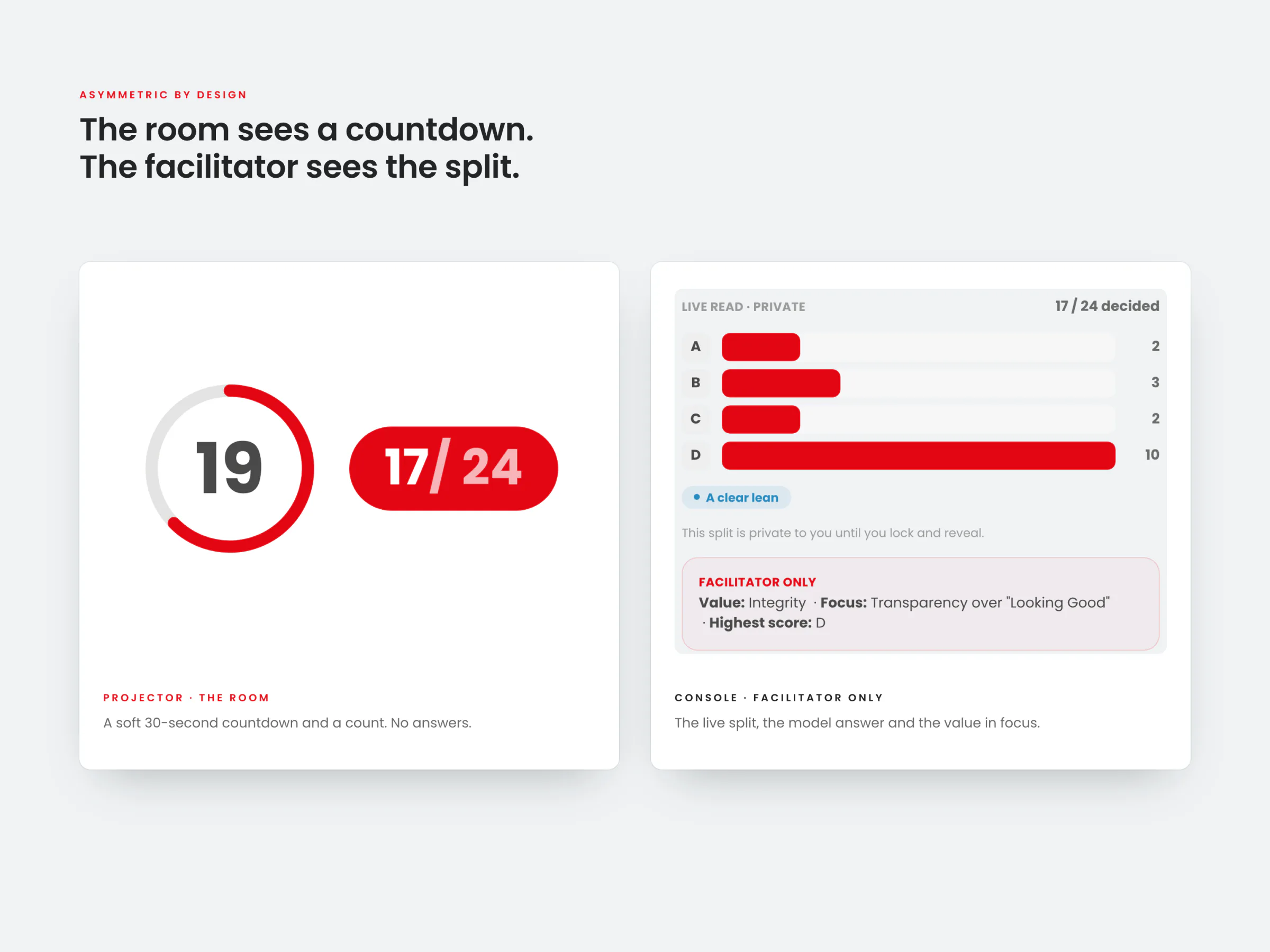
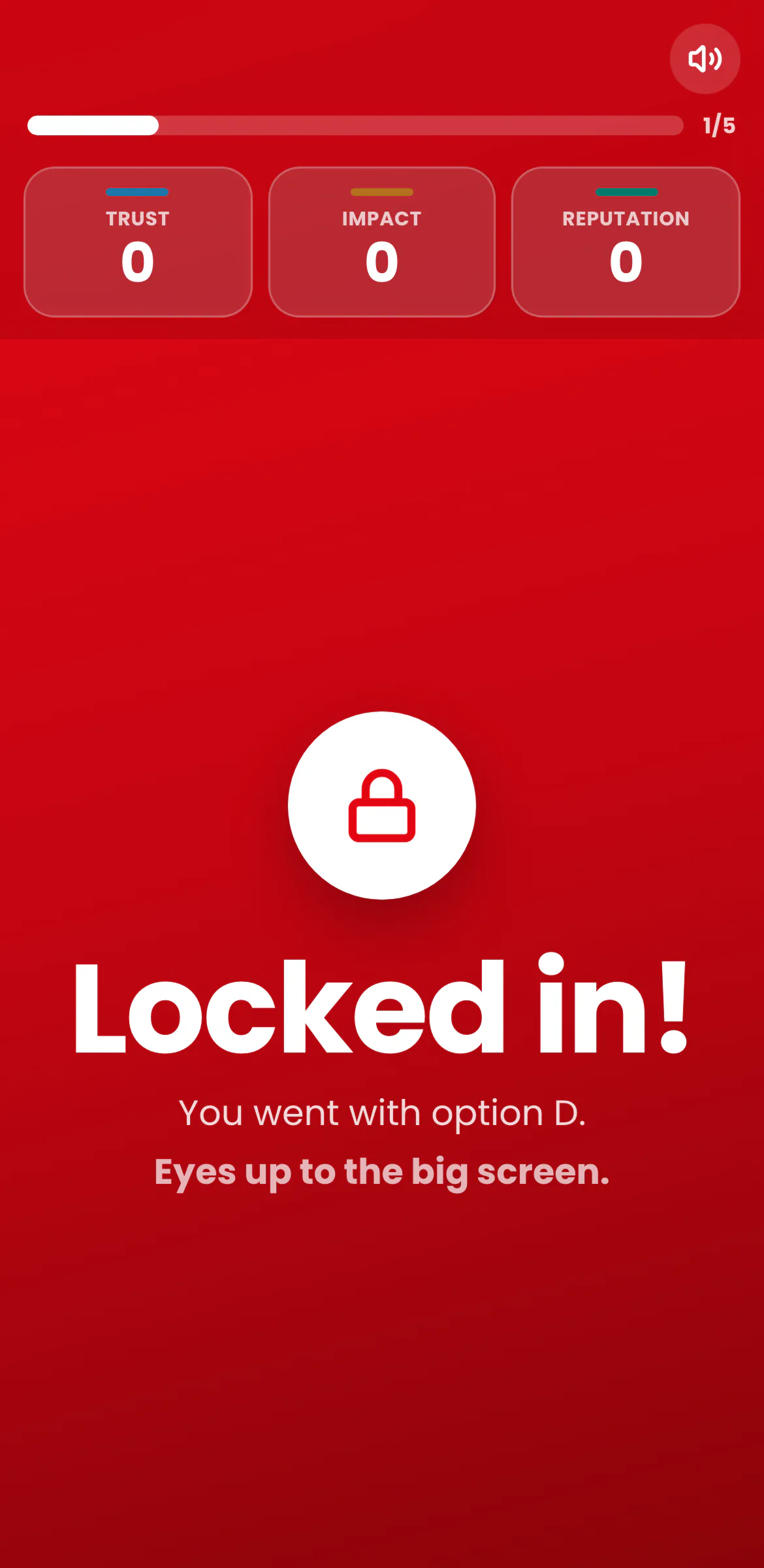
- Decide. Each trainee taps one of four options and can change or clear it until the facilitator locks. The console watches the split form in private; the room sees a countdown and a count.
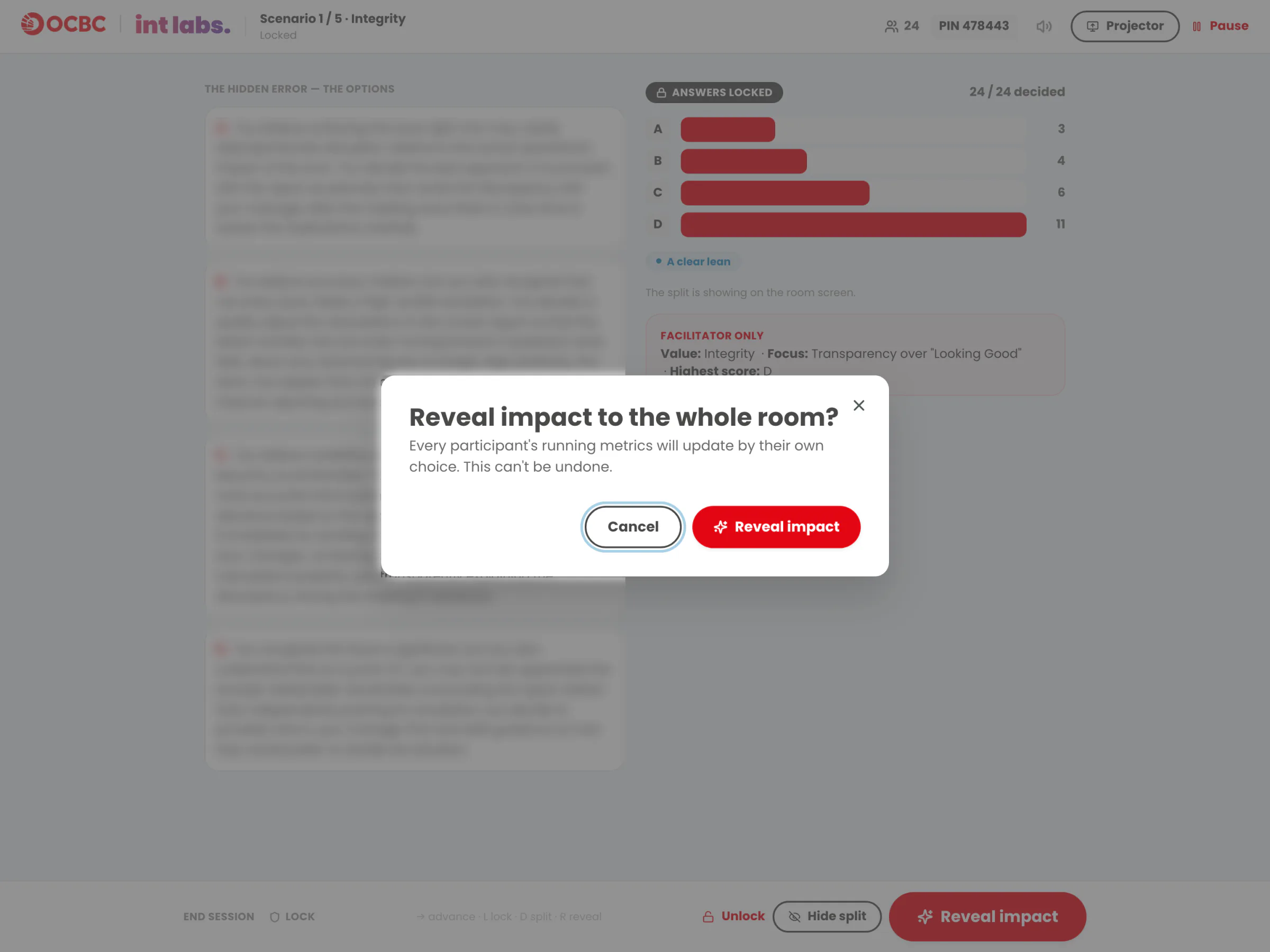
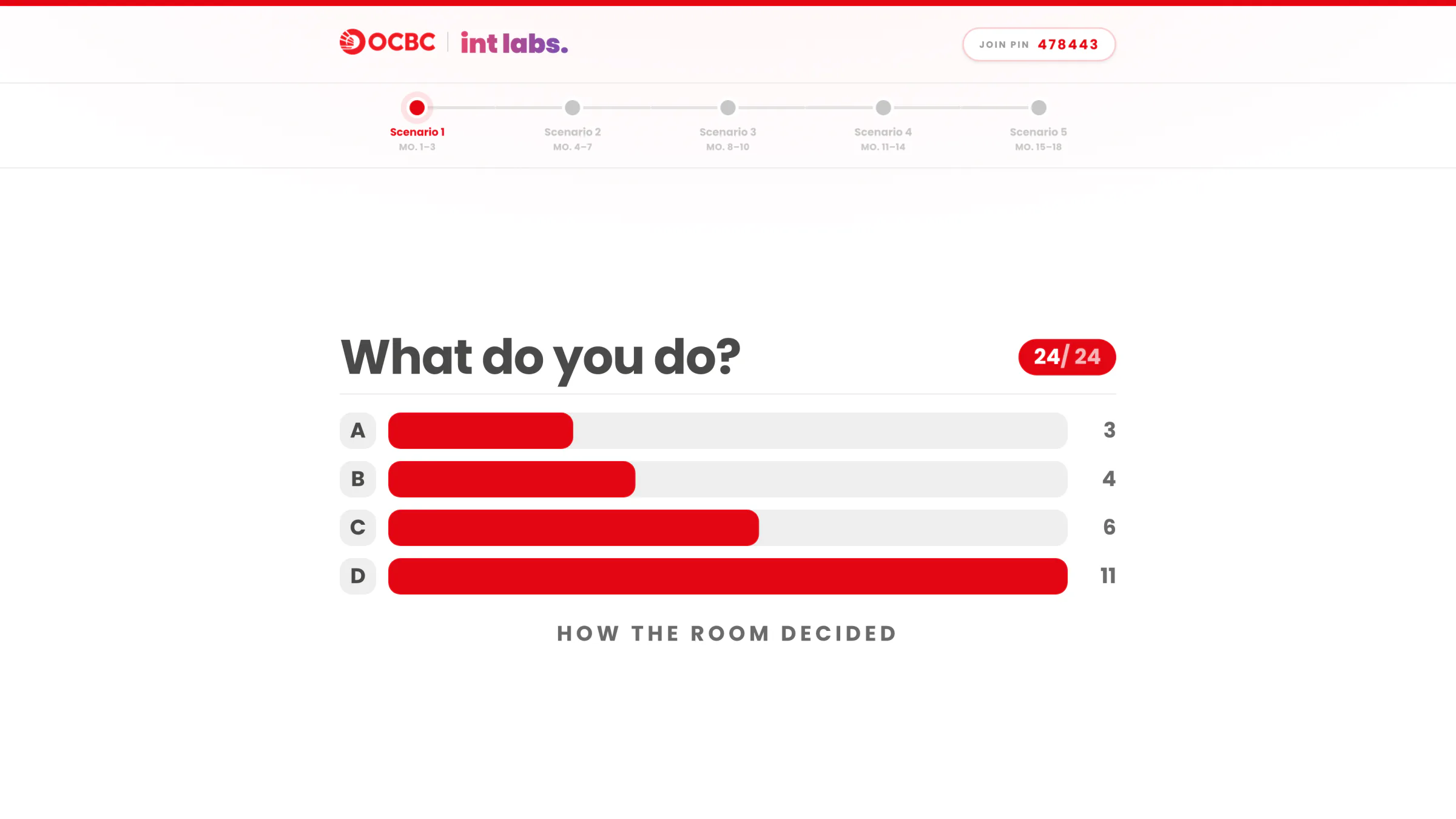
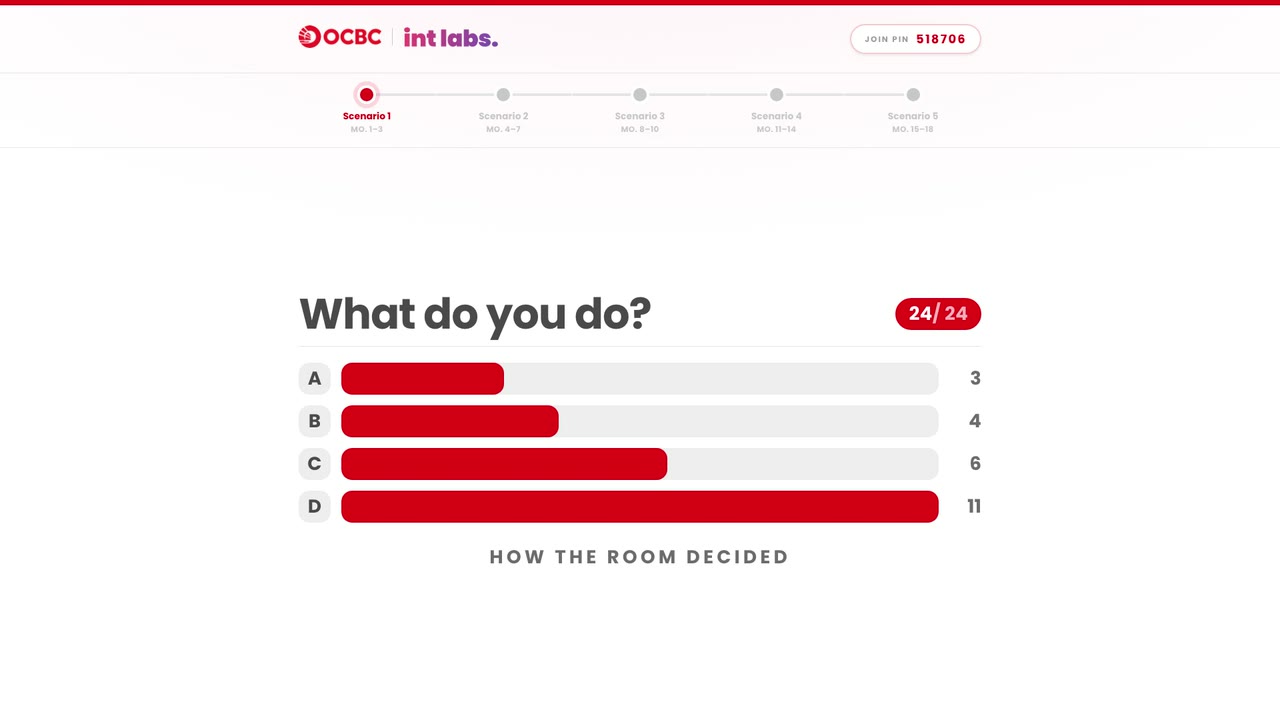
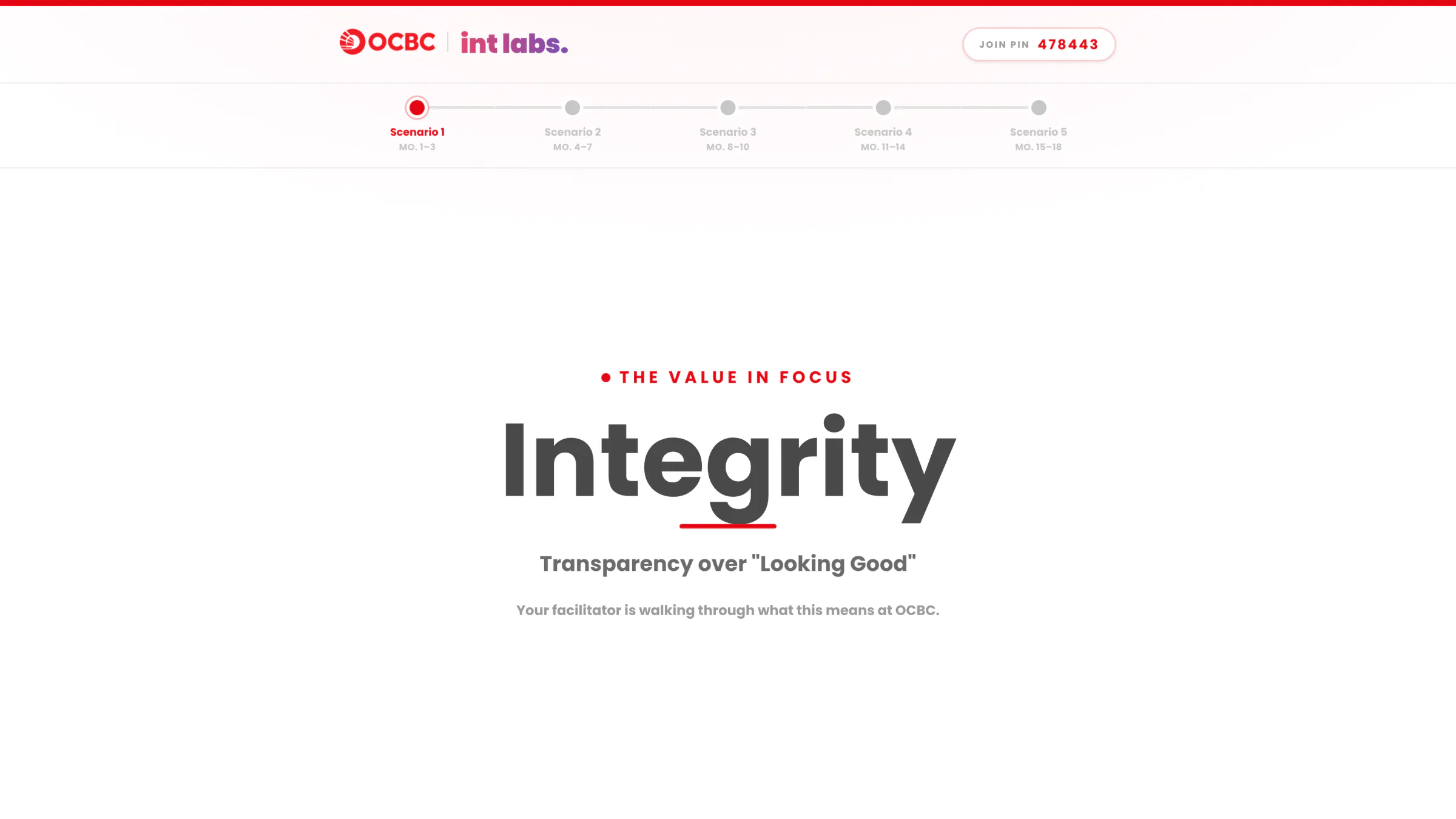
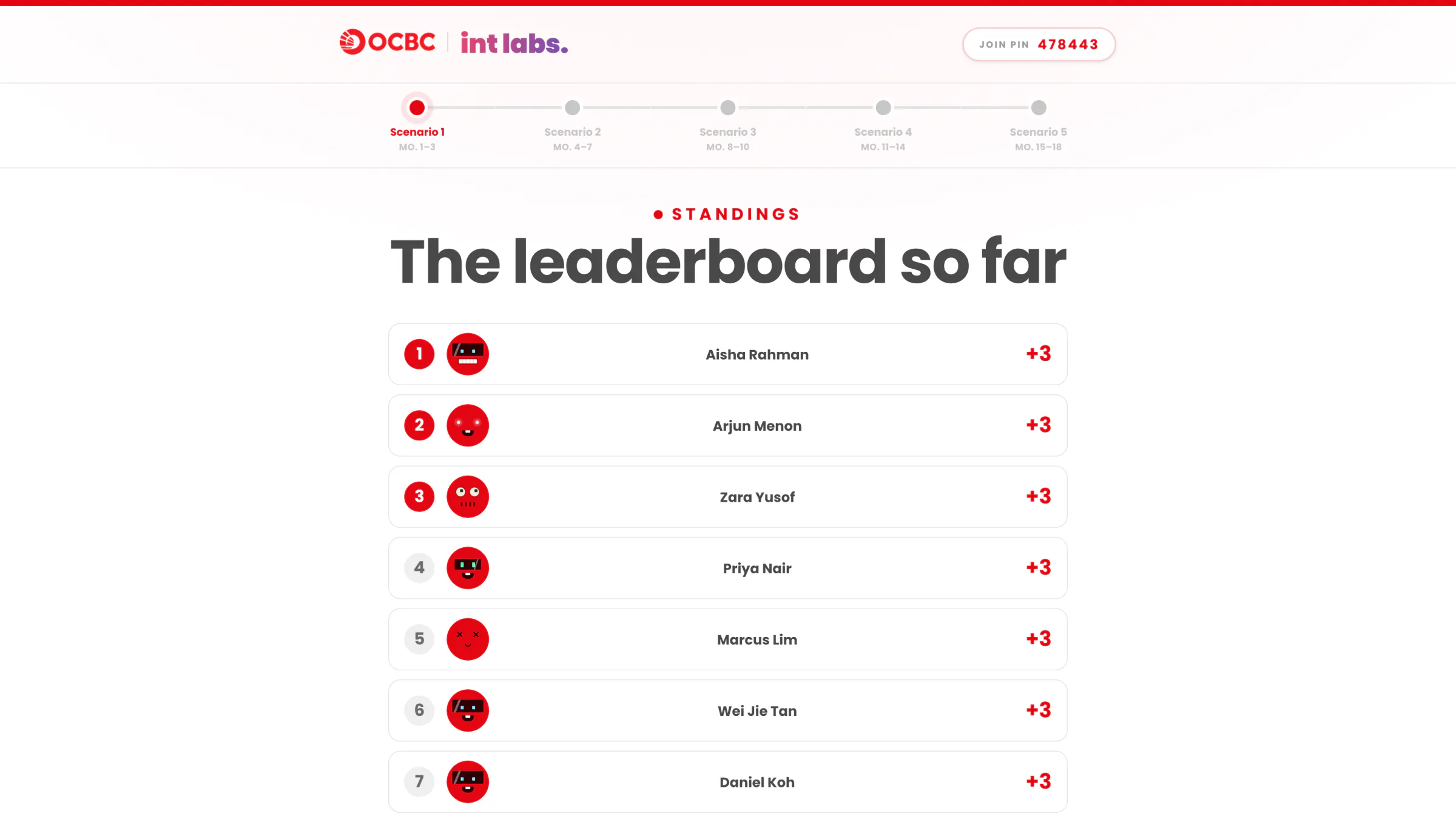
- Reveal. Lock, then reveal: every trainee's three metrics move at once. Four beats follow on the room screen: how the room decided, the best decision, the value in focus, the standings.
- Close. After the fifth scenario come the room's collective profile, a closing debrief, the final standings and a personal report for every trainee.
A full session runs about 60 to 90 minutes with the debriefs, and the facilitator triggers every step.
Who Sees What
The answer key lives on the console. Each screen gets only what its audience should know at that moment:
- The console sees everything: the live split, how each option scores, the highest-scoring option, the value in focus, and who chose what.
- The room screen shows a countdown and a count while people decide. After the reveal it shows how the room decided, the best decision and the value. Never scores, never a name next to a choice.
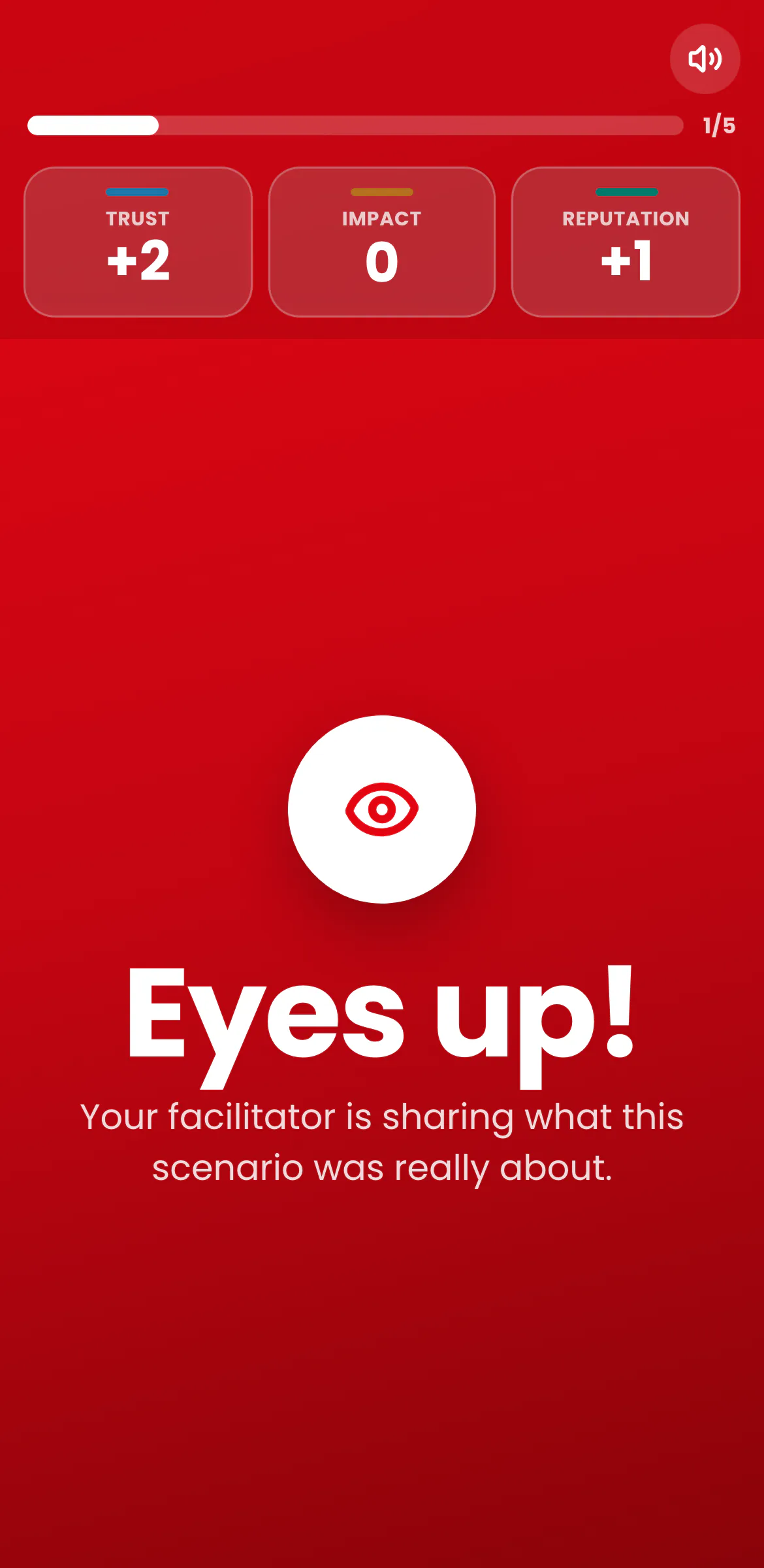
- The phone shows the scene, the trainee's own choice and their own three metrics. Never the split, never the scores, and at the value reveal only "Eyes up!".
A Director's Booth
The console paces every beat with one dominant action: Begin, Open decision, Lock answers, Reveal impact. A presentation clicker works too: the forward key advances, L locks, D shows or hides the split on the room screen, and R asks to reveal. Pause holds the room screen, and a privacy lock blanks the console if the facilitator steps away.
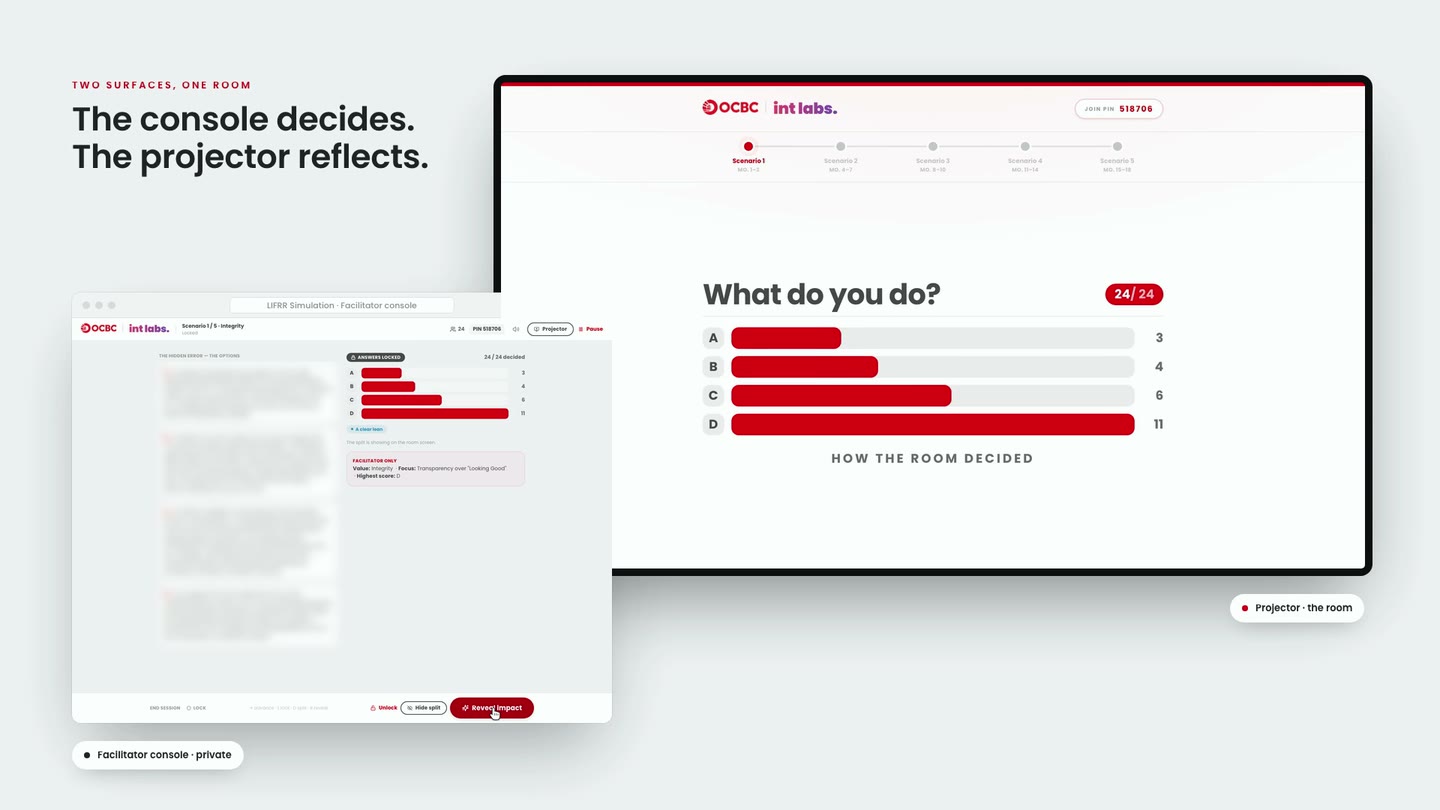
The room screen pops out of the console into its own window and follows it from then on. It shows the journey through the five rotations, the scene, a countdown and a count, then the four reveal beats. The PIN stays in its corner all session, so anyone who drops out can rejoin.
Personal
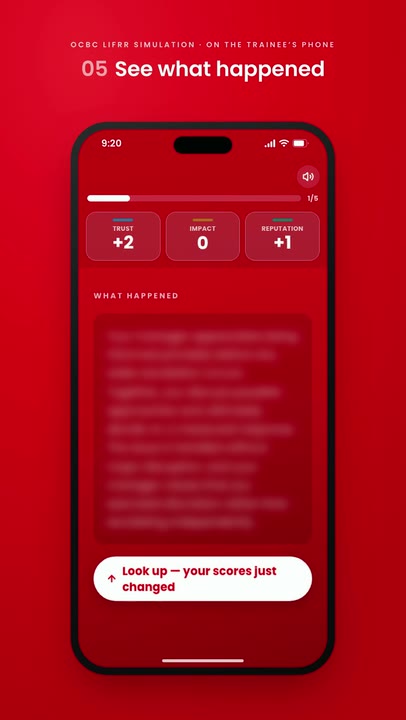
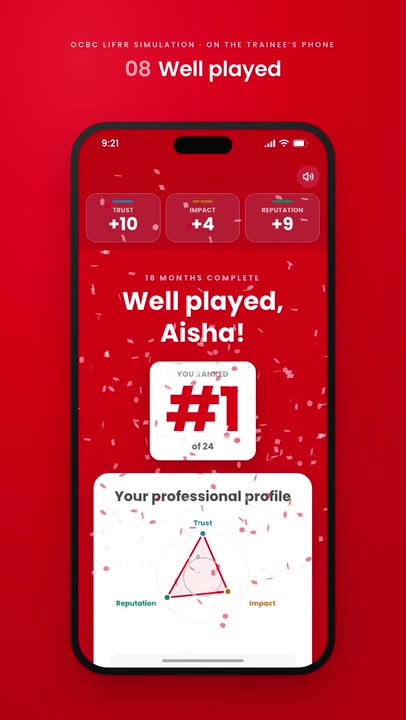
The phone is where it plays like a game. Trainees join with the PIN, read the scene, open the four options, and can re-read the scene or clear their answer until the lock. On the reveal their three metrics count up and pulse, and "What happened" tells them where their own choice led.
Five Scenarios Later
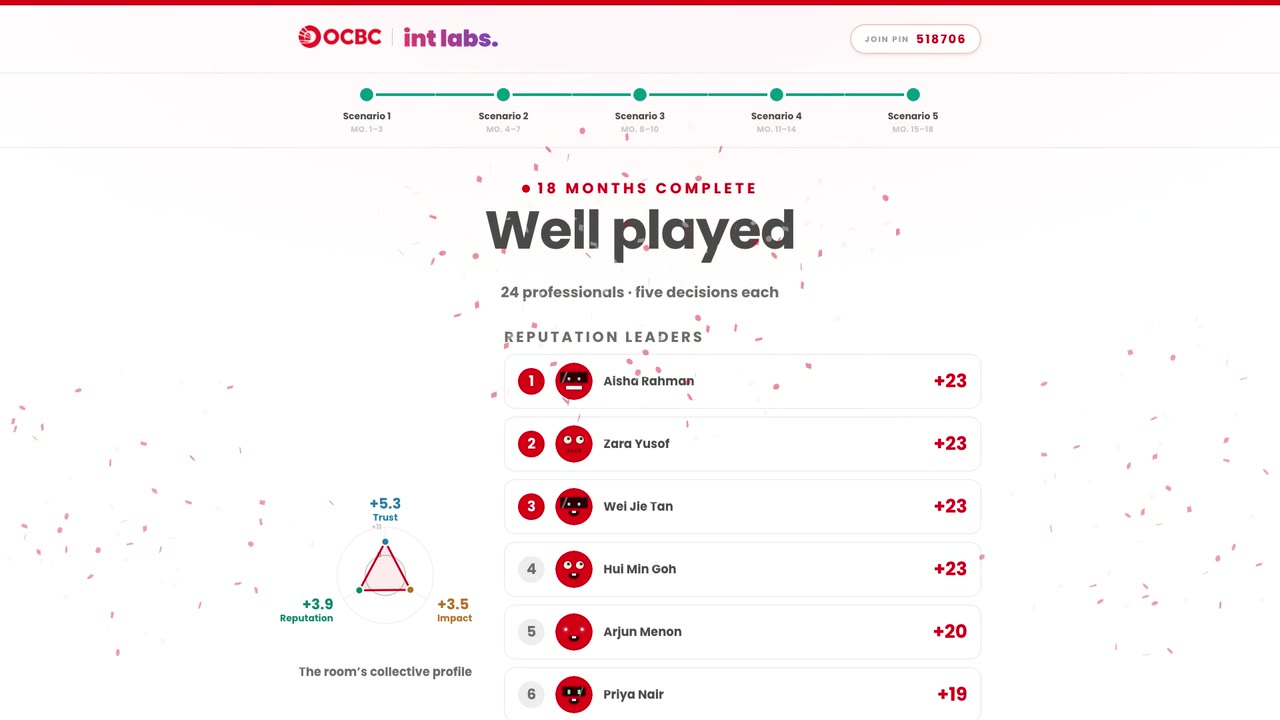
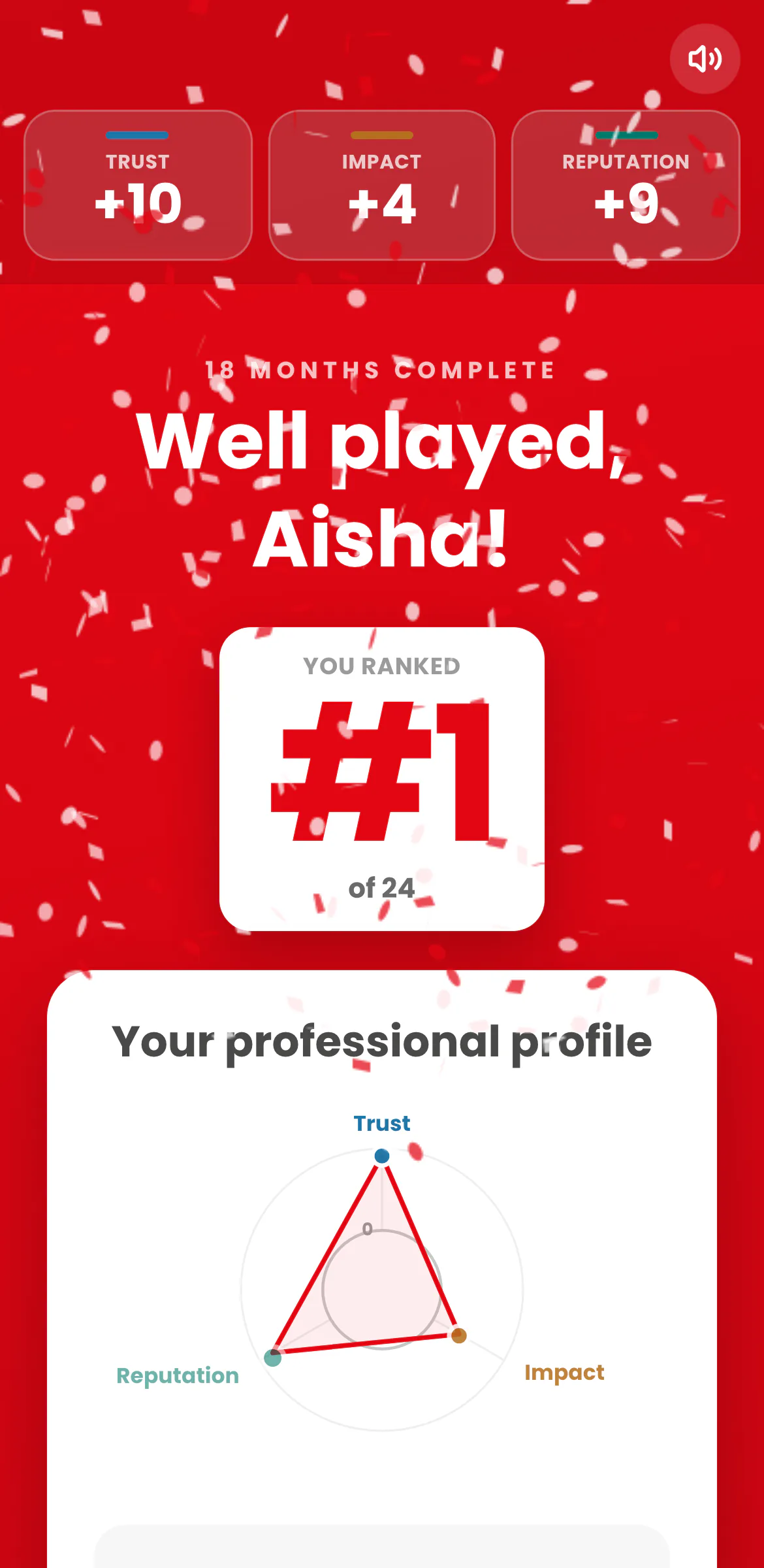
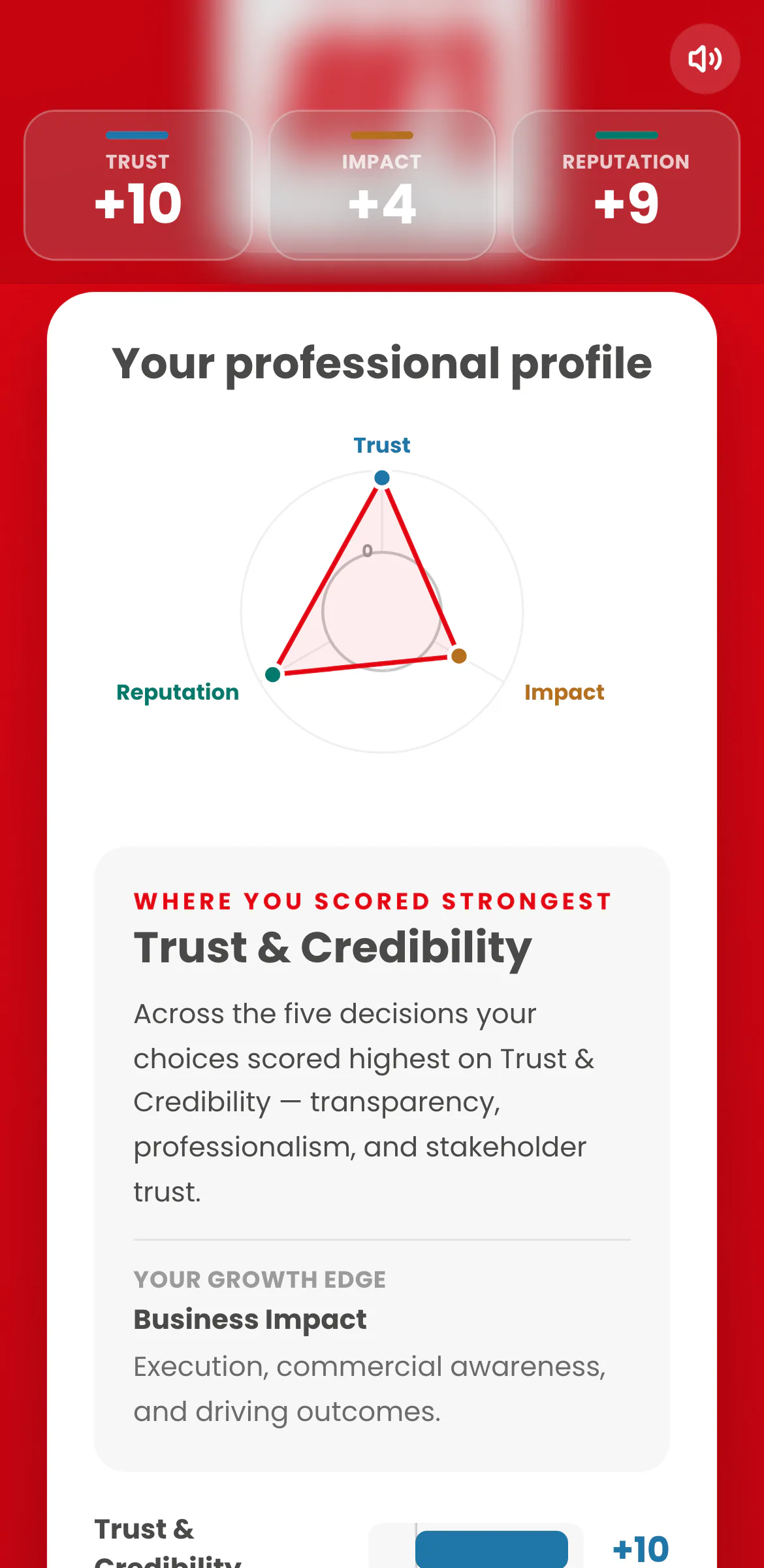
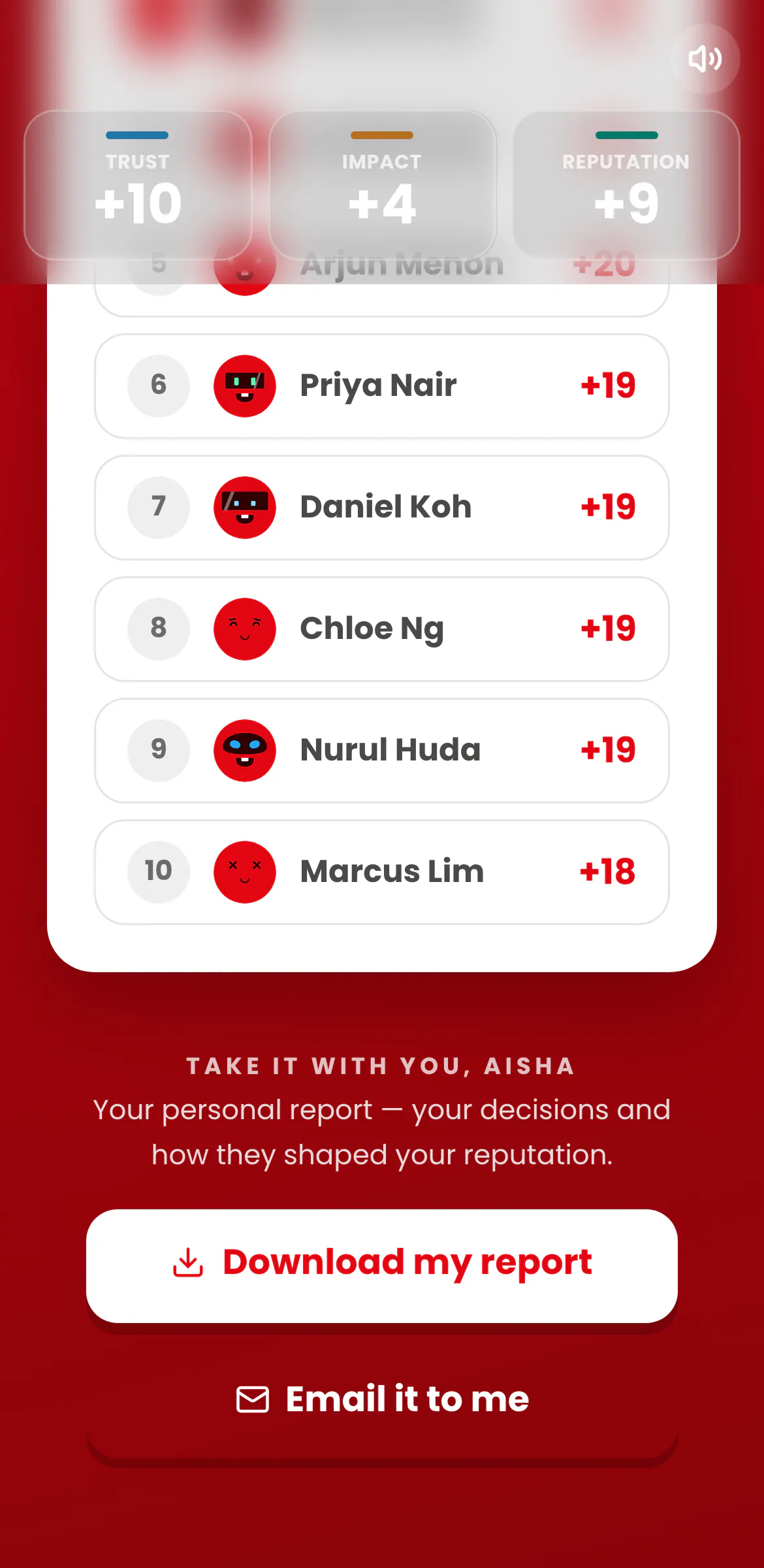
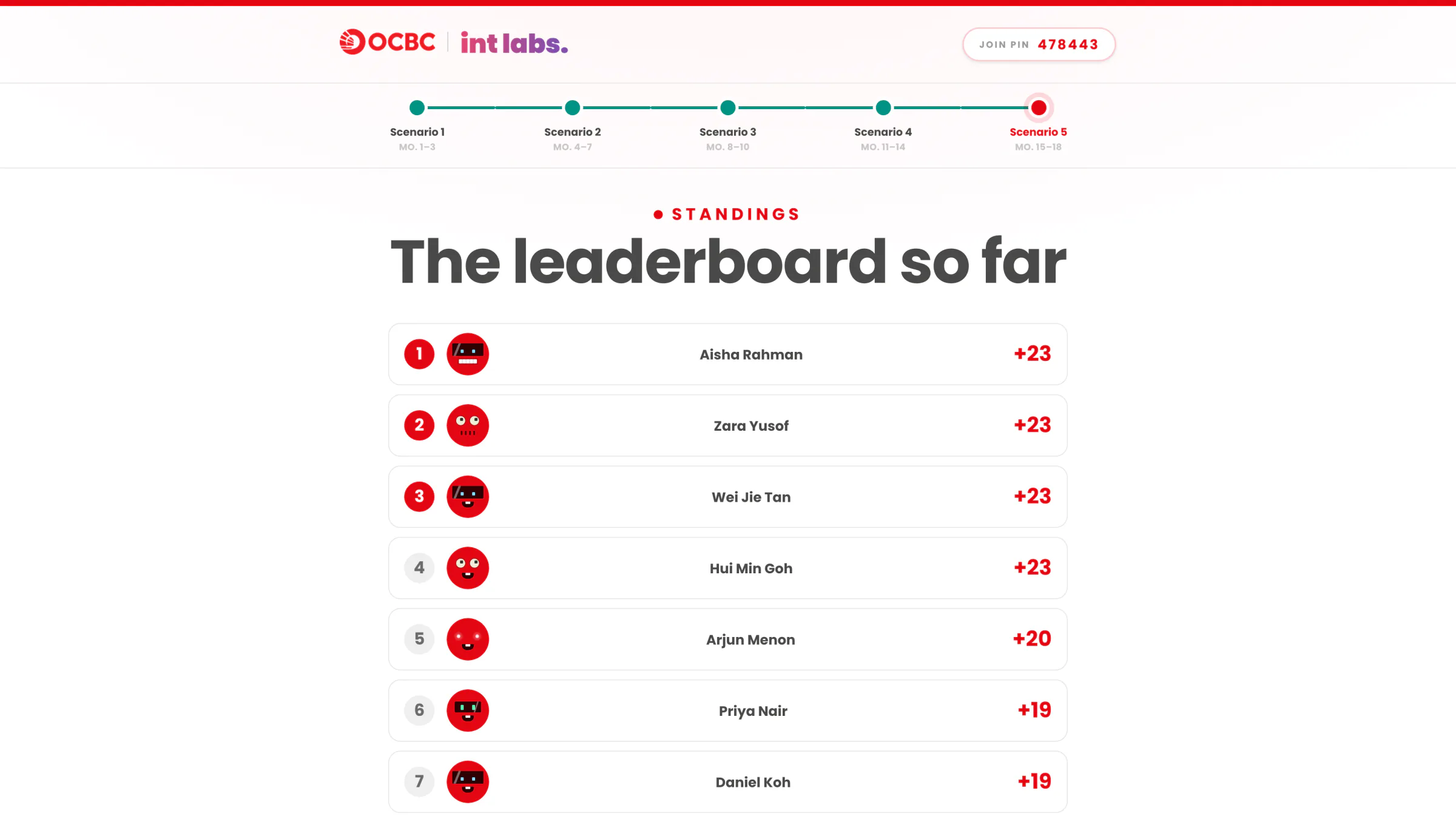
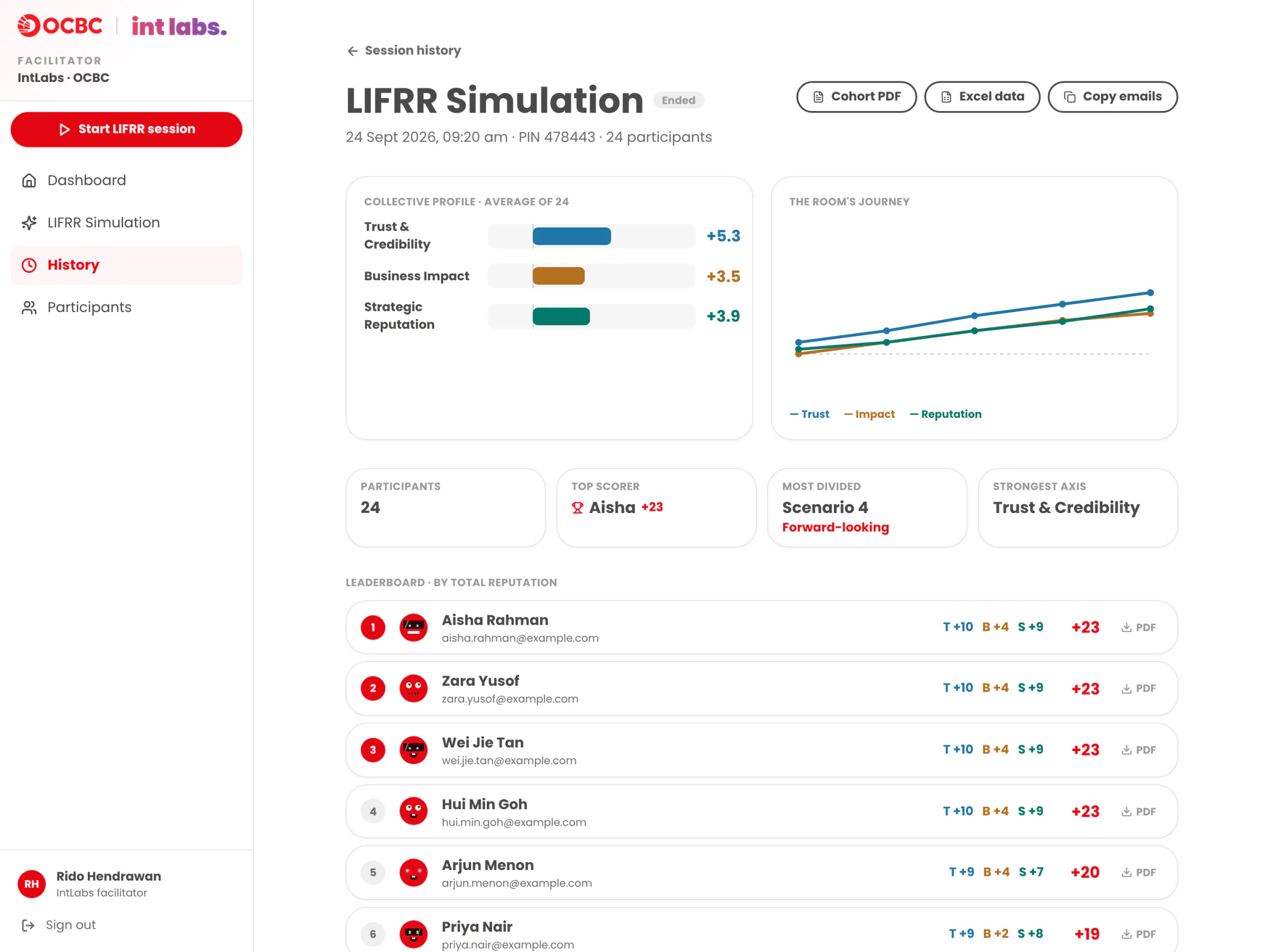
After scenario five, the room screen shows the cohort's collective profile and the reputation leaders, then one confetti bloom: the only celebration in the session. Each phone shows the trainee's rank, their professional profile (strongest area and growth edge, in the scoring rubric's own words) and their report. The console holds a closing debrief and every report: each trainee's PDF to download or email, plus the cohort report as a PDF and an Excel file.
Before and After
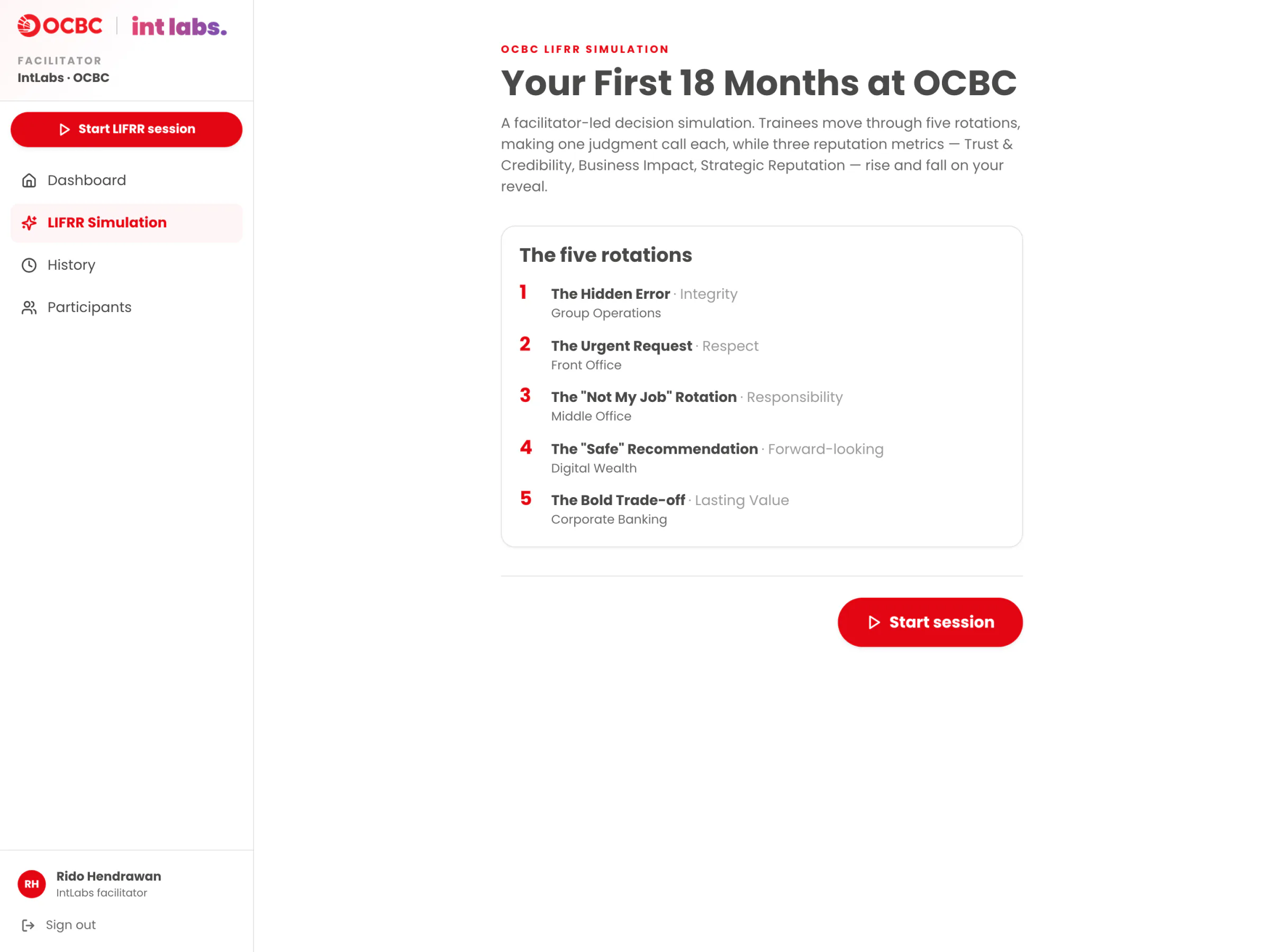
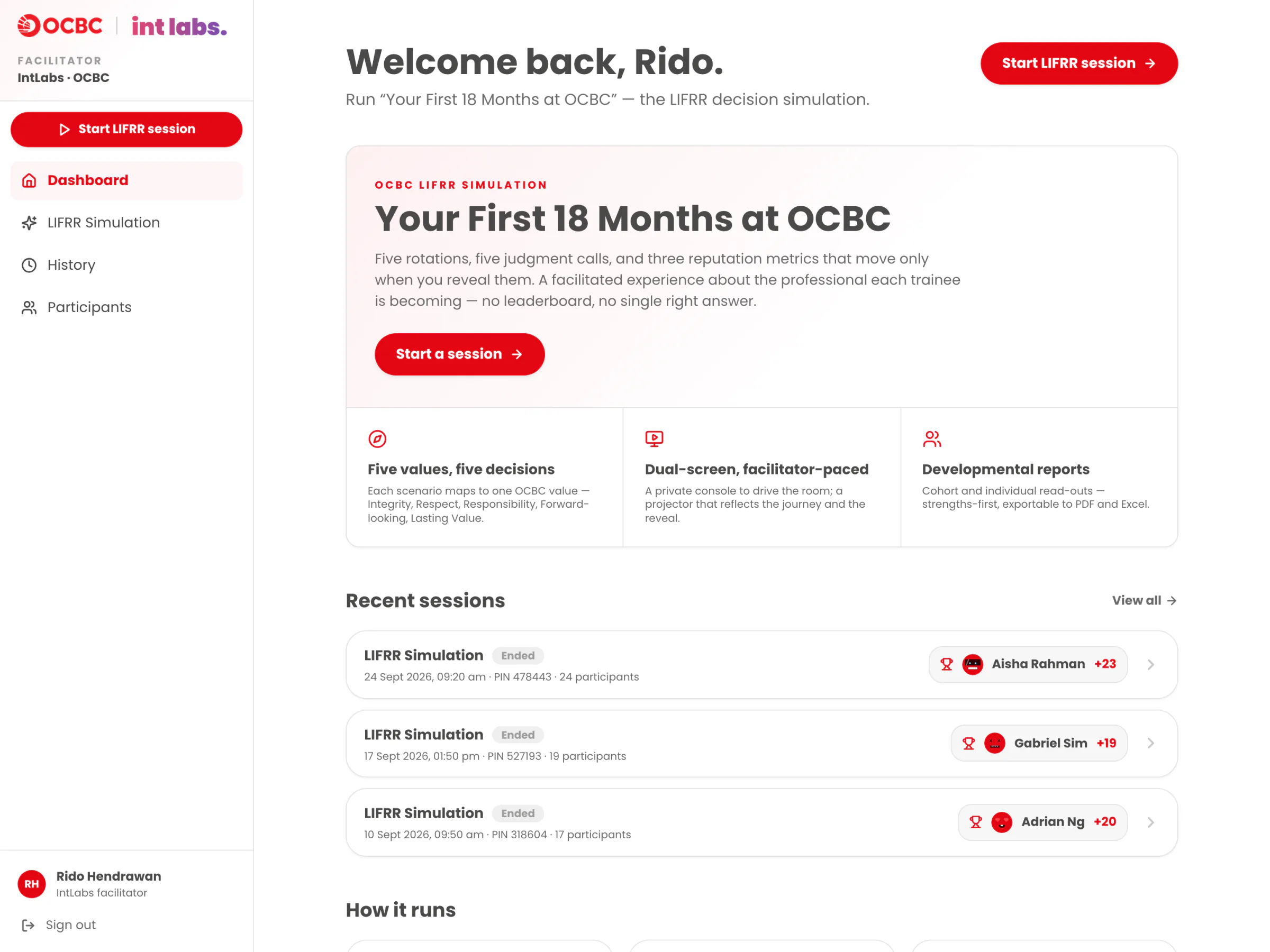
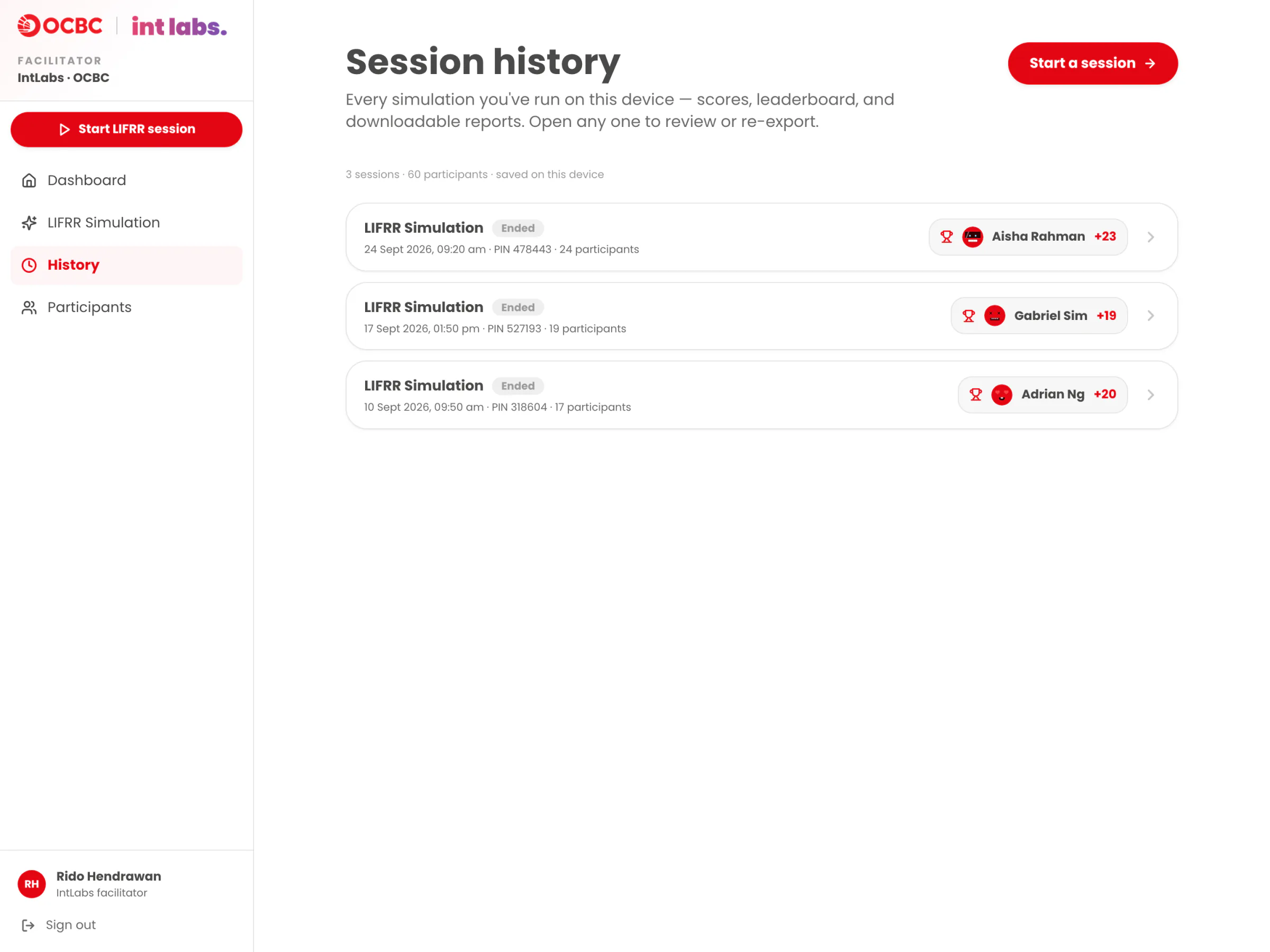
Around the live session sit the facilitator's own pages: a dashboard with recent sessions, a launcher with the five rotations, and a History that keeps every finished session with its results and re-exports.
Under the Hood
The first build is a Next.js 15 and React 19 app on Vercel: about 15,700 lines of TypeScript, with Tailwind CSS, Motion and Lucide icons. Its core idea fits in one line: one screen writes, every other screen reads.

The console is the single writer. The whole session is one JSON object, and only the facilitator's console changes it. Every change bumps a revision number that only goes up, saves to the server and broadcasts. The room screen and the phones only read: they adopt a state only if its revision is newer than the last one they saw, so a slow, out-of-order response can never roll a screen back.
Phones send intents, not changes. A phone can ask to join, submit an answer, clear it, or request the latest state. The console checks each intent against the current stage, the lock and the scenario before taking it, and the work-email gate on joining is enforced on both sides.
Two transports at once. The console and the room screen share one laptop, so they talk over the browser's BroadcastChannel: instant, no server. Phones are elsewhere, so they poll the app's own API every 600 ms. Both paths carry the same events, and a short dedupe window drops the second copy.
Tap to Reveal
- The facilitator presses Open decision. The console moves the session to the decision stage, stamps the time and publishes revision n+1.
- The room screen gets it over BroadcastChannel at once; every phone gets it on its next poll, within 600 ms.
- A trainee taps D. The phone sends a decision intent and shows the tick only once the console has taken it.
- The console checks the intent (right stage, not locked, right scenario), records the choice and the response time on its own clock, and publishes revision n+2.
- The room's count ticks up ("17/24") and the console's private split grows.
- Lock, then reveal. Only now, in one place in the code, does each trainee's chosen option add its signed scores to their three metrics, all in one revision.
- Every phone animates its own metrics, and the room screen shows the best decision.
Made in the Browser
Personal and cohort PDFs render in the browser with react-pdf, and the cohort's Excel file with SheetJS; both load only when someone clicks. Email relays the finished PDF through Resend, and the server looks the recipient up itself instead of trusting an address sent by the page. The sound cues (click, lock, reveal, celebrate) are synthesized with Web Audio oscillators: no audio files, no licences, one mute toggle.
A Dedicated Server
The first build writes its own limits down. Without a shared store, Vercel spreads requests across server instances that keep separate memory, and a load test resolved only about 3 PIN lookups in 10. Every screen receives the whole session, so who sees what is enforced only where each screen renders. And the event log stops delivering after 1,000 events, which a 40-person room can reach.
For the live session in July, a second developer rebuilt the realtime layer as a dedicated Socket.IO server hosted on Render. It holds the session itself, applies every join, answer and reveal, and sends each phone a slim projection of the session; it was load-tested to 5,000 connections in one room on a single instance. The three screens and the flow of the session carried over.
How It Was Built
It started as something else. On 22 May the project was a live quiz tool for OCBC's workshops, built in one evening over twenty short build passes: a question editor, a live game, reports. On 2 June it pivoted. The quiz was deleted, and the LIFRR simulation replaced it, built on the client's own scenarios, options, consequences and scoring.
Two rounds of client testing reshaped it. The first, on 4 June, came back as nine action items and a new reveal flow (how the room decided, the best option, the value, the standings); it shipped in six phases over the next two days. The second, on 8 June, added a soft timer with a speed tiebreak, "Clear my answer", the PIN kept on the room screen, a work-email gate and personal reports, all live the next day.
The code was written with Claude Code: 48 of the project's 51 commits are co-authored by Claude (Opus 4.7, then Opus 4.8). Two files carry the project's memory between sessions: a CLAUDE.md loaded into every AI session, and a handover written for a reader with no context at all. Both open with the same rules: the client owns all copy, the facilitator owns every beat, and each screen shows only what its audience may see.
Decide First, Reveal Second
In a situational judgment test the room's split is the teaching material, and a score that moves on every tap turns it into a quiz. So answers stay private and changeable until the facilitator locks, and metrics move only when the facilitator reveals: a one-way action that always asks first. The cost is that the facilitator carries the whole pace, and every irreversible step needs a confirm. Even the forward key on the final screen opens the end confirm instead of ending.
Locking Stays Manual
Client testing asked for answers to lock the moment everyone had voted. Auto-lock was built and verified live, then reverted twenty minutes later at the client's direction: the facilitator decides the moment, even when the whole room has answered. The cost is that a finished room still waits for a person. A soft 30-second timer paces the room but never locks on its own.
One Writer, No Realtime Service
Three screens on separate devices had to stay in step on a plain Vercel deployment, with no external service to provision. The console became the only writer, revisions only go up, the room screen follows over BroadcastChannel and the phones poll every 600 ms. The cost is that polling serverless instances needs a shared store to be reliable over the internet, which is why the live run moved the realtime layer to a dedicated server.
Standings, Against the First Spec
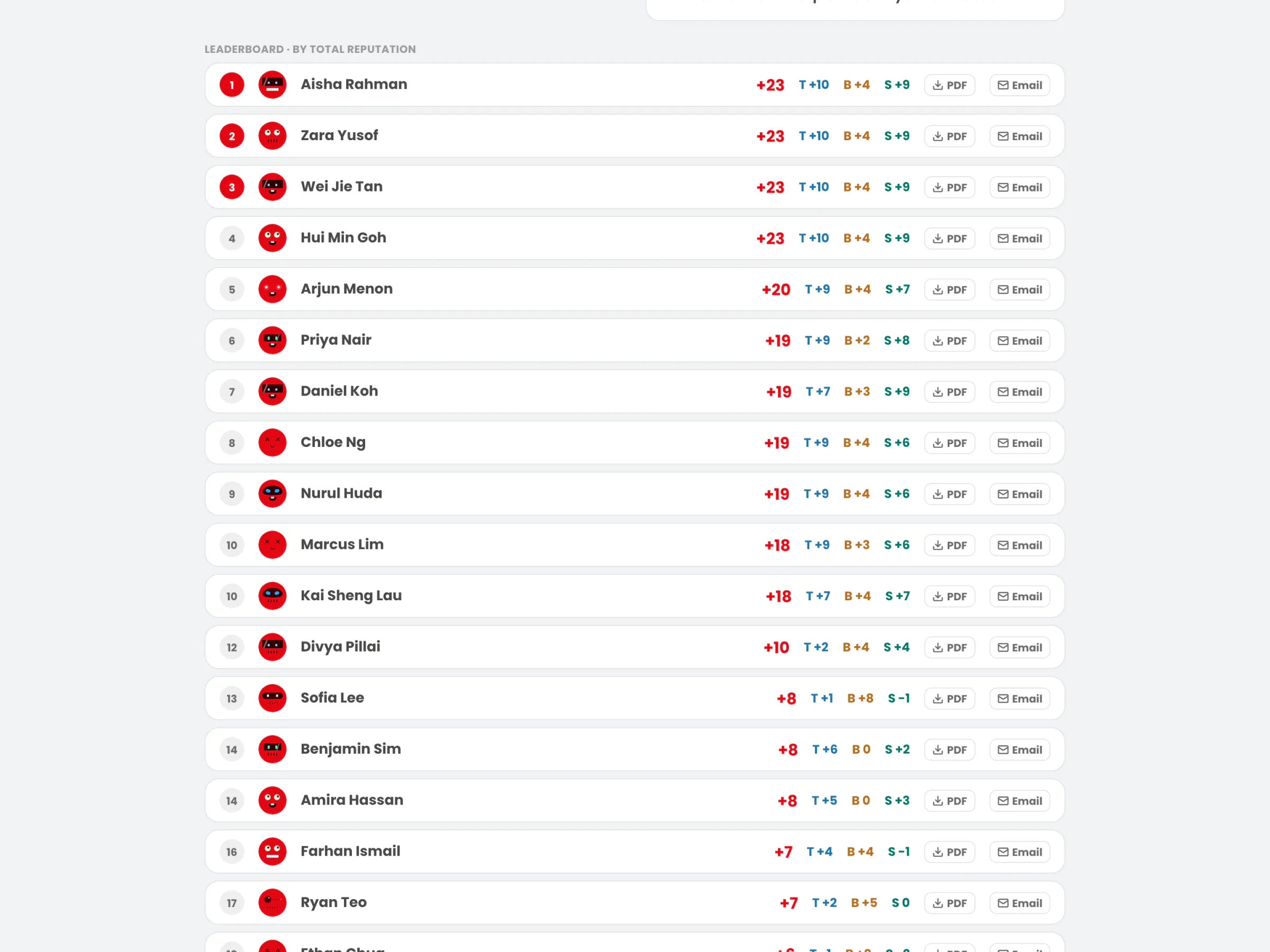
The first spec said no leaderboard and no ranking of people: the simulation was meant to be developmental, never a verdict. Testing asked for standings, and for "the one who answers faster" to win among equal scores. The standings now follow every scenario, ranked by total reputation, with ties broken by faster cumulative answers timed on the console's own clock. Ranking people pulls against the developmental framing, so speed only ever breaks ties and never touches a metric.
The first build labelled every scenario with the value it tests, and the journey across the top of the room screen printed all five. Client testing caught it: trainees could see which value they were being tested on. Values now stay off the phones and the room screen until the reveal. Trainees see "Scenario 1 of 5", and the value arrives as its own beat after the reveal.
The Films in This Story
Every film and screen in this story is the real app running a real session. The page clock is taken over and the app is photographed one frame at a time with Playwright, so the 60 fps films never stutter and all three screens share one clock. Twenty-three people join and vote through the same API a phone uses, one more joins on a filmed phone, and every count, bar and rank is the app's own arithmetic. The people are fictional, and the client's scenario wording is blurred here.
Design Details
The Big Red Button
The next step is always the big red button in the console's bottom right corner, and the clicker's forward key does the same thing. Everything that can't be undone asks first: the reveal, leaving, ending the session.
Red, With Restraint
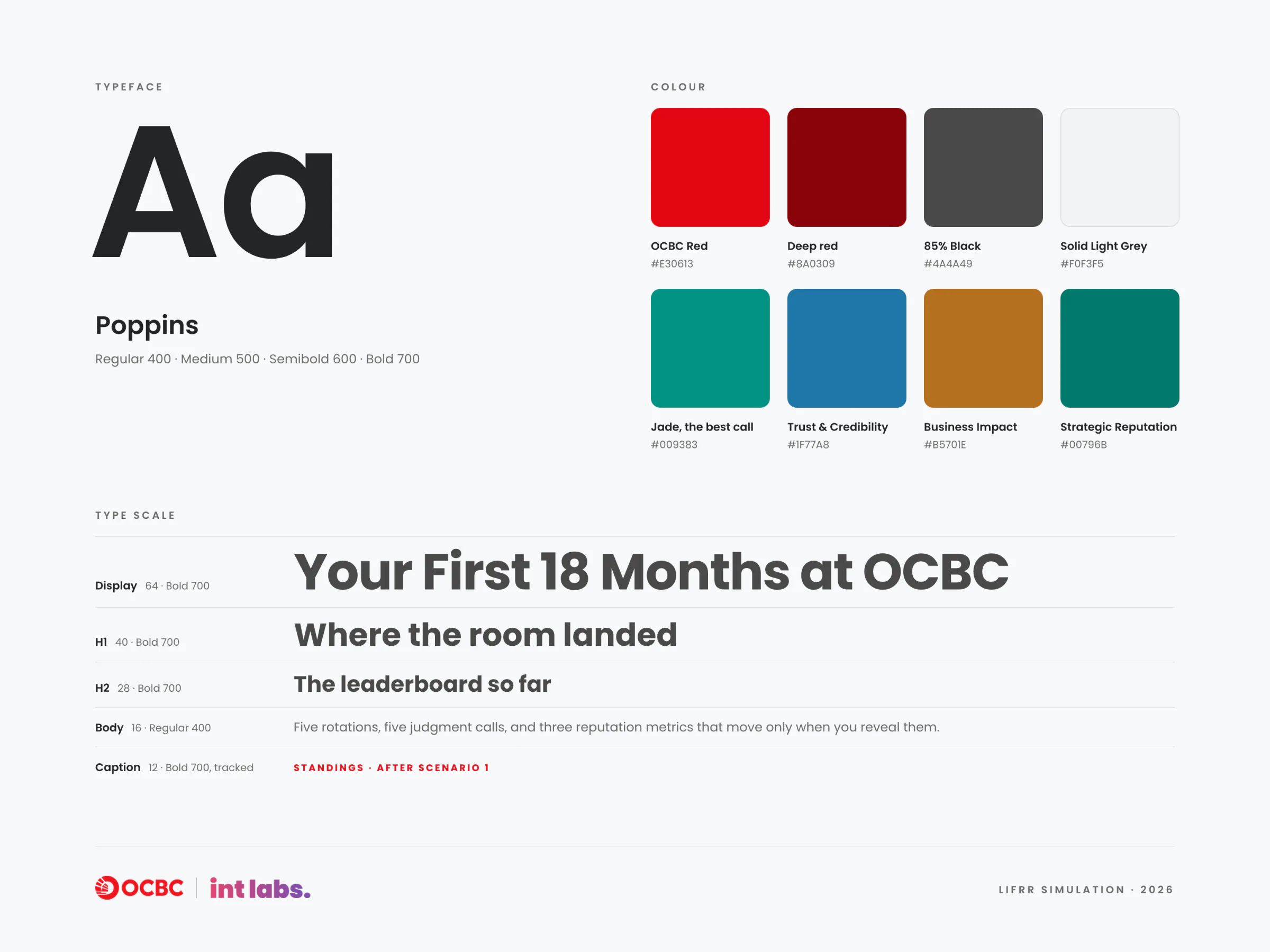
Poppins throughout; OCBC Red, 85% Black and Solid Light Grey as the base; jade for the best call and one colour per reputation metric. The reference is a prestige product, never a quiz show, and every screen carries the co-brand: OCBC | int labs.
Calm on the Console
The phone borrows from Duolingo: big type, tactile buttons, haptics, synthesized sounds, and metrics that count up and pulse when they move. The console stays calm and dense. Motion always has a job, the only celebration comes at the very end, and reduced motion is honoured everywhere.
Outcome and Next
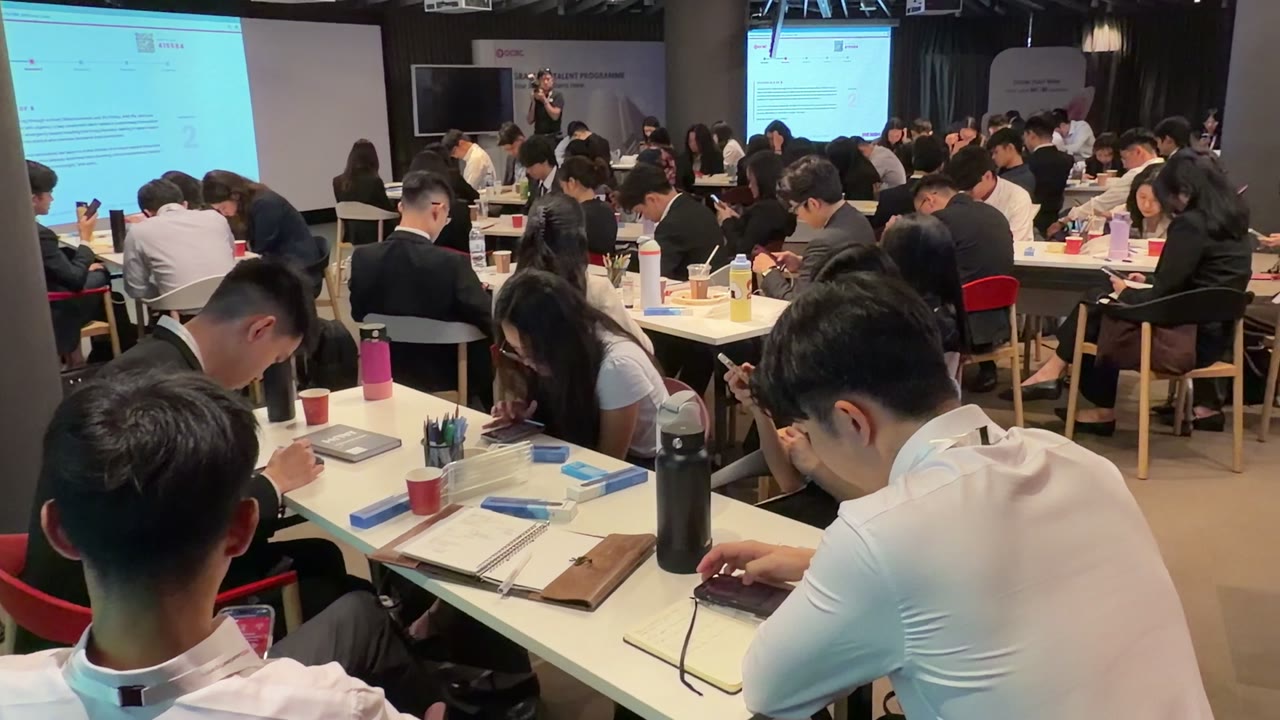
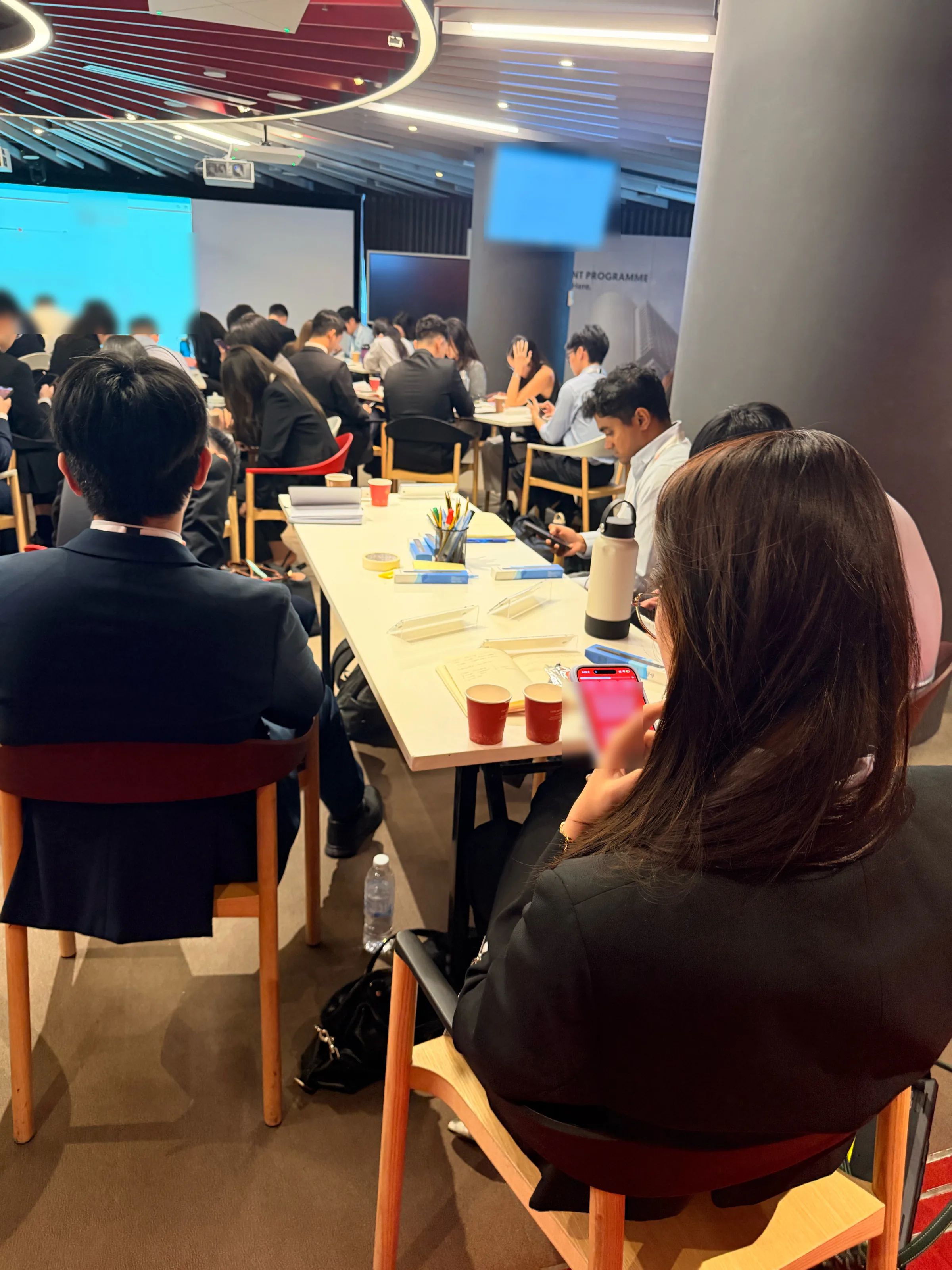
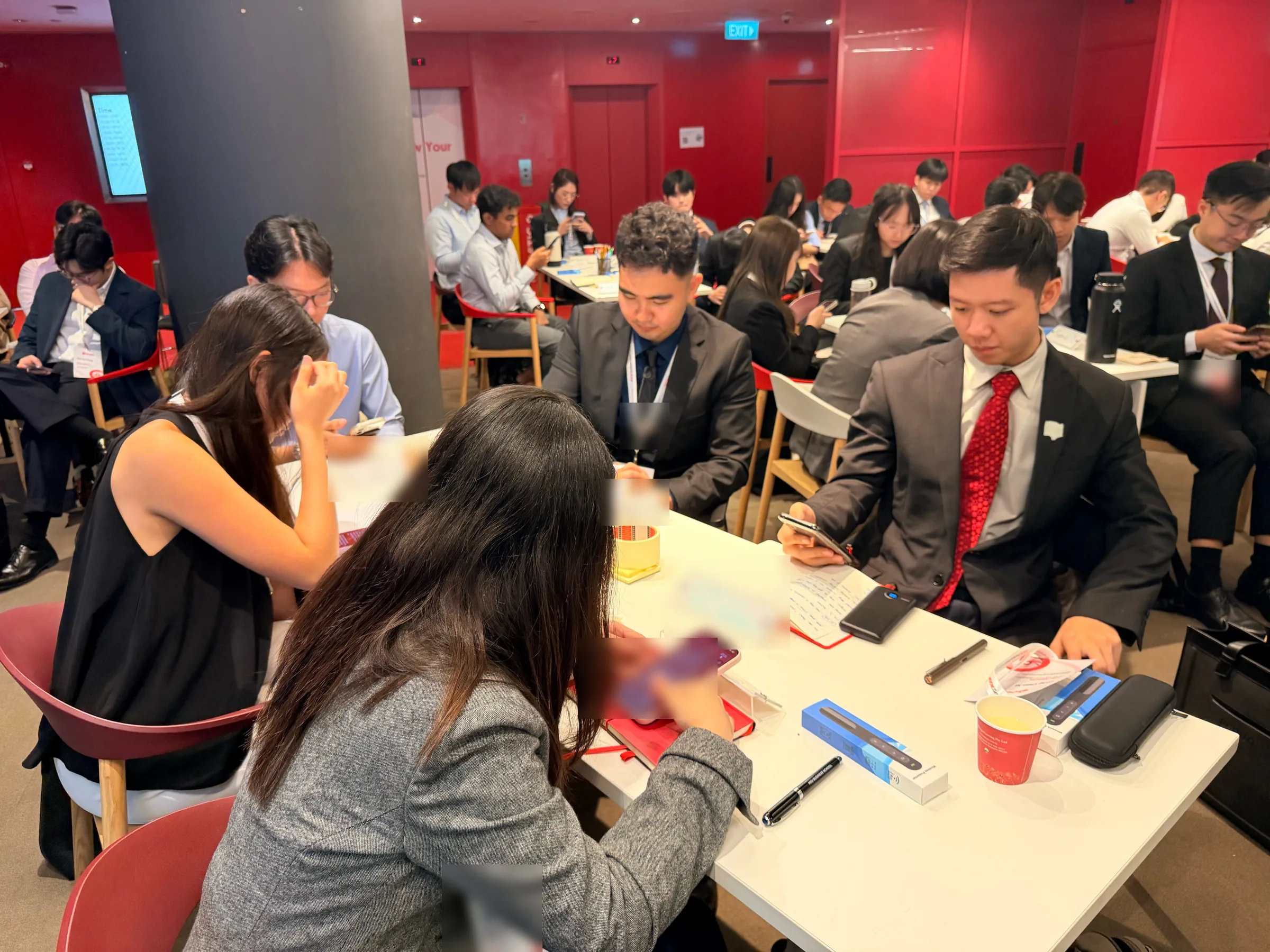
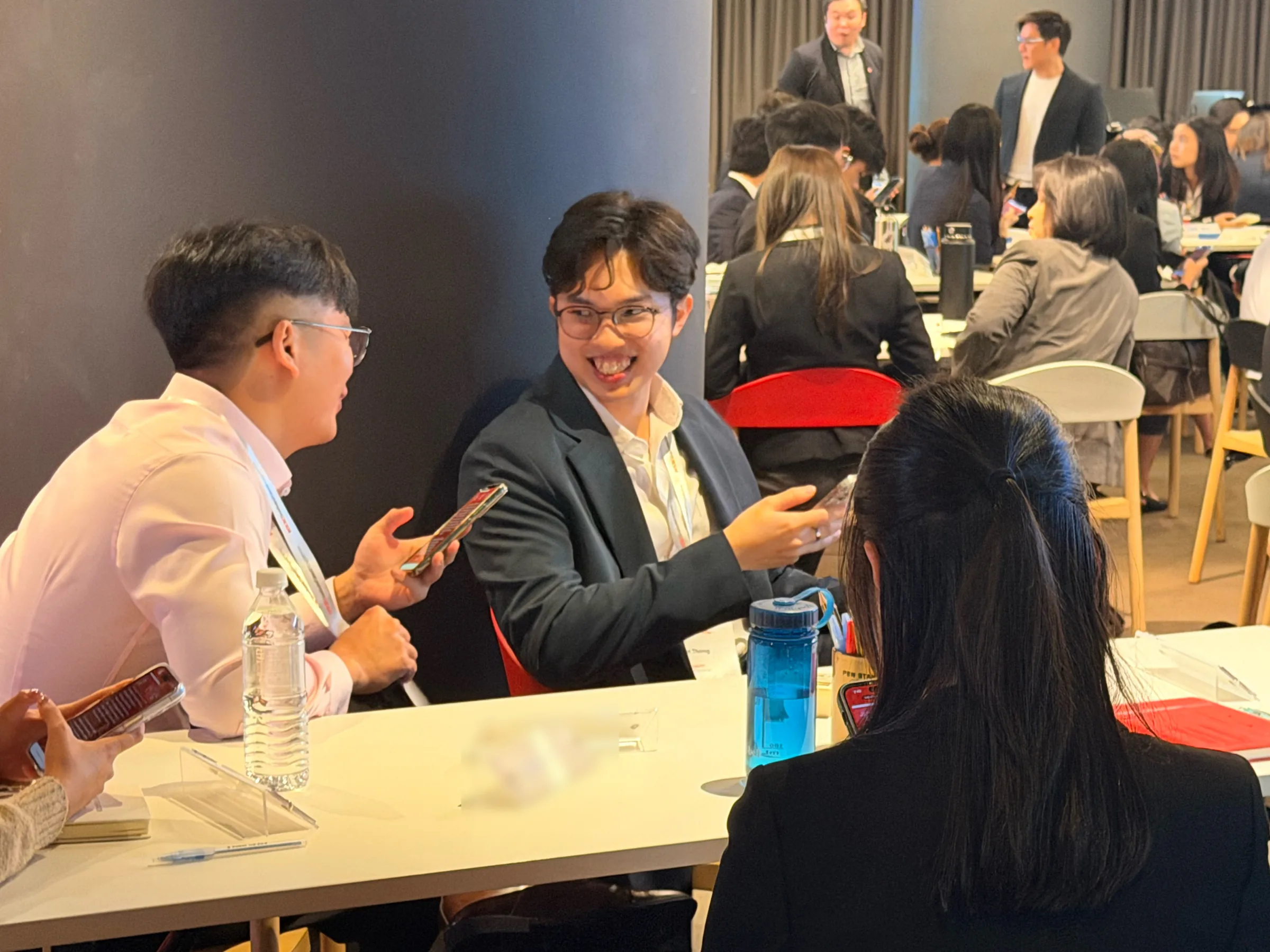
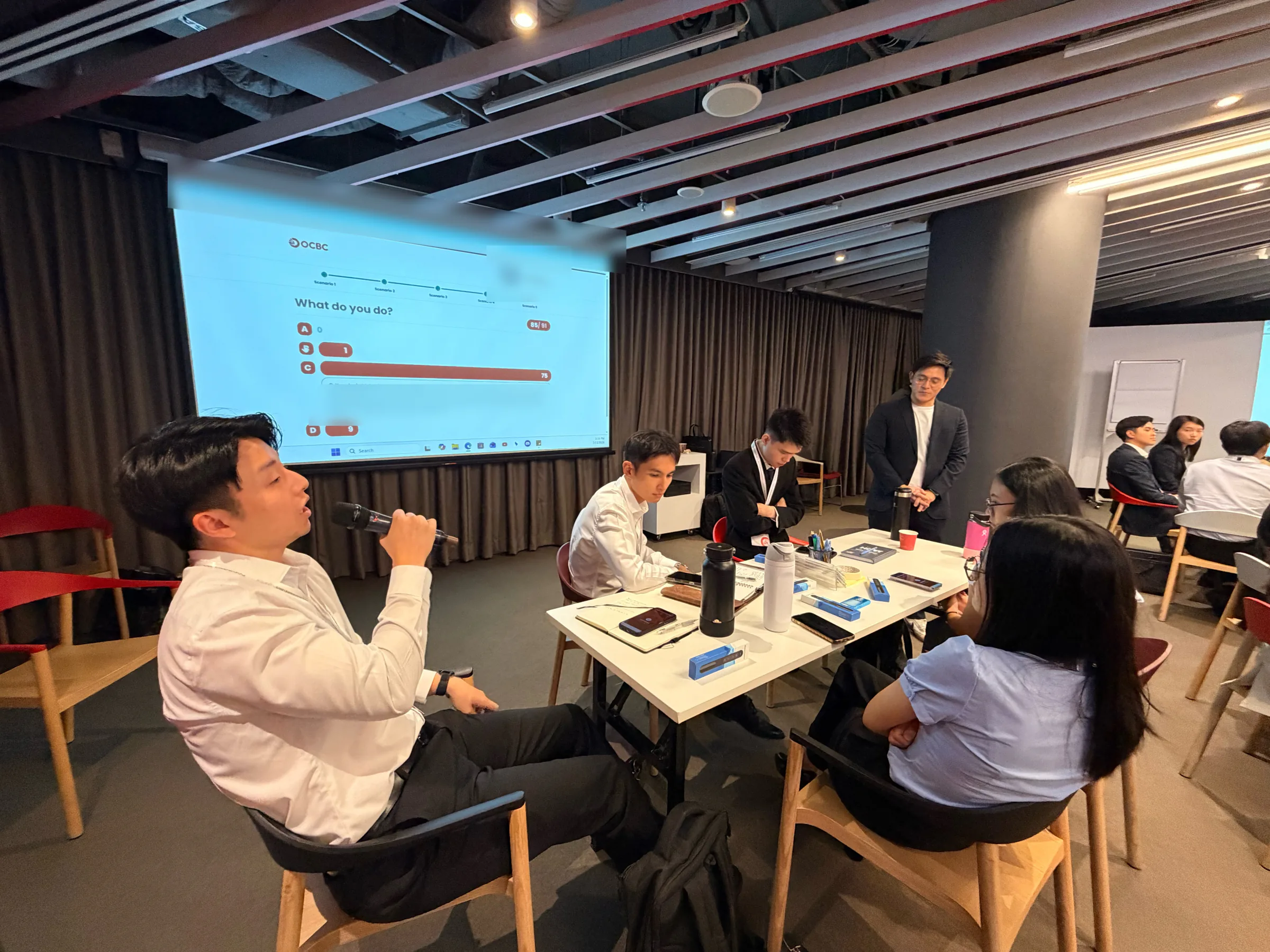
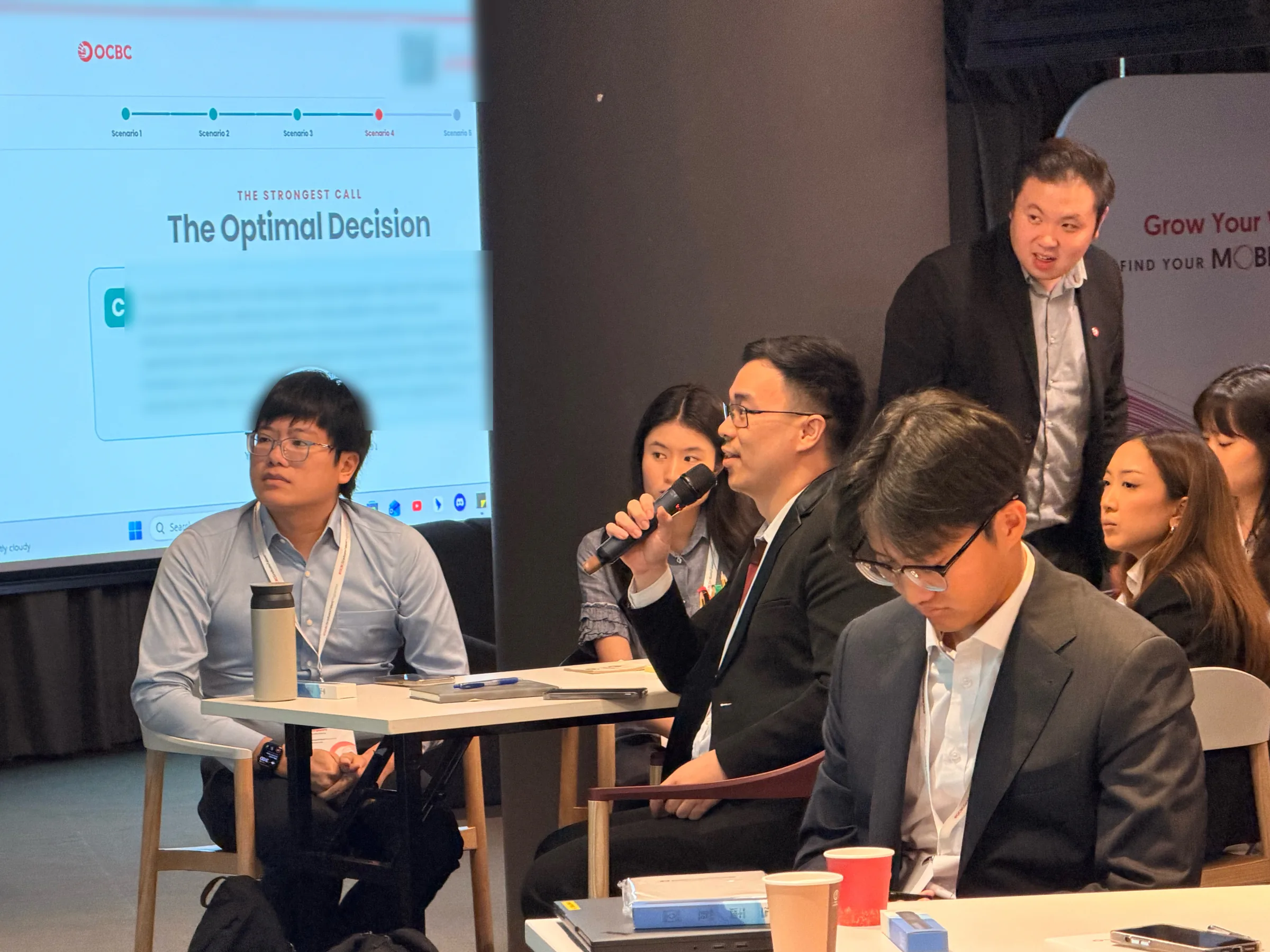
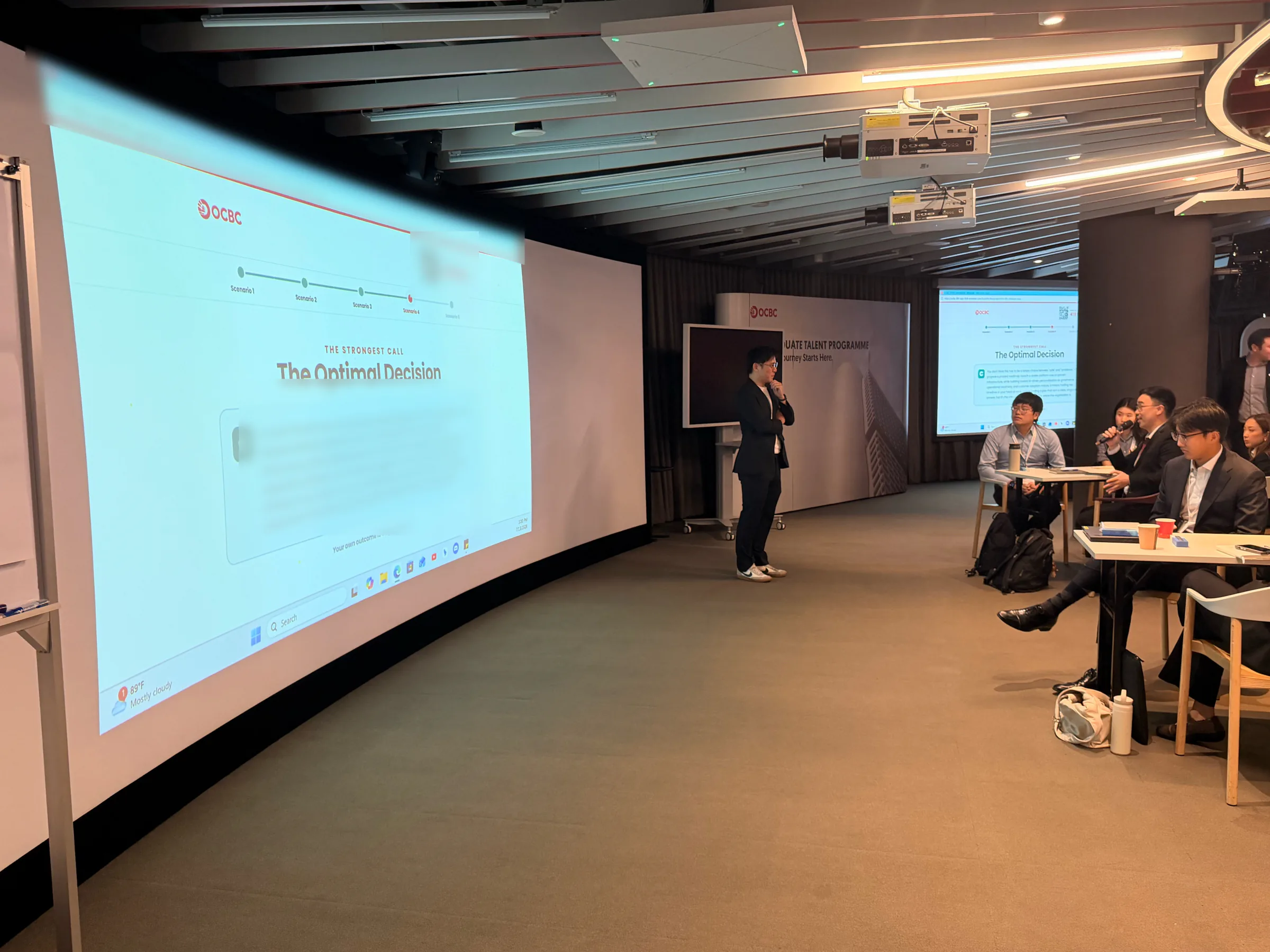
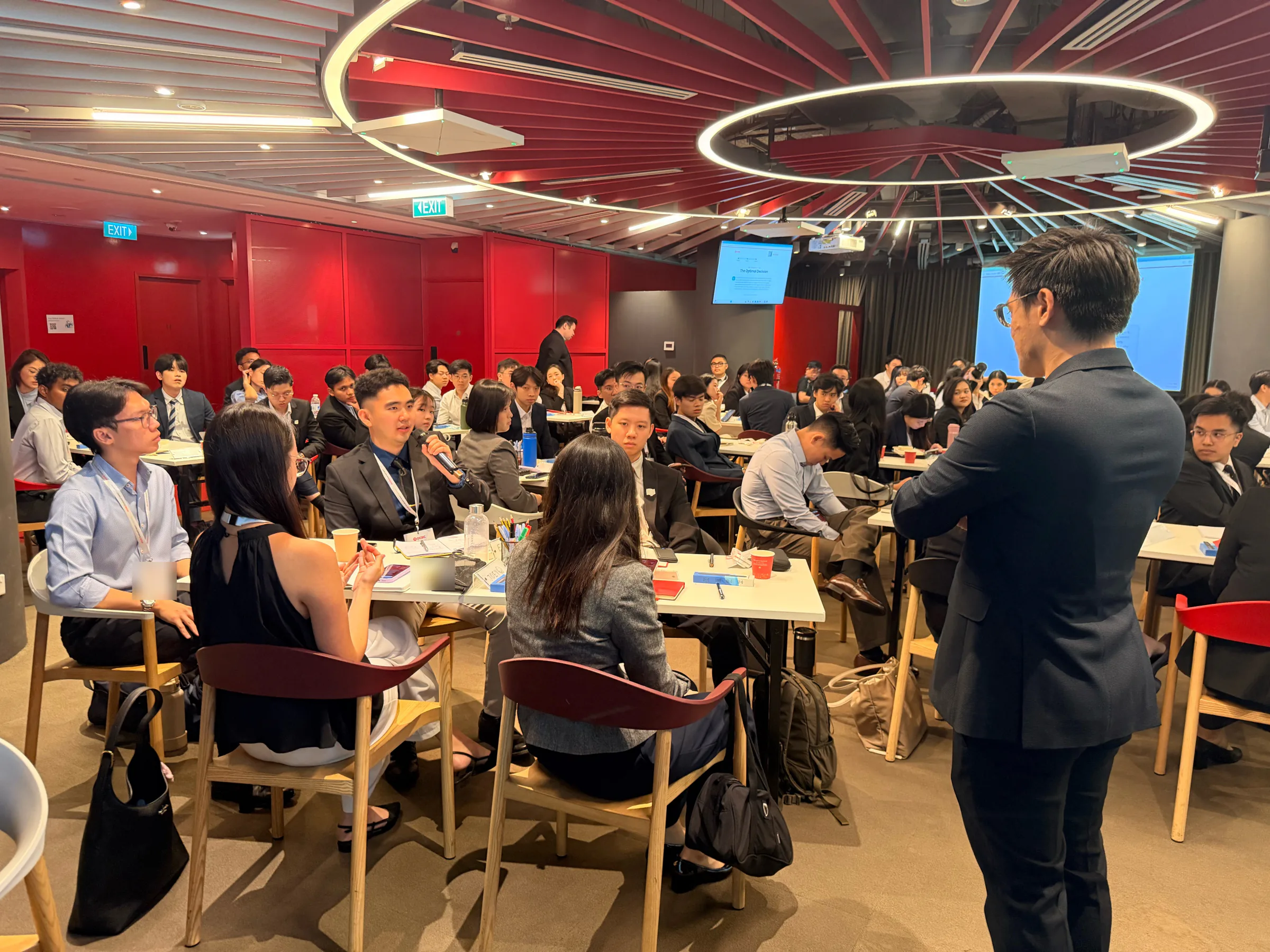
On 13 July 2026 the simulation ran live for OCBC's graduate trainees. Ninety joined one session on their own phones, the room screen ran on the main wall and on screens along the sides, and facilitators worked the floor with microphones for the debriefs.
13 July 2026


The Microphone Moves
After every reveal the microphone goes to the tables. How the room decided stays on the screen while trainees make the case for their choices, and then the strongest call goes up.
What It Still Needs
- Email to real inboxes. Reports and test codes reach real inboxes only after a verified sending domain; until then, downloads always work.
- The first build's realtime limits. A shared store, an event log that survives trimming, and a server-issued host key with redacted reads are written up but not built in this version.
- Real-device QA on a room's network, including whether the synthesized sounds carry in a large room.
Two decisions are parked with the client: the scale of the personal report, and linking the scores to the group's wider banking simulation.
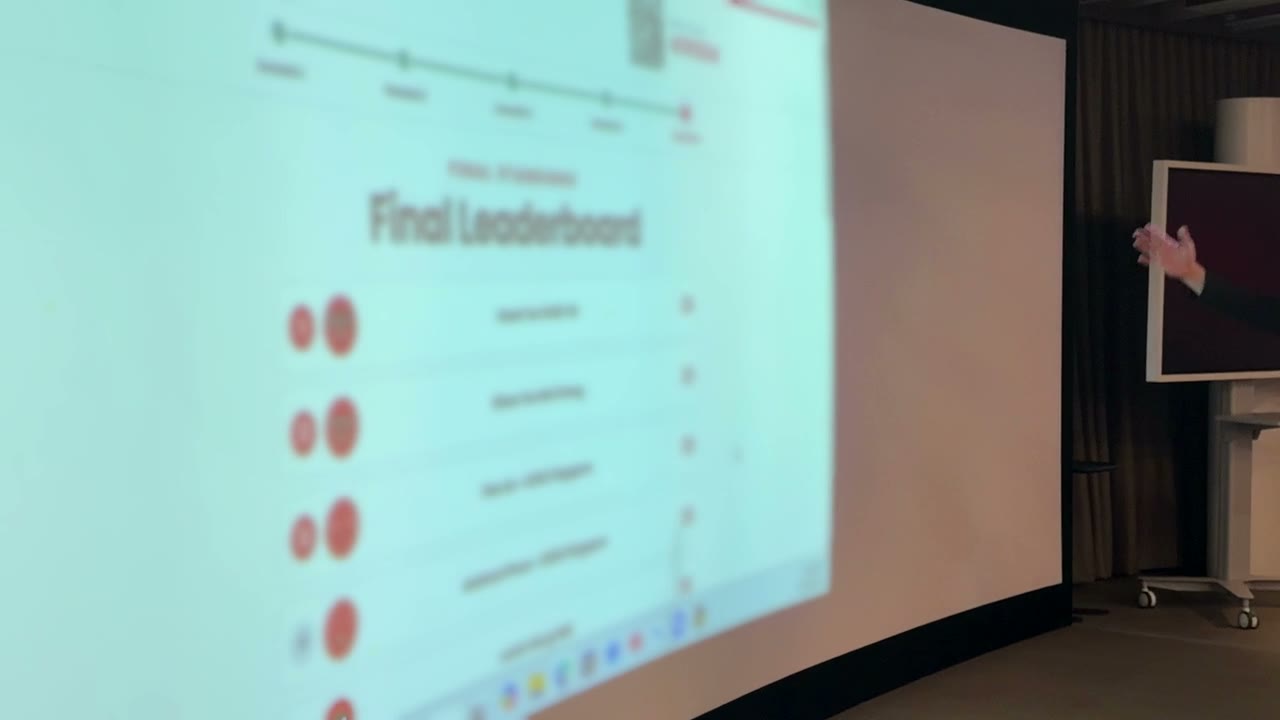
The Last Beat
The last beat of the session is the final standings. The top five all finished on 23, the highest total the five scenarios allow, so the tiebreak set their order: the faster answers came first. Names are blurred here.