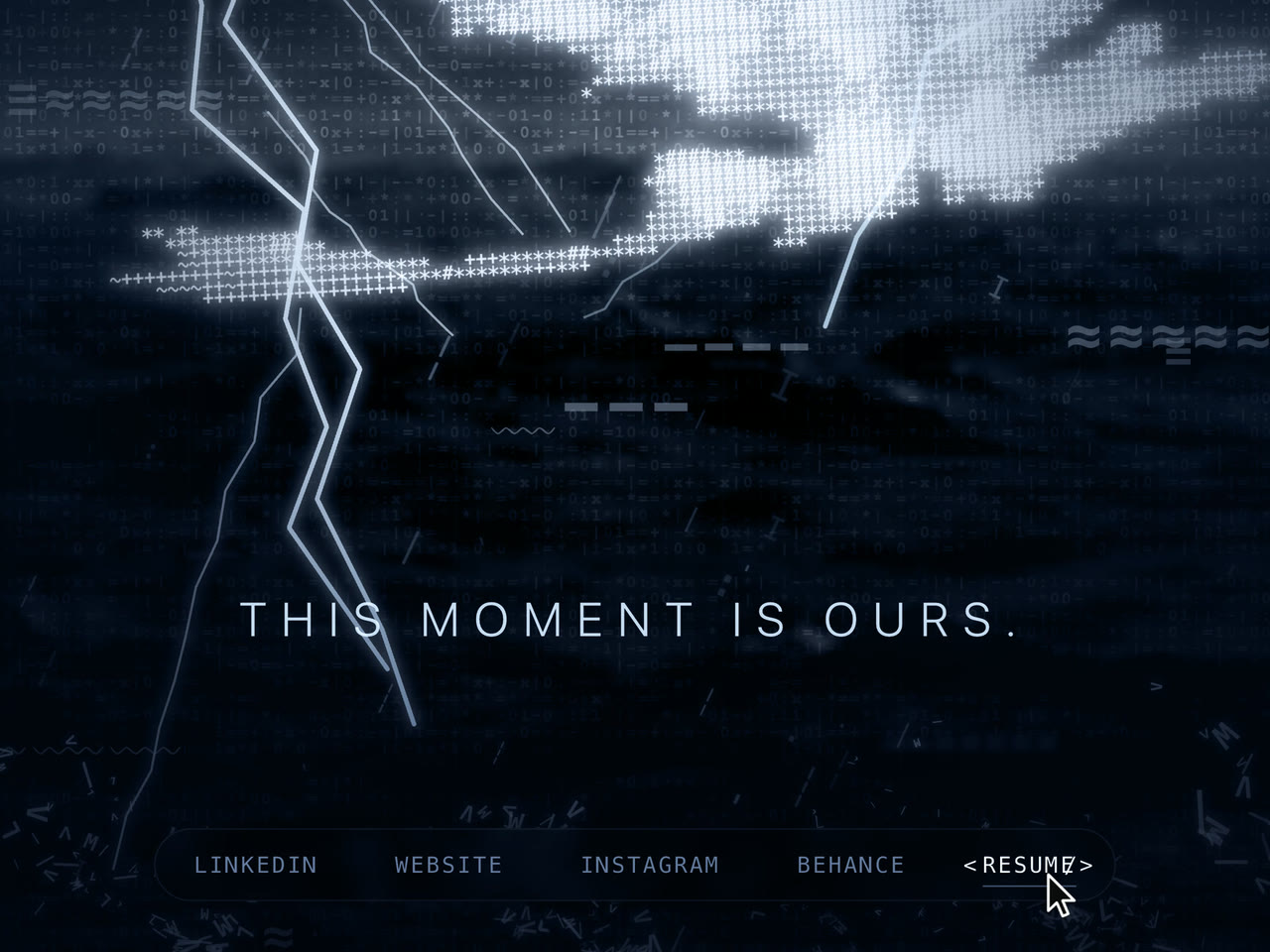
One screen where an ASCII Toothless flies through a storm, built by prompt in Figma Make from two images.

A first website built by prompt. A fan tribute, not affiliated with DreamWorks Animation.
Open the live scene
Walkthrough · VideoOne visit from start to finish: the storm, the dragon, the links and the sound button

Project facts

Role
Prompts and hand-made images. All the code was written by AI in Figma Make.
Built with
  • Figma Make
Stack
  • React 18
  • Vite 6
  • Tailwind CSS 4
  • Motion
  • lucide-react
01

Why

Nobody asked for this one. It is a personal project with no client and no brief: a first website built by prompting, made for fun, out of a love of How to Train Your Dragon.

The test was simple. Make Toothless fly through a storm, in a browser, using only prompts and hand-made images. The tech stack was deliberately left unwatched. The joy was in crafting by prompt and making the assets by hand.

It is a fan tribute, not affiliated with or endorsed by DreamWorks Animation. It also earns its keep: five links sit at the bottom, so the page doubles as a link page.
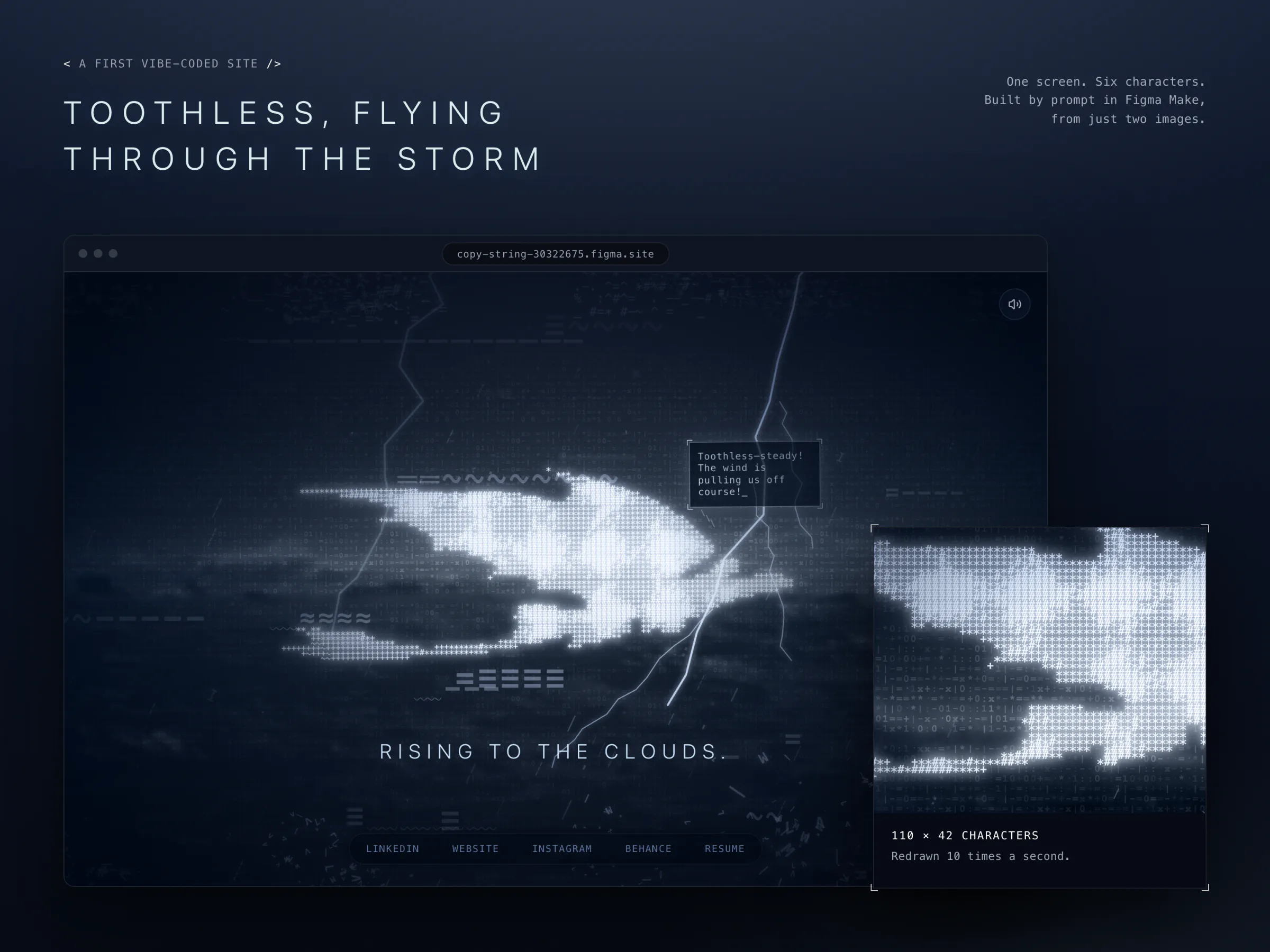
Title "Toothless, flying through the storm" above a browser window showing the site: a glowing dragon made of text characters over a dark sea, with lightning, a speech bubble and five links. A panel beside it enlarges the dragon's characters, captioned "110 × 42 characters. Redrawn 10 times a second."
01The whole site is one moving picture
Two images

Everything Starts Here

Two image files drive the whole scene.

  • The dragon. A silhouette of 248 × 176 px, black with a red left tail fin.
  • The sea. A loop of a stormy sea: 31 frames, 2.48 s.
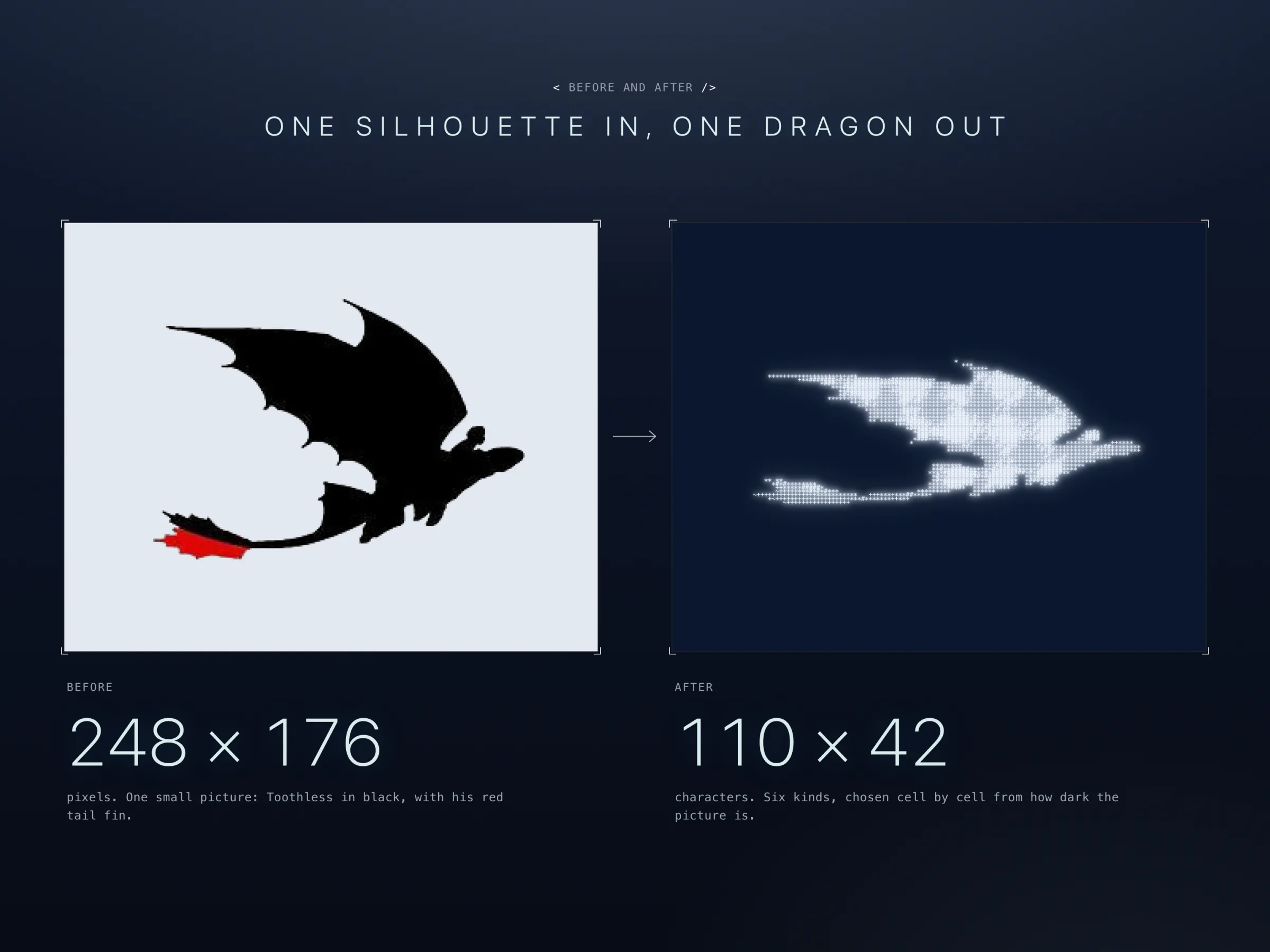
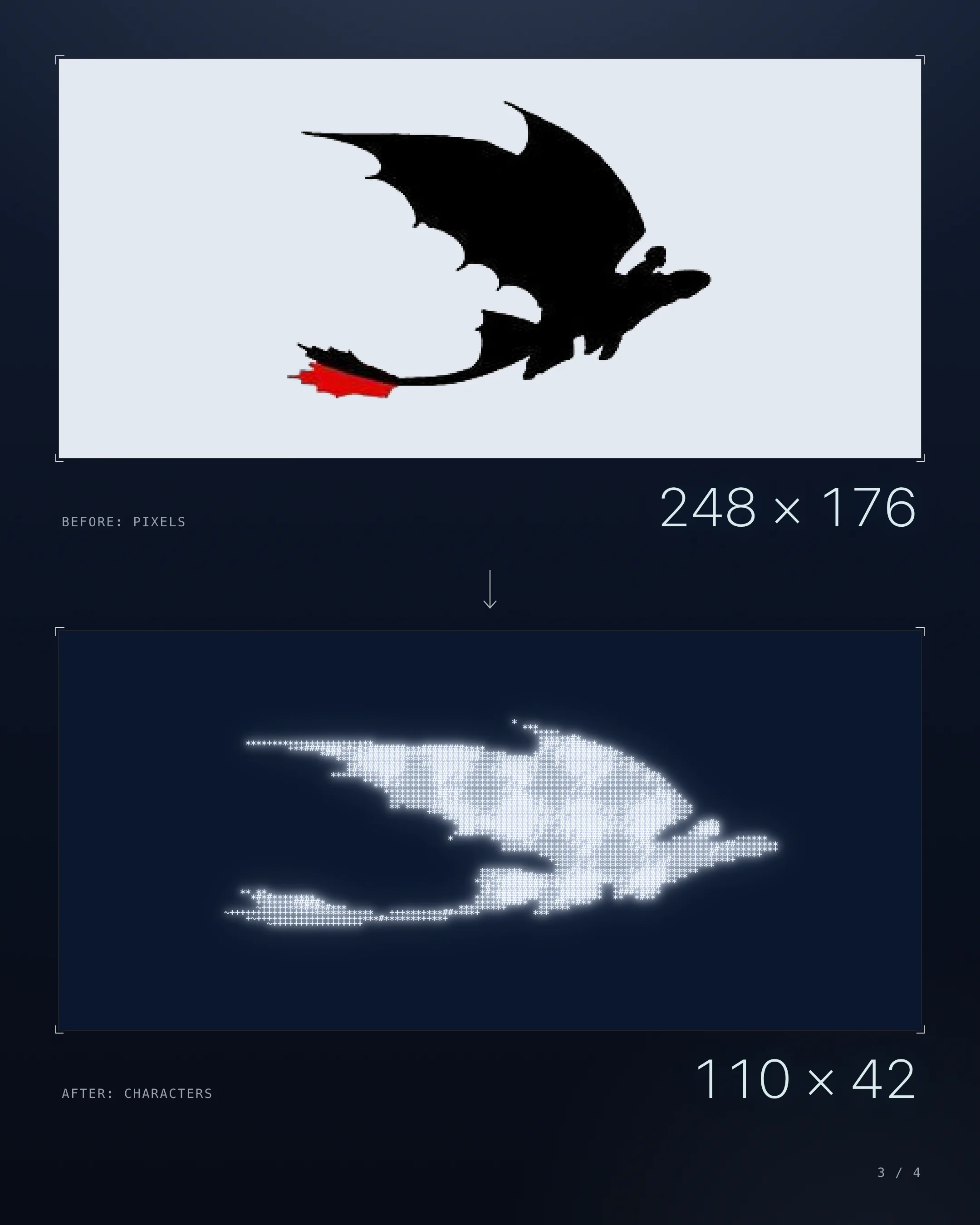
Left: a small black silhouette of a flying dragon with a red tail fin, labelled 248 × 176 pixels. Right: the same shape drawn in glowing white text characters on dark blue, labelled 110 × 42 characters. An arrow points from one to the other.
02One silhouette in, one dragon out
02

How It Works

The page fills the window and does not scroll.

  1. Load. The storm is already running: rain at an angle, cloud racing across the top, and short lines fading in and out at the bottom.
  2. Toothless. He drifts up to 100 px sideways and 60 px up or down, and rolls up to 8°. He is never still, because the characters that draw him change 10 times a second.
  3. A voice. A speech bubble beside him types a line every 6 s. It reads as his rider calming him.
  4. Lightning. A new strike lands every 0.2 to 1.5 s, and each one is drawn fresh.
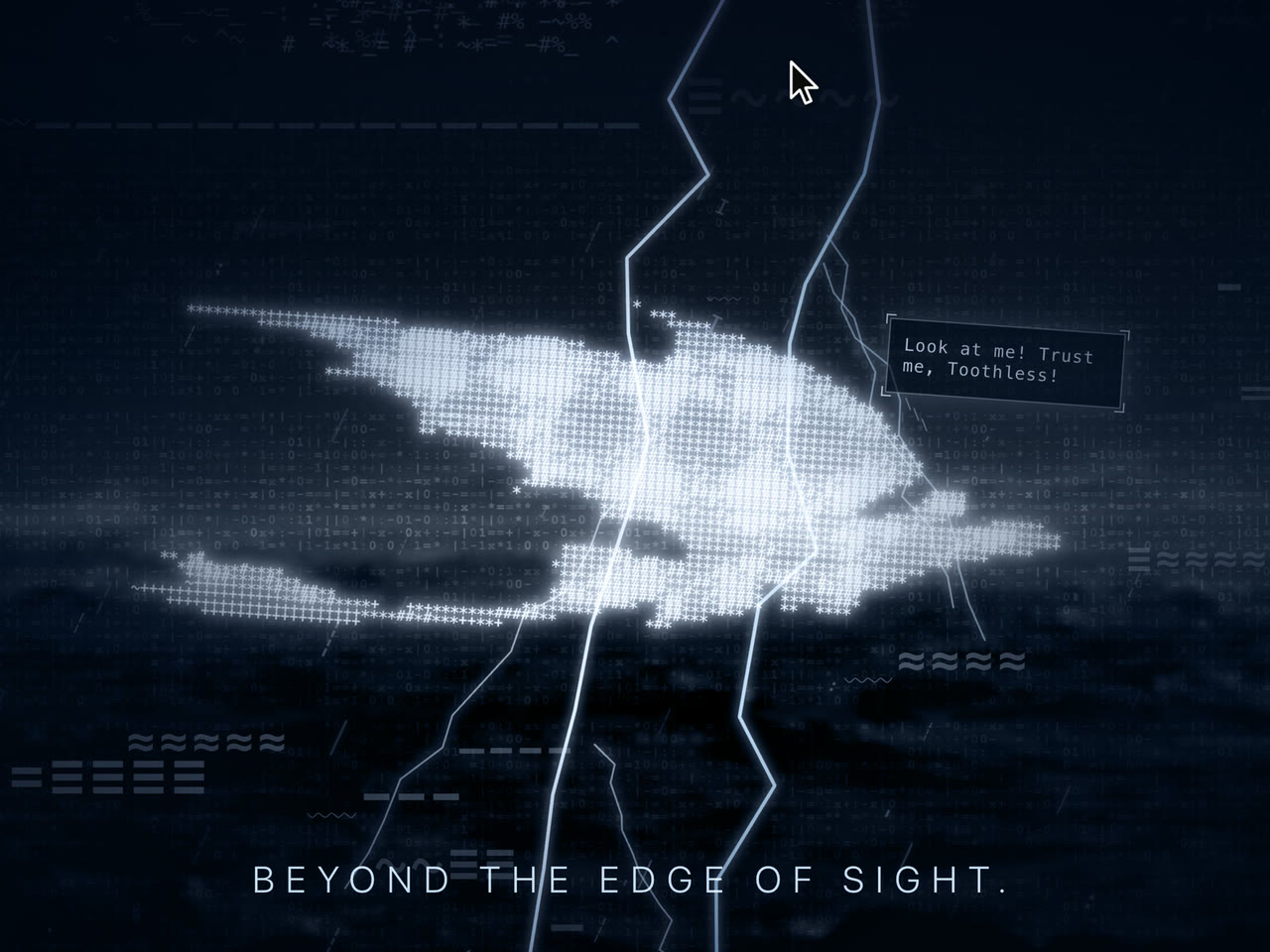
  5. Move the pointer. The sea slides 15 px, the dragon 20 px and the rain and spray 40 px, so the scene has depth.
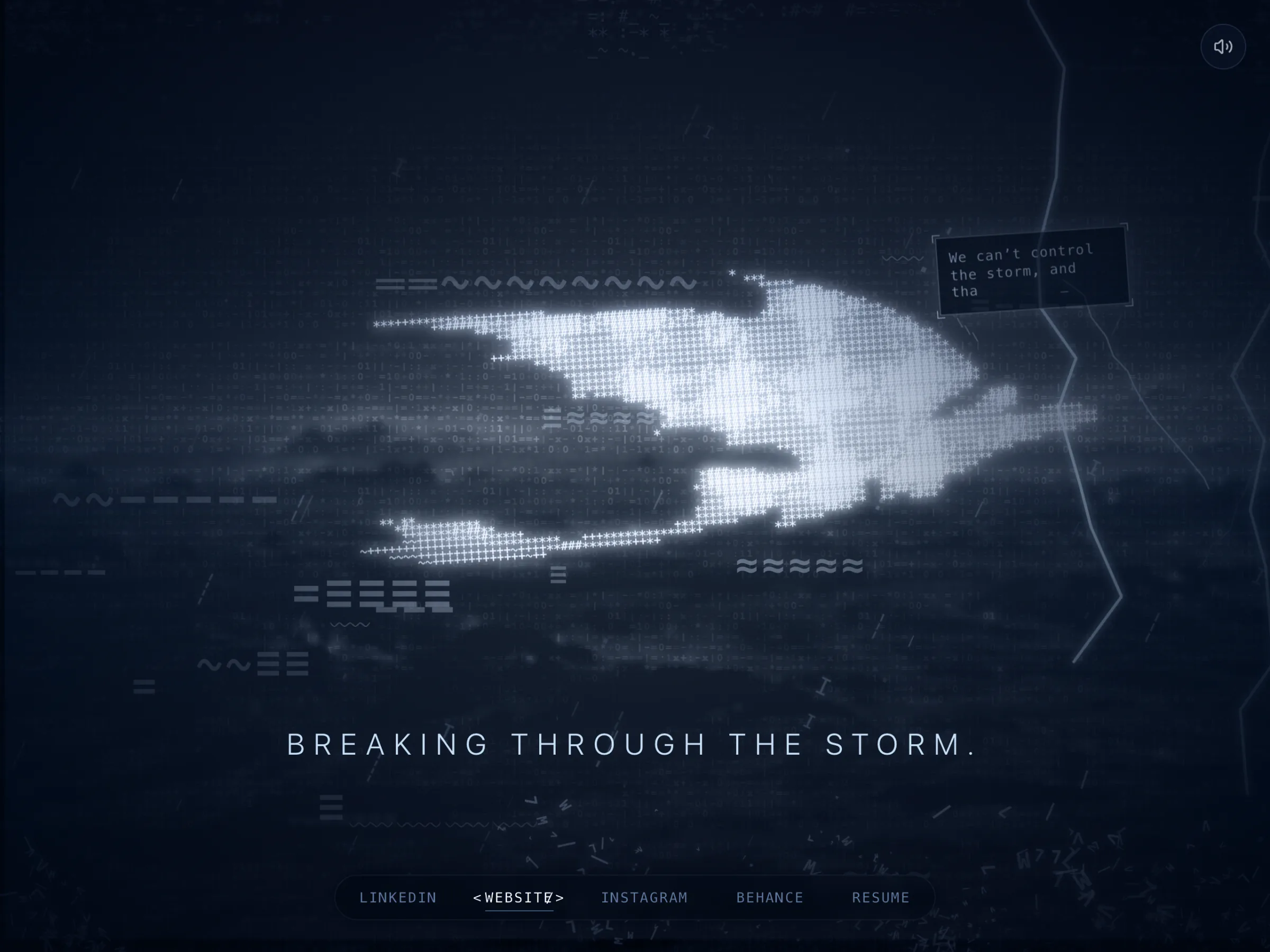
  6. The links. Five links sit in a pill. Hover one and it gains code brackets and an underline.
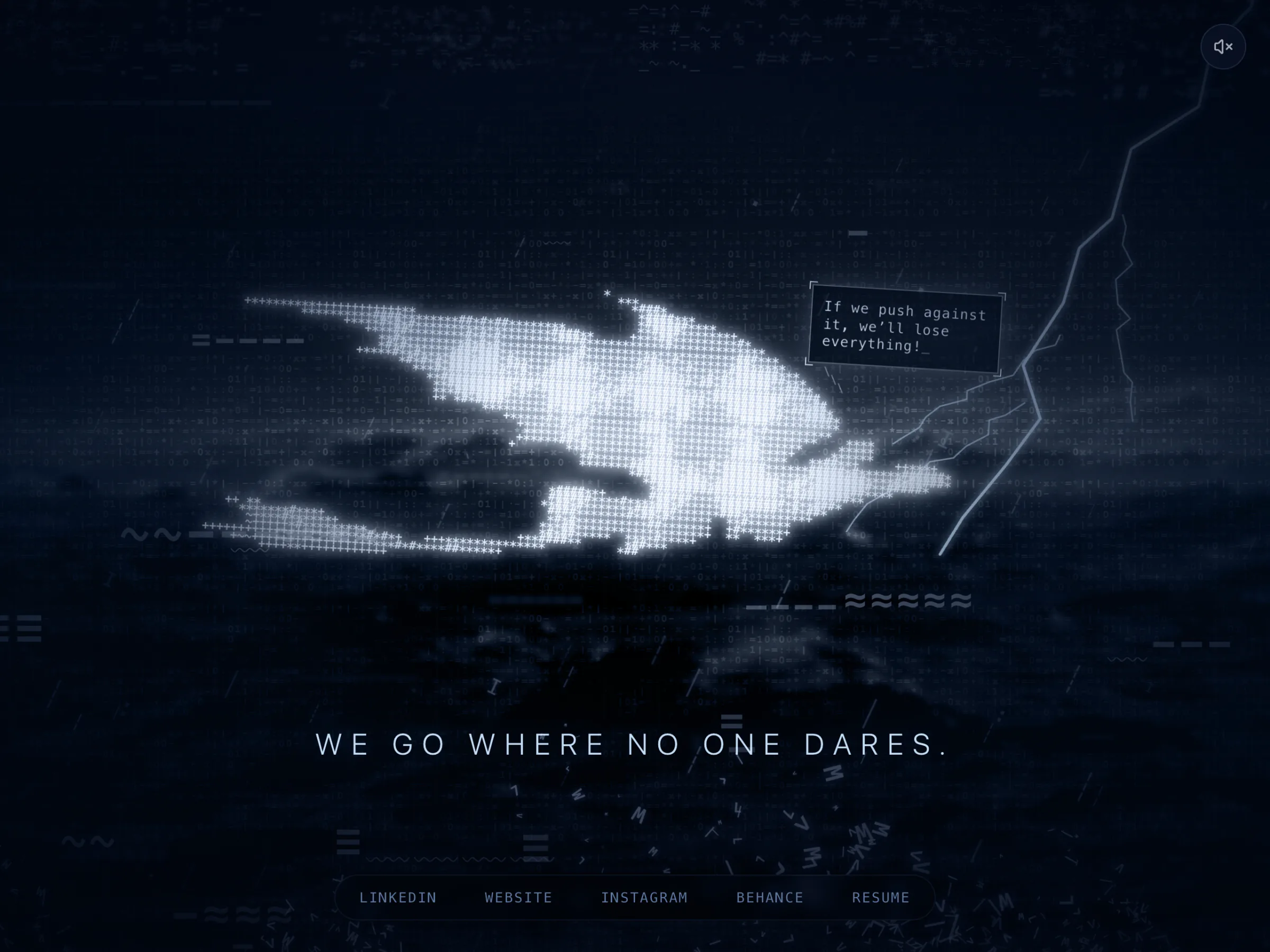
  7. Sound. Music plays from a hidden SoundCloud player once the browser allows it, and a round button at top right mutes it.
  8. The loop. Ten short lines run on a 33.7 s loop, then start again.
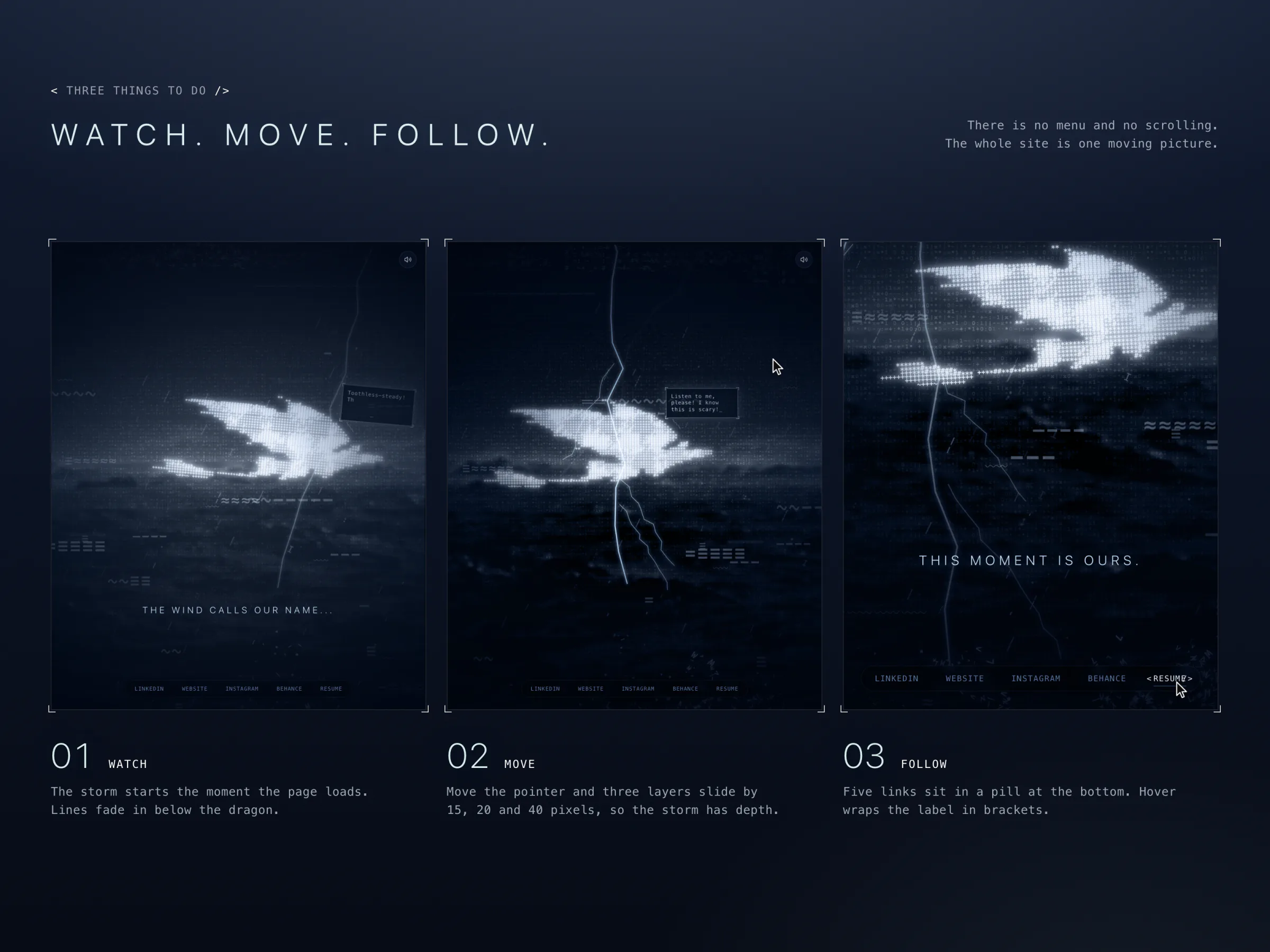
Three tall screenshots titled "Watch. Move. Follow." The first shows the storm as it loads, the second a pointer in the scene with lightning through the dragon, the third a pointer on a bracketed link.
03Three things to do: watch, move, follow
04 · VideoThe push in on Toothless, and back out
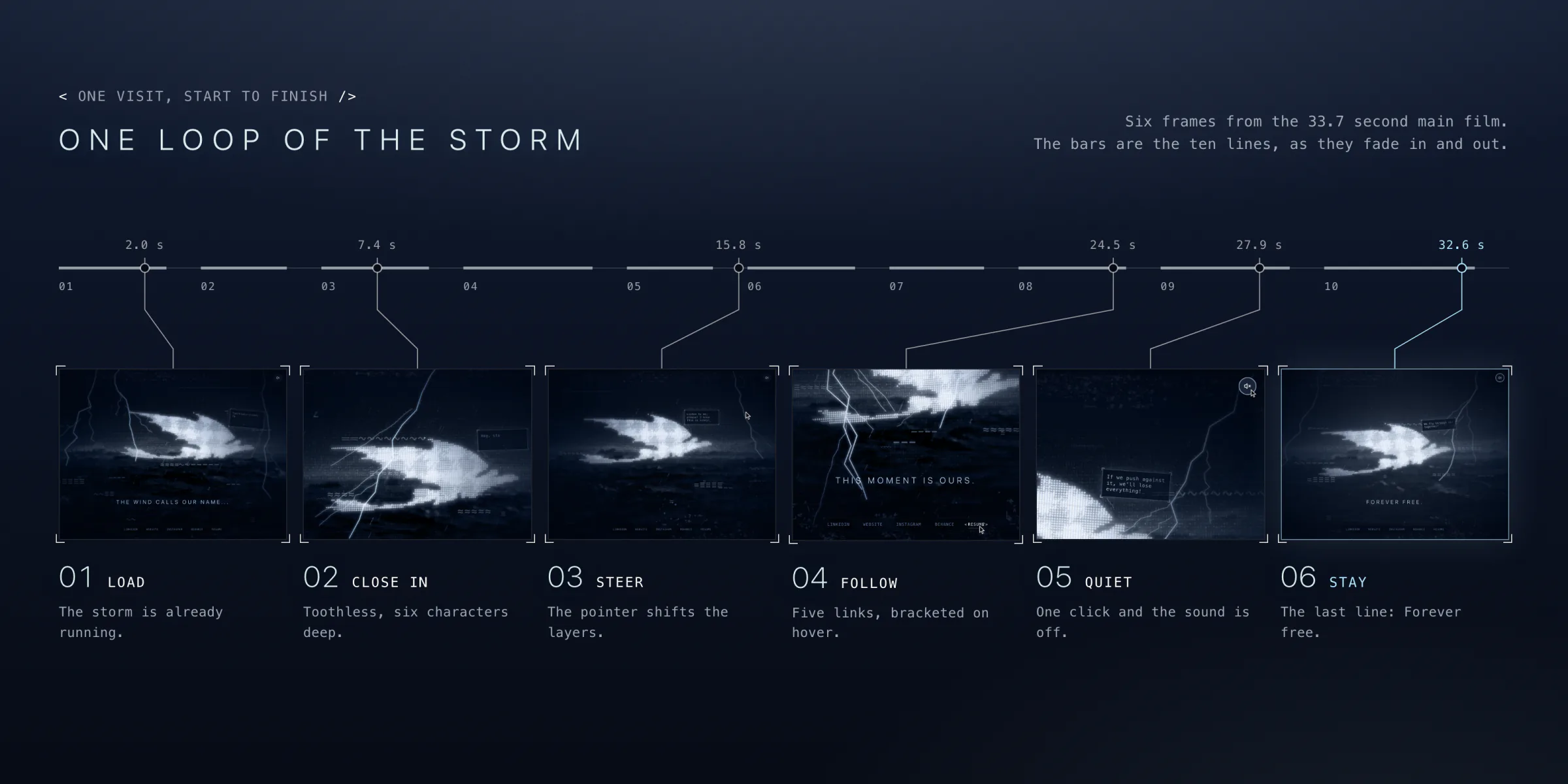
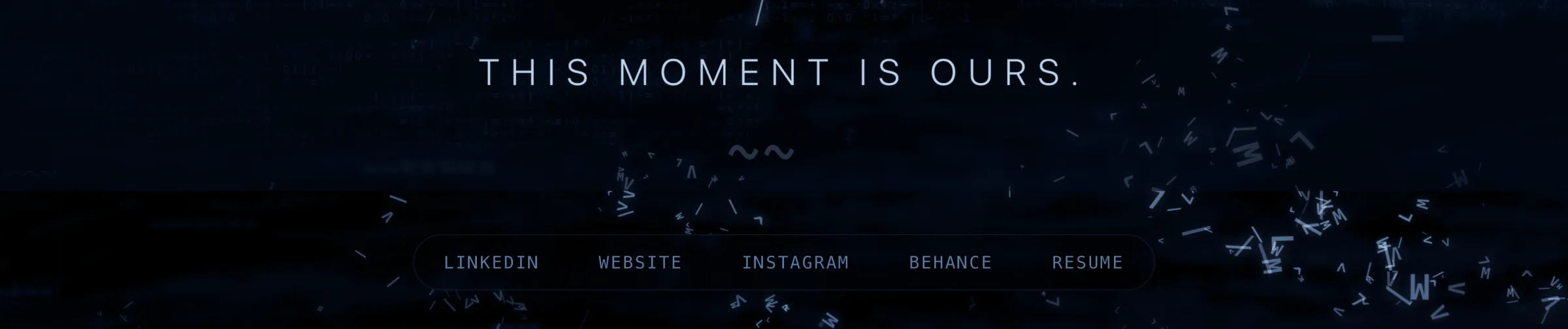
A wide banner titled "One loop of the storm". A timeline of ten bars runs across the top, with six markers leading down to six frames from the film, labelled Load, Close in, Steer, Follow, Quiet and Stay.
05One visit on a timeline
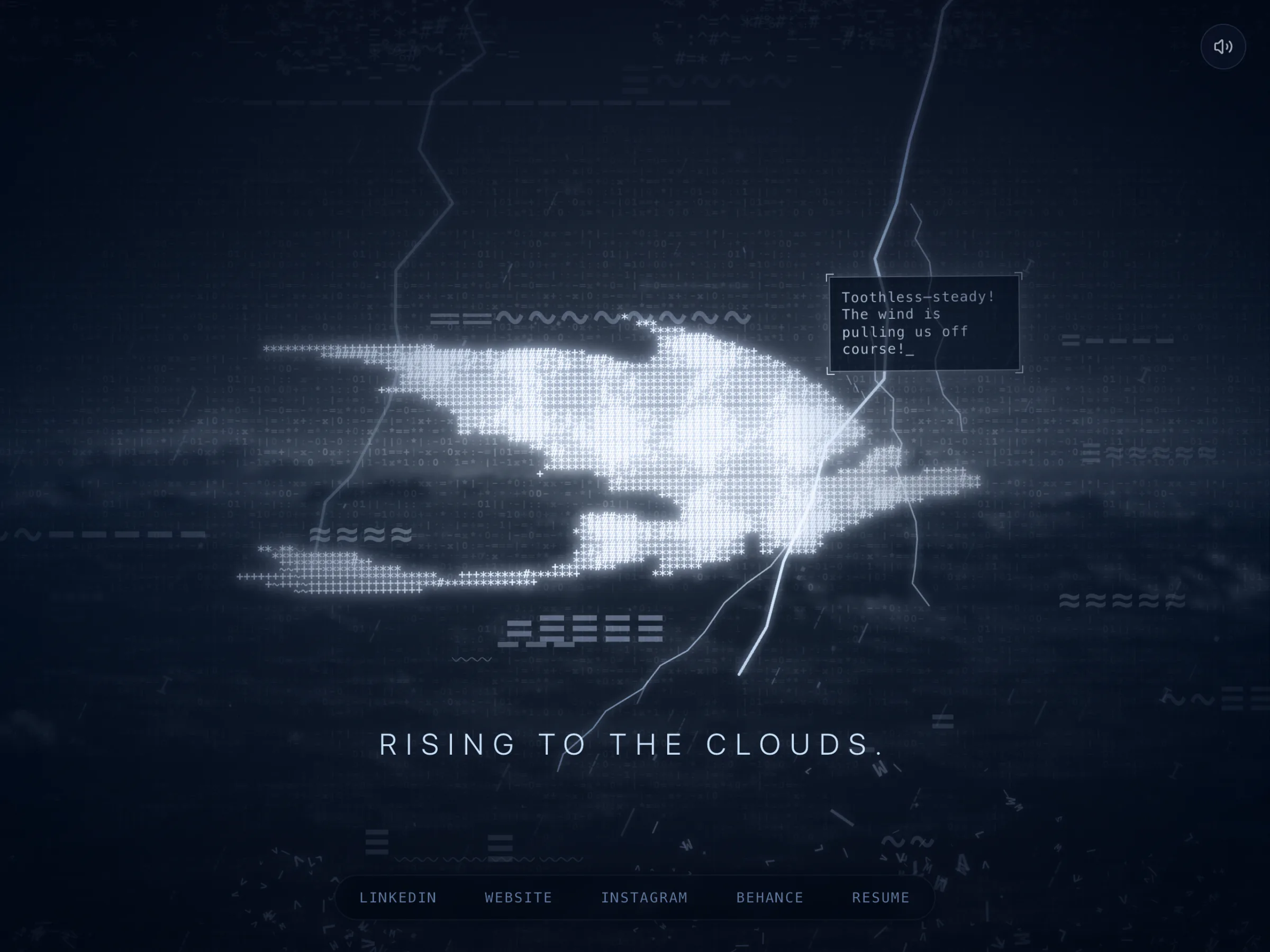
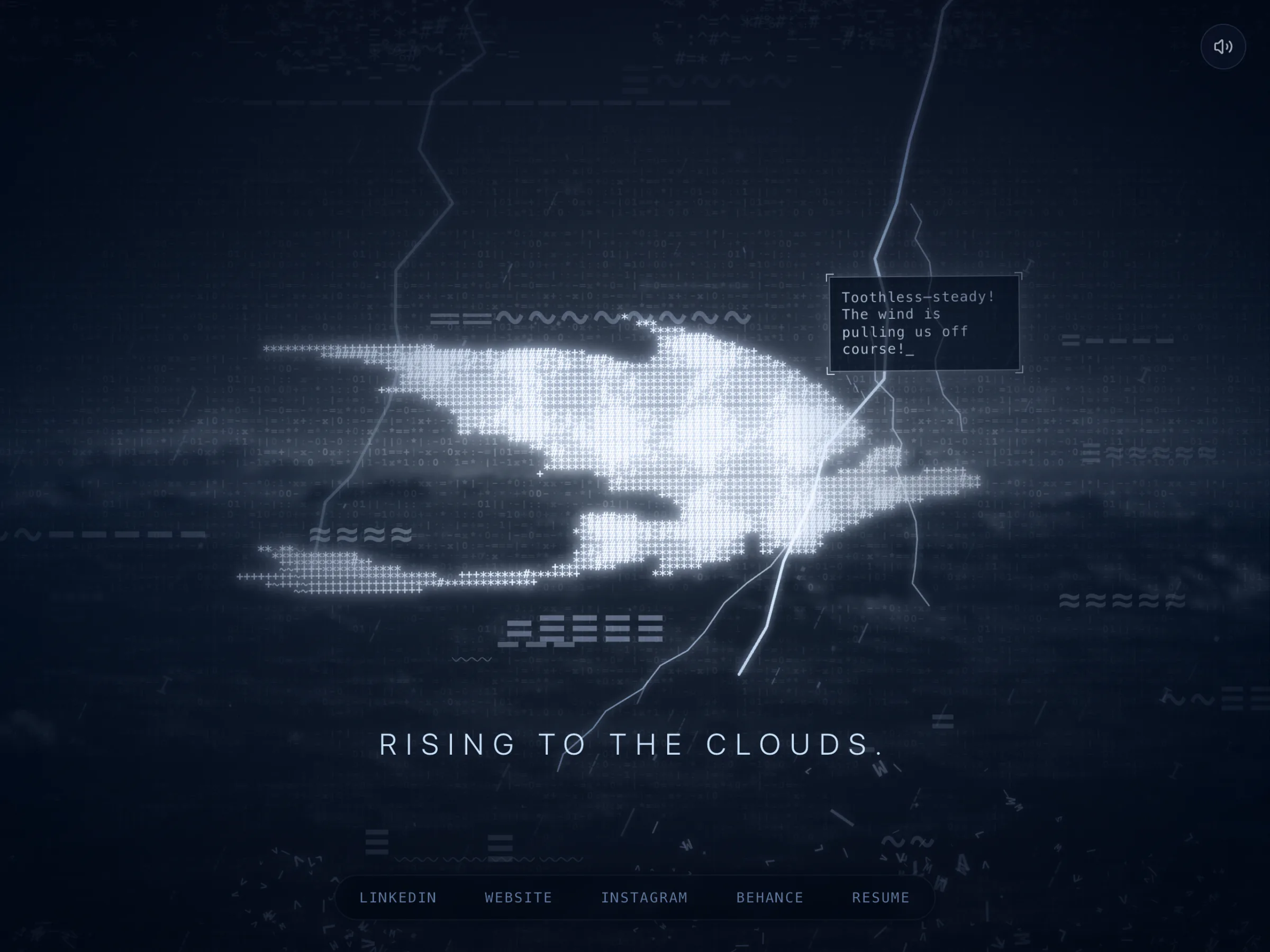
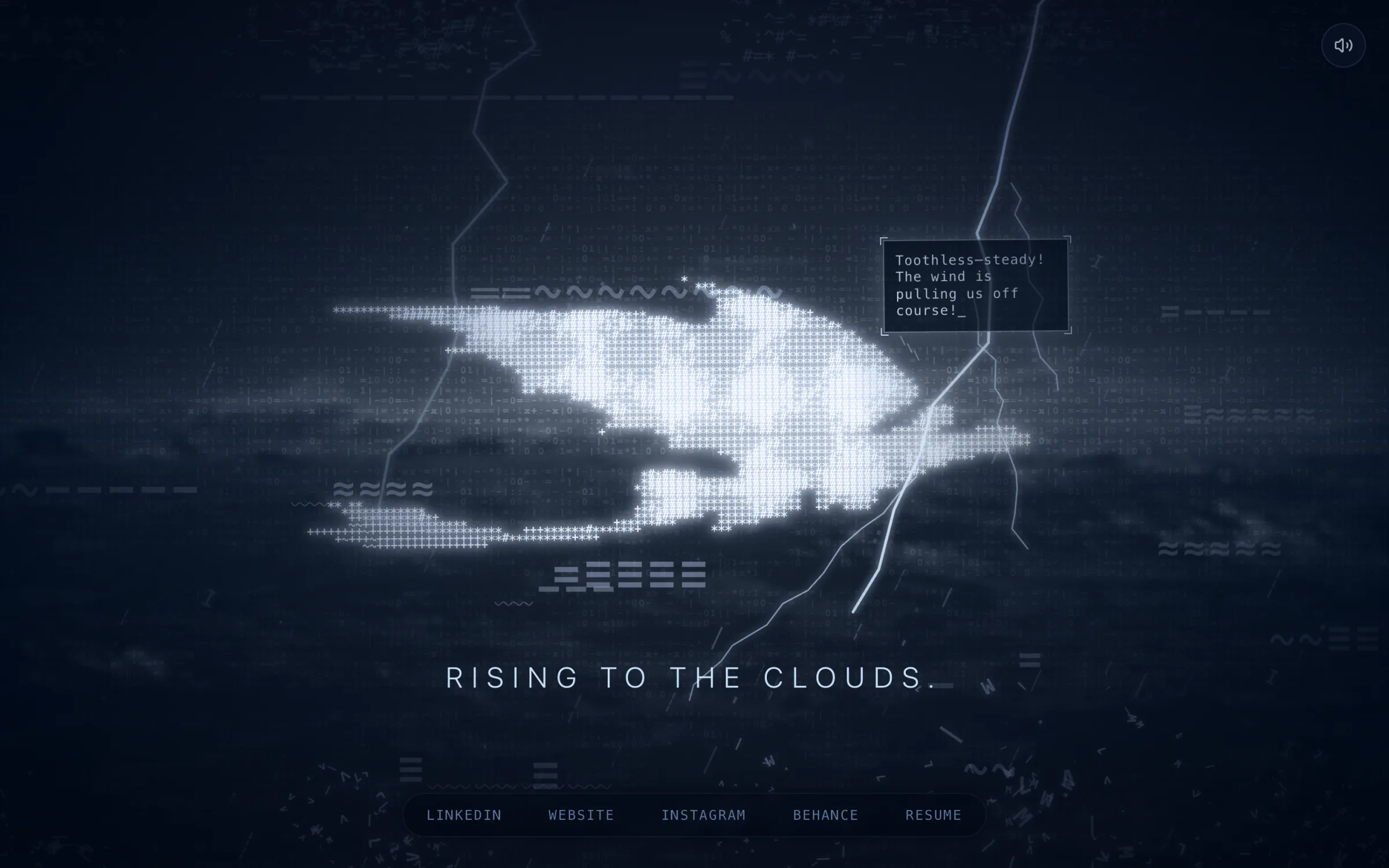
The whole page on desktop: a dragon made of white text characters over a dark sea, two lightning bolts, a speech bubble, the line "Rising to the clouds." and five links in a pill at the bottom.
06The whole page as the storm gets going
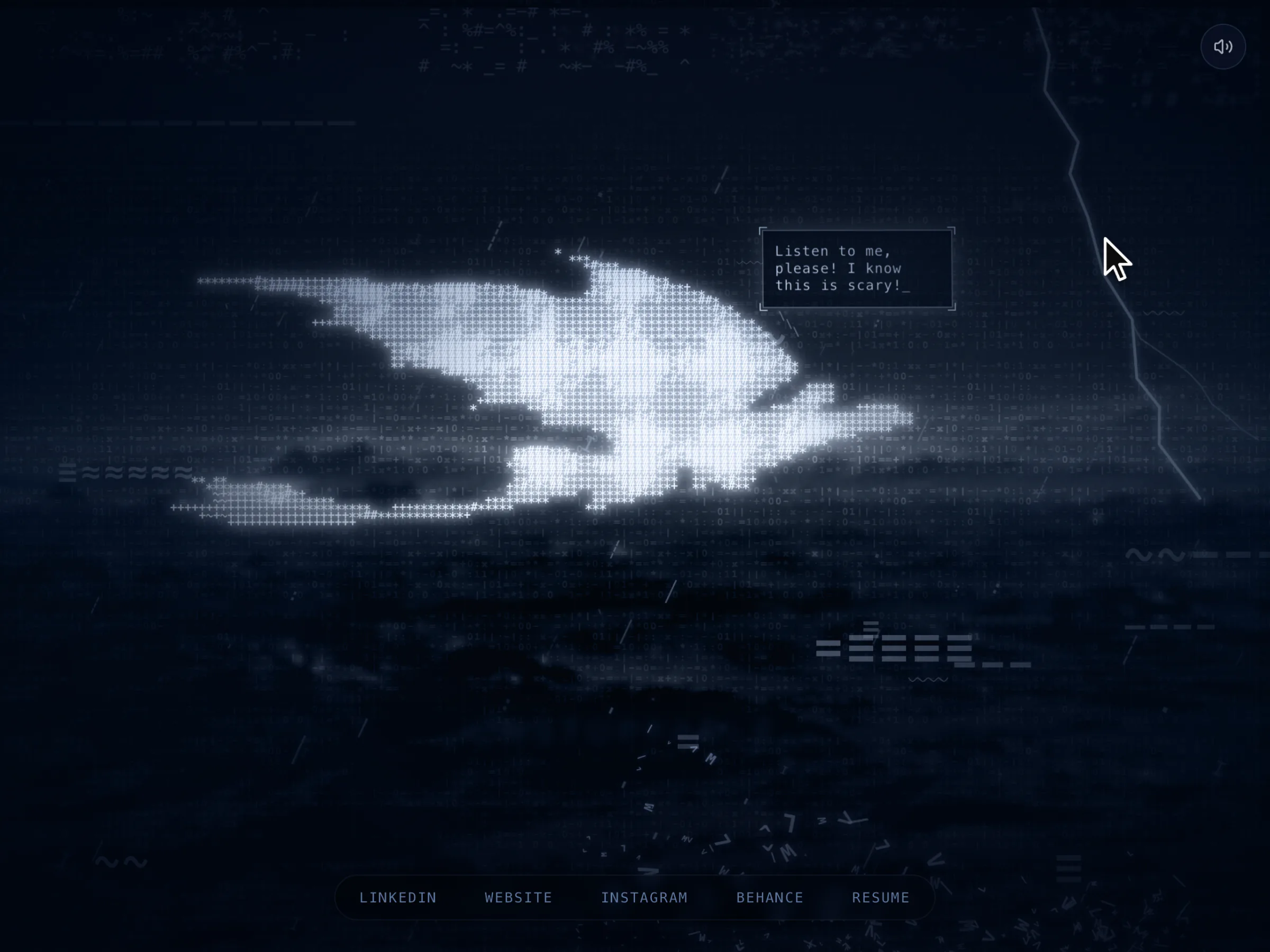
The whole scene with a pointer at the upper right.
07Move the pointer and the layers slide apart
08 · VideoFive links and one sound button
The whole page with the WEBSITE link hovered: white, wrapped in brackets and underlined. The line reads "Breaking through the storm."
09A hovered link puts on code brackets
The whole page with the sound button at top right showing a muted speaker. The line reads "We go where no one dares."
10One button turns the music off
11 · VideoEvery part that answers the pointer
On a phone

A Lighter Storm, Not a Broken One

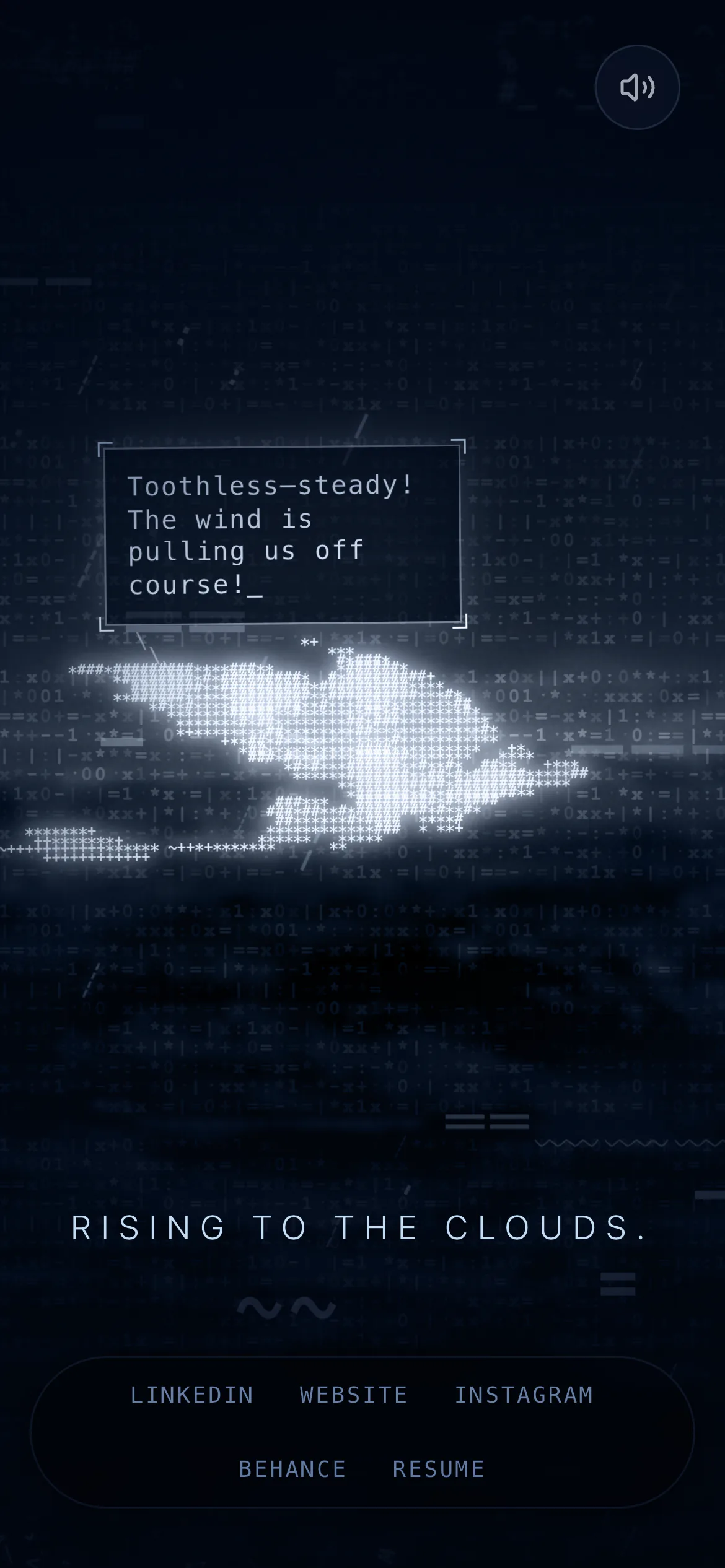
Phones get lighter settings throughout: 100 raindrops instead of 500, 8 clouds instead of 20, 40 streaks of wind instead of 80 and 3 spray emitters instead of 12. The dragon's grid narrows too, from 110 columns to 90, then 70.
12 · VideoThe same visit in a tall window
The page on a phone: the speech bubble sits above a smaller dragon, the line "Rising to the clouds." is below, and the five links wrap onto two rows.
13The phone layout: speech above, links on two rows
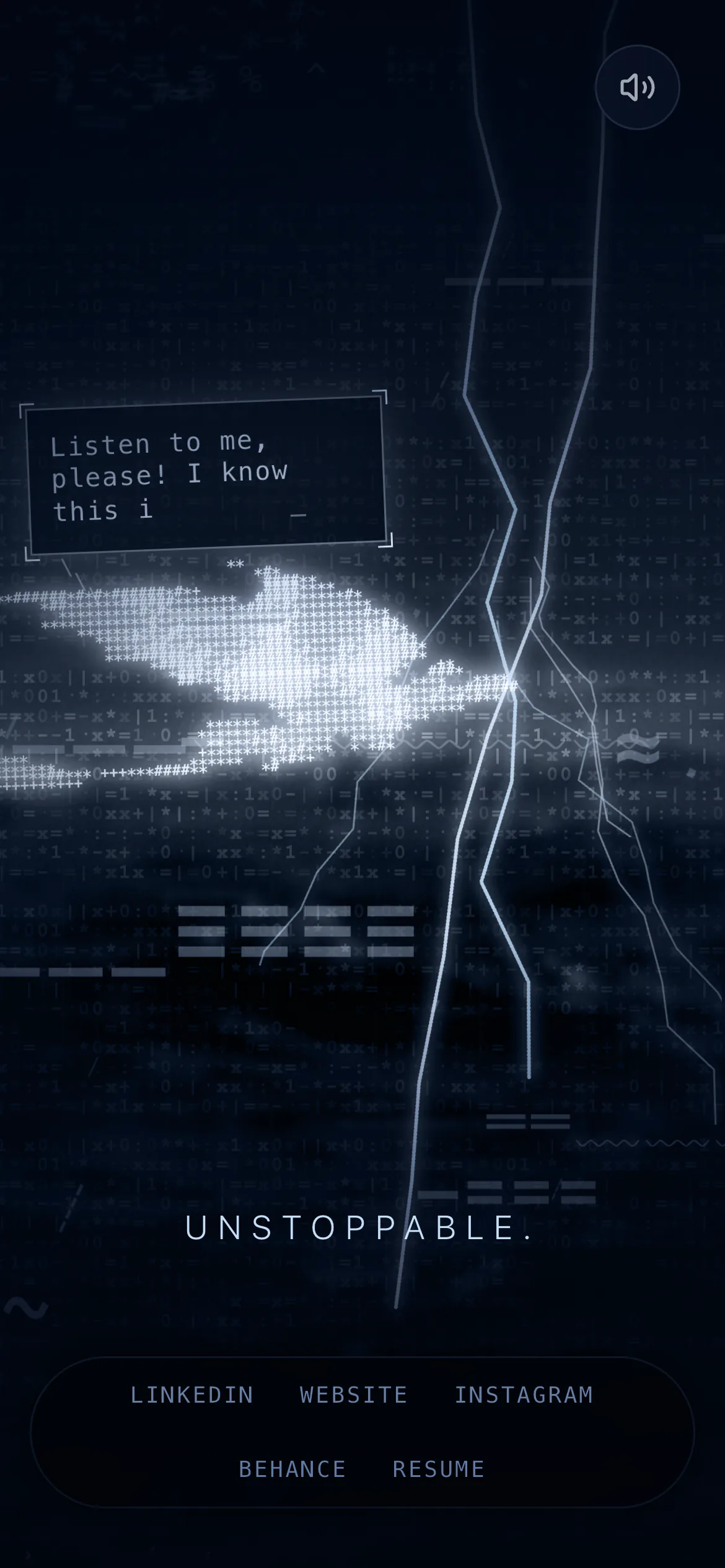
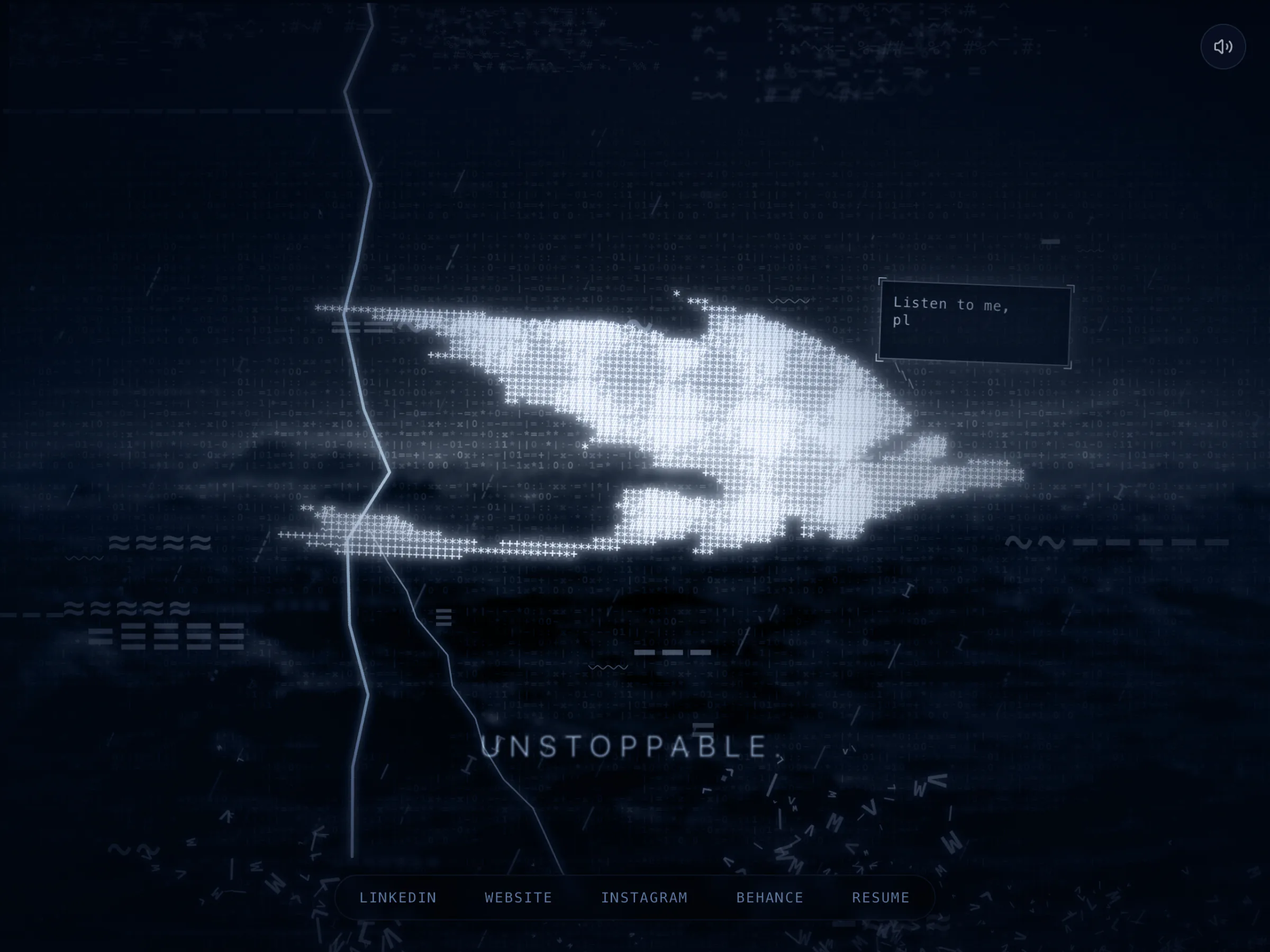
The page on a phone with a bright forked bolt through the dragon and the line "Unstoppable."
14A bolt through the dragon
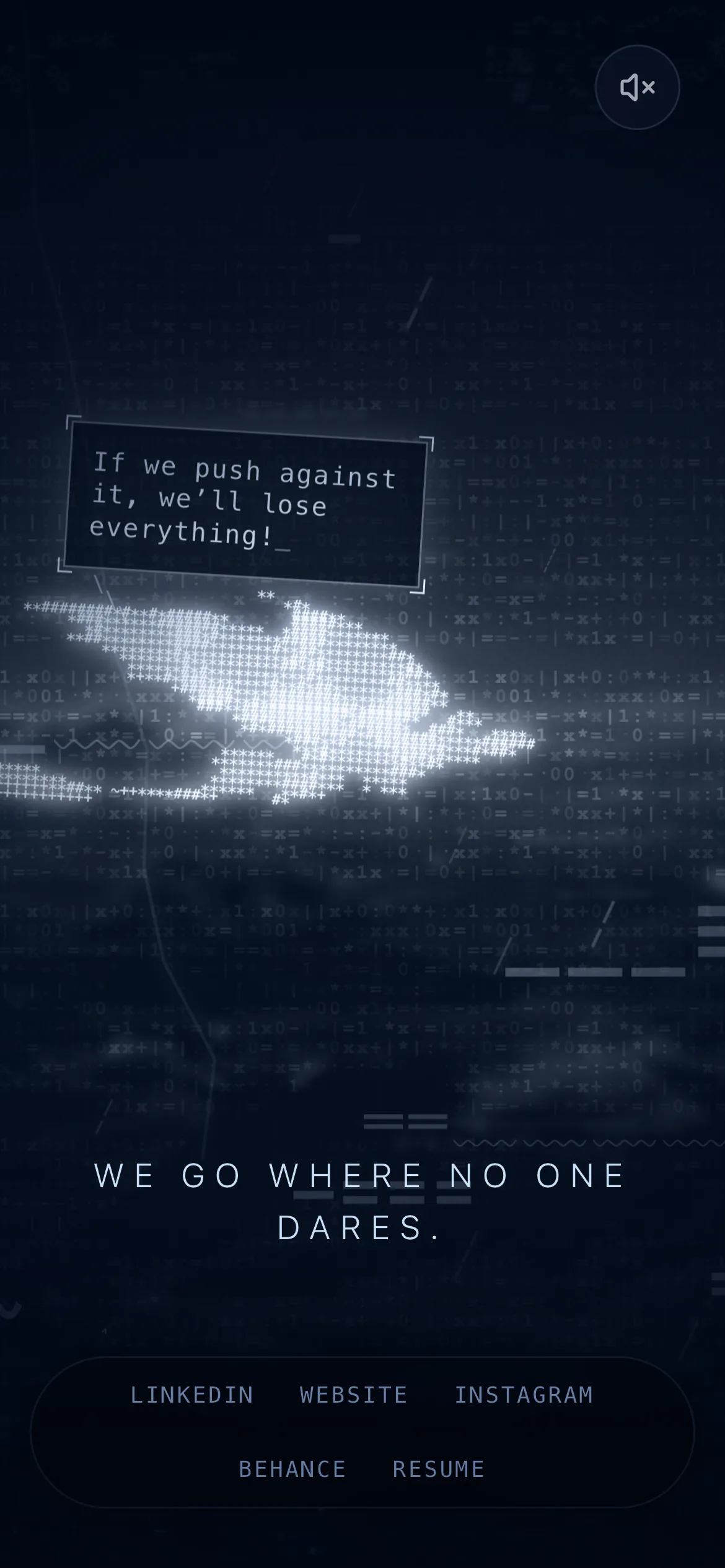
The page on a phone with the sound button muted and the line "We go where no one dares." on two rows.
15Sound off on a phone
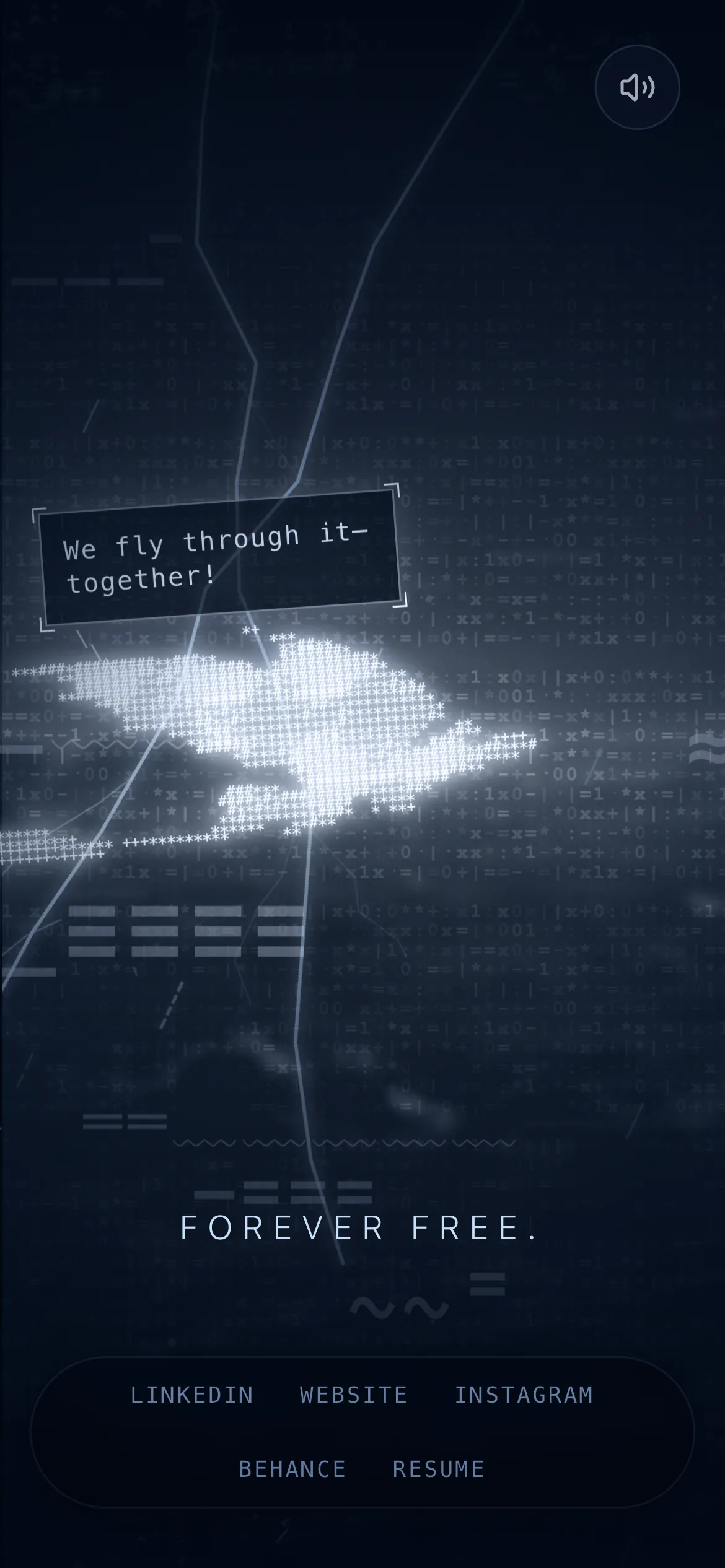
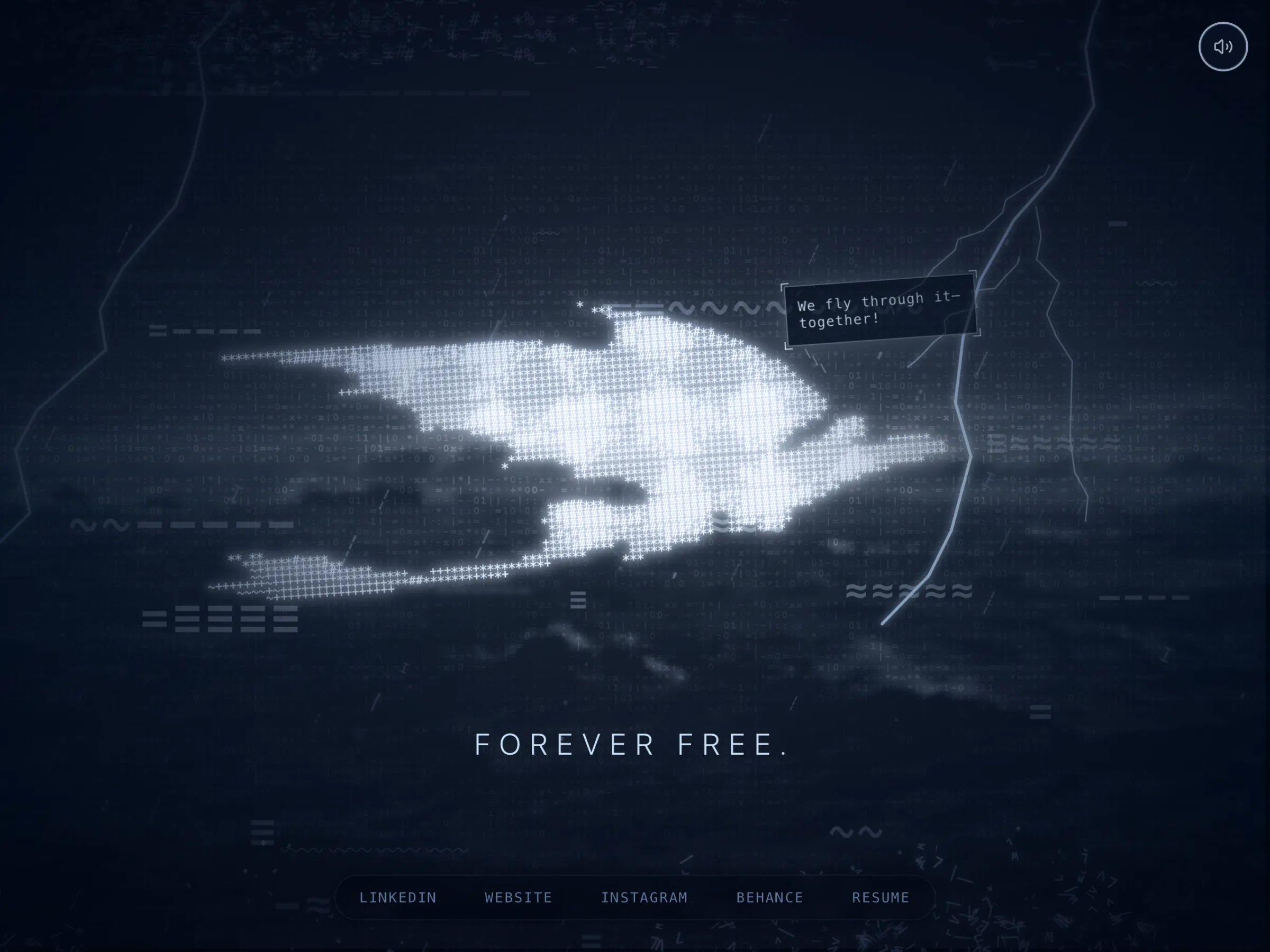
The page on a phone with the line "Forever free."
16The last line of the loop
03

Under the Hood

Everything on screen is text. The dragon is characters, and so is every raindrop, gust, cloud and splash.
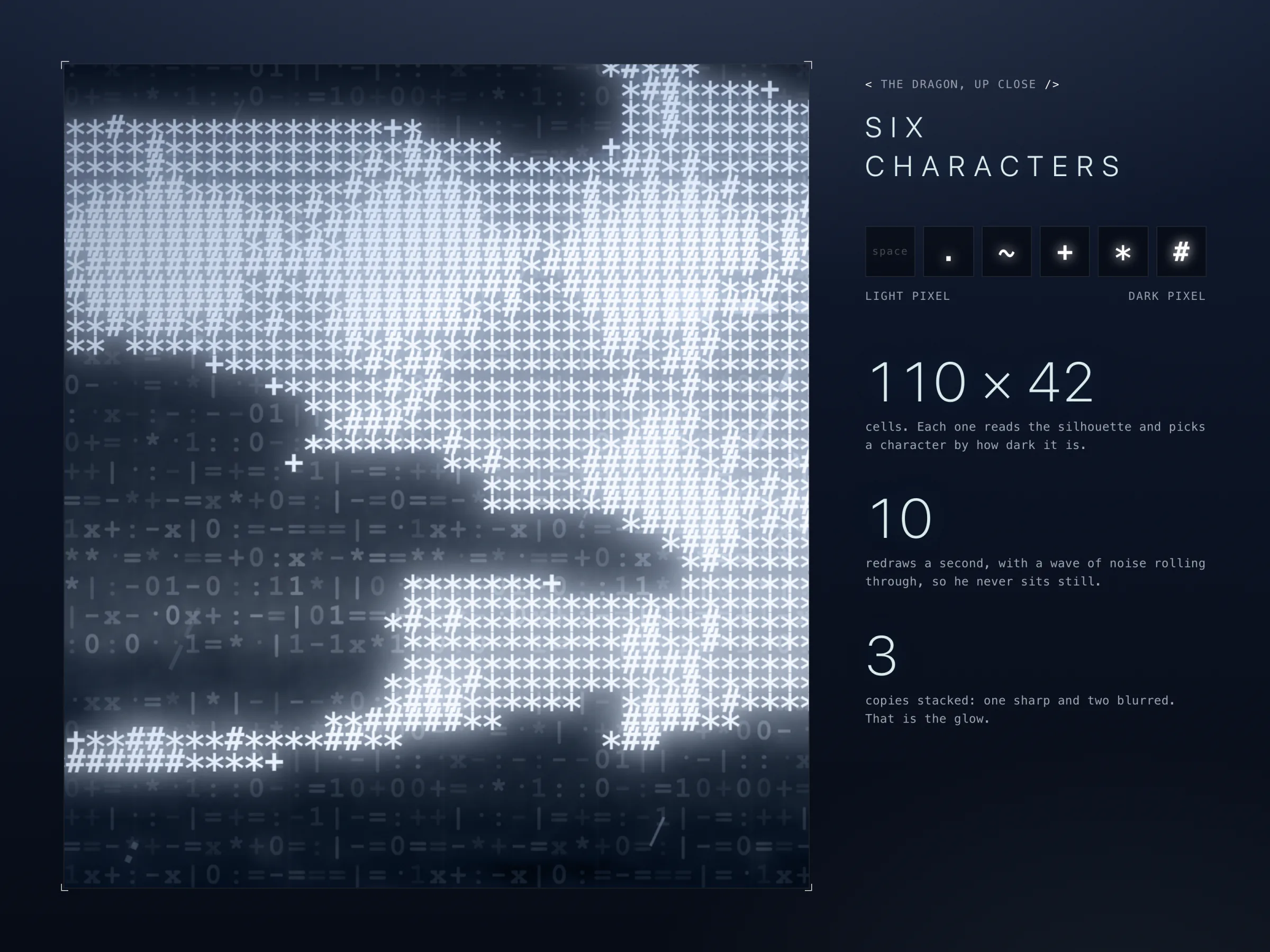
A very close crop of the dragon showing single asterisks, hashes and plus signs glowing white. Beside it, six tiles show the characters used, from a space to a hash, with the figures 110 × 42 cells, 10 redraws a second and 3 stacked copies.
17The dragon is six characters
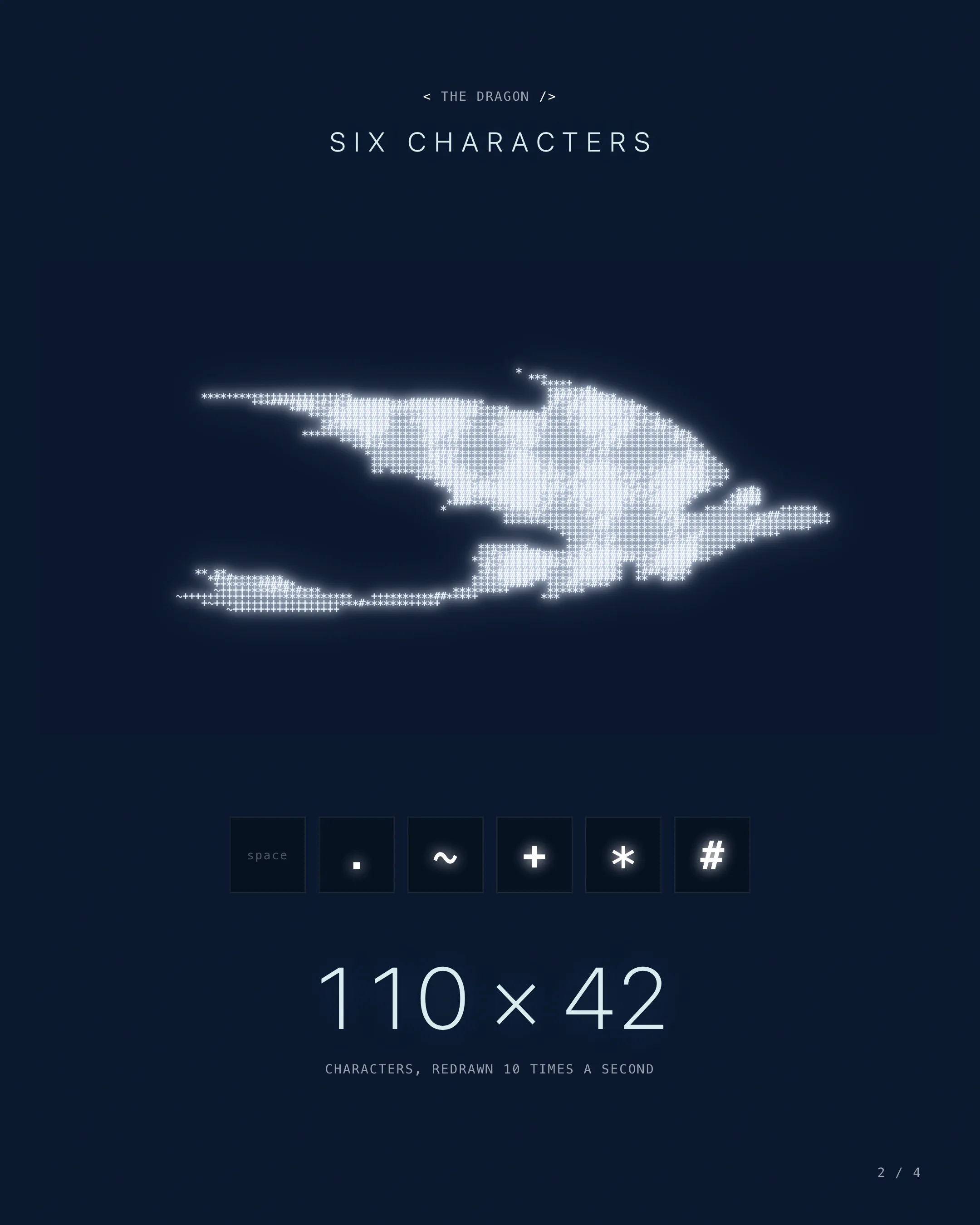
  • The dragon. The silhouette is drawn to a hidden canvas and shrunk to a grid. Each cell becomes one of six characters by brightness: space, ., ~, +, *, #. On a desktop the grid is 110 × 42, which is 4,620 cells, and about 1,600 of them hold a visible character.
  • The shimmer. The grid redraws every 100 ms, with a rolling sine wave plus random noise in each cell.
  • The glow. Three copies are stacked: one sharp, one blurred 4 px, and one cyan and blurred 8 px.
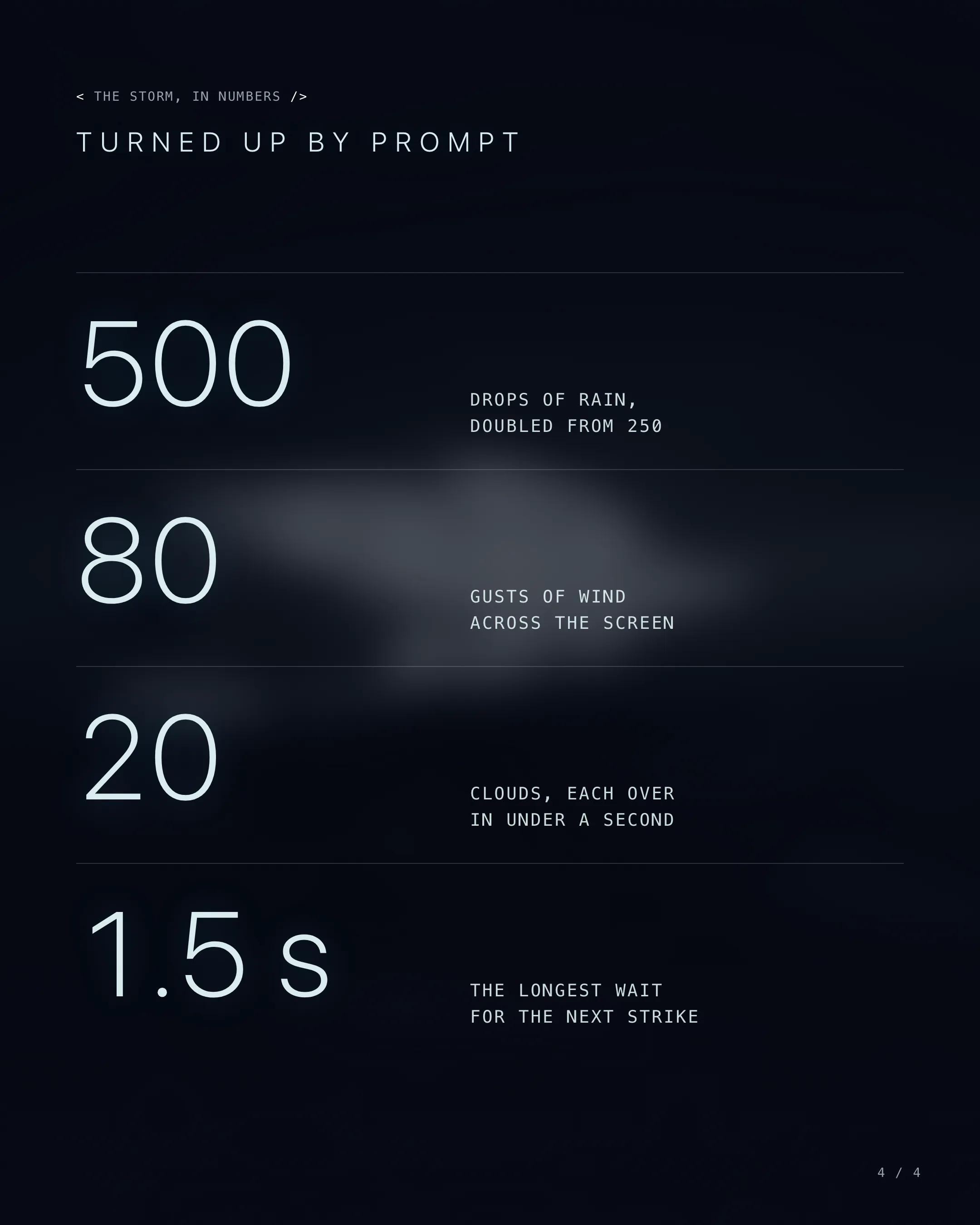
  • The rain. 500 character drops fall in 0.4 to 0.9 s, on a layer turned 25°.
  • The cloud and wind. 20 clusters of cloud each cross the screen in 0.2 to 0.6 s, with 80 streaks of wind.
  • The lightning. Each bolt is 12 jagged segments with 1 to 3 branches, leaning up to 30° either way and lasting 0.15 to 0.35 s. There is a 40% chance of a second flicker and a 20% chance of a third.
  • The sea. The loop is blurred 3 px and darkened, under a tiled grid of random characters. Spray bursts from 12 emitters, 40 to 80 characters at a time.
  • The grade. A slate colour blend at 70%, a dark gradient at 60% and a vignette pull it all into one cold blue.
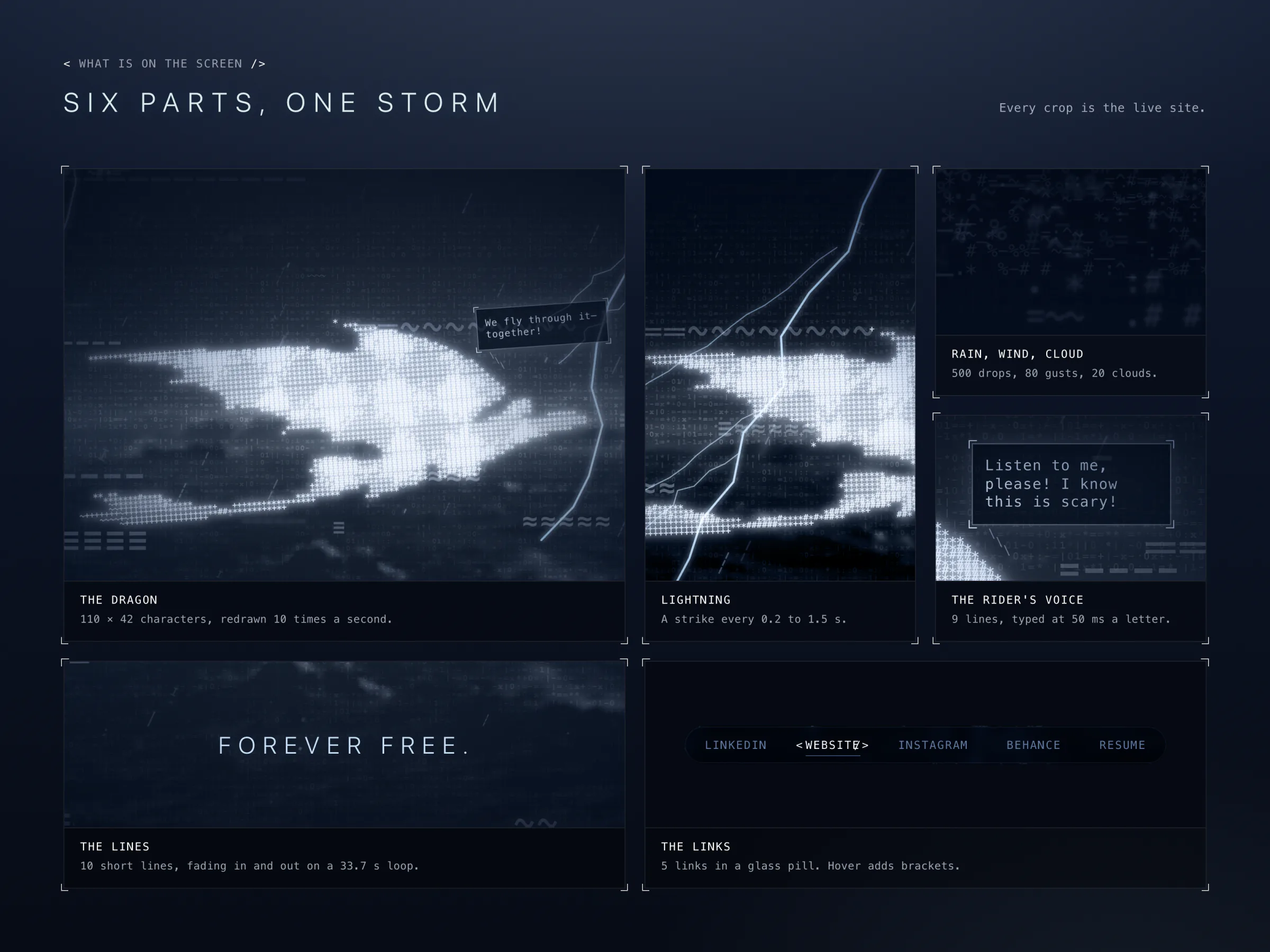
Six panels of crops from the site: the dragon with a speech bubble, a forked lightning bolt, faint cloud characters, a speech bubble reading "Listen to me, please! I know this is scary!", the line "Forever free.", and the five links with WEBSITE hovered.
18Six parts make the storm
One redraw

From a Picture to a Dragon

  1. The silhouette is drawn to a hidden canvas and shrunk to the grid.
  2. Each cell reads how bright its patch is and picks one of six characters.
  3. A rolling wave and random noise nudge the cells, so his edges crawl.
  4. Three copies are stacked, one sharp and two blurred, to make him glow.
  5. 100 ms later it all happens again.
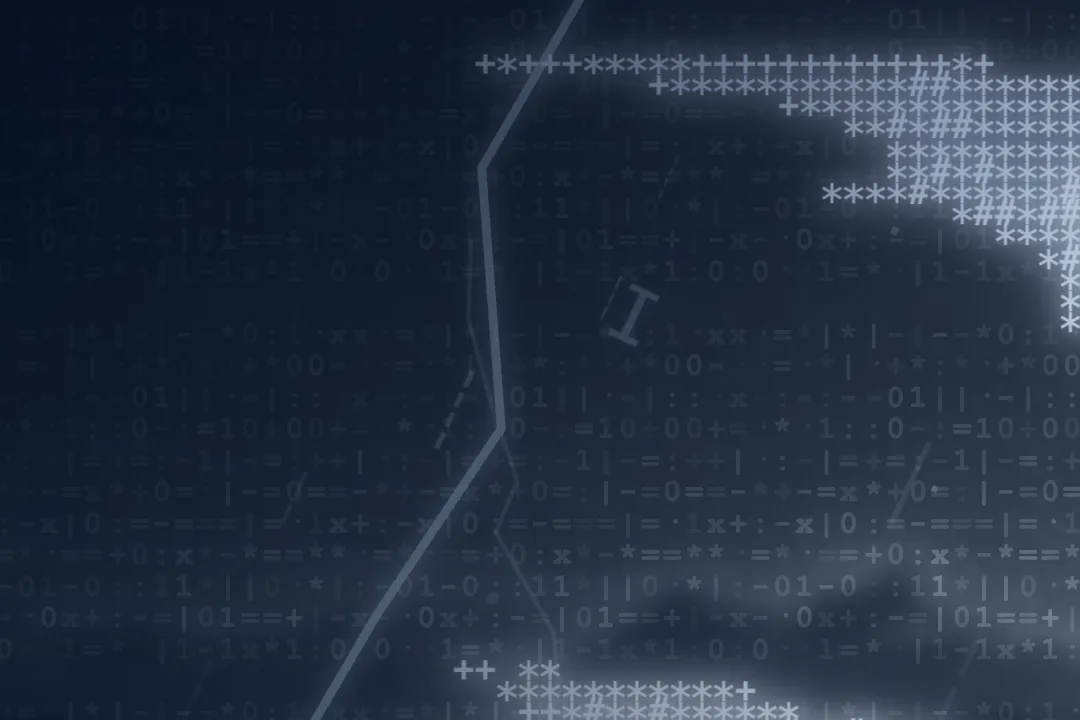
Extreme close-up of the dragon's body: rows of single asterisks and hashes, each glowing white.
19Close enough to read him
The text-character dragon alone on flat dark blue, with nothing else in the picture.
20Toothless alone, on the page's own colour
A wide dark strip scattered with faint symbols that stand in for cloud, with thin lightning at both ends.
21The top of the page, where cloud races past
A wide dark strip of sea with small scattered letters bursting upwards like spray.
22The bottom of the page, where spray bursts
A patch of dark sea covered by a faint grid of ones, zeros and symbols.
23A grid of characters lies over the sea
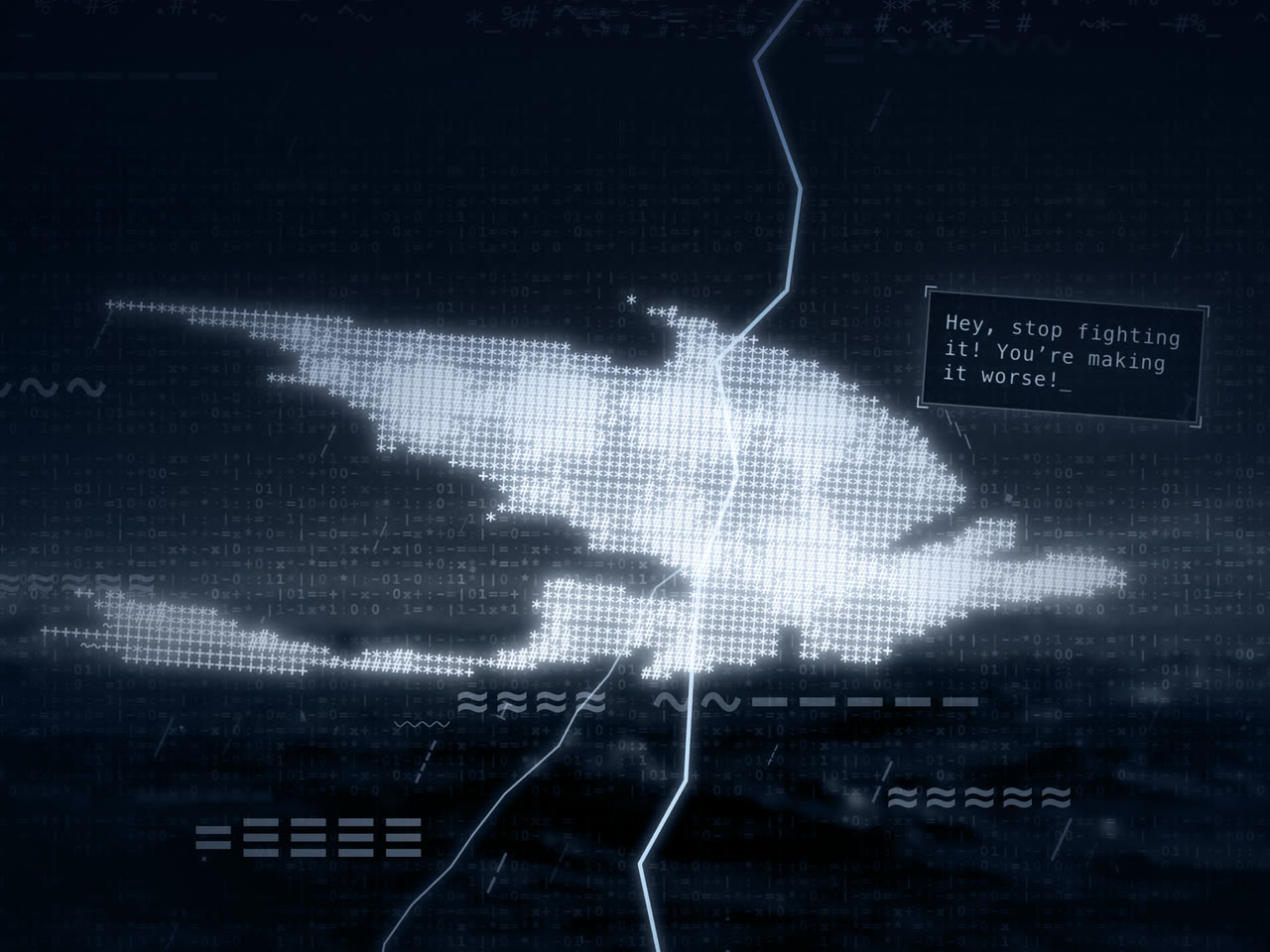
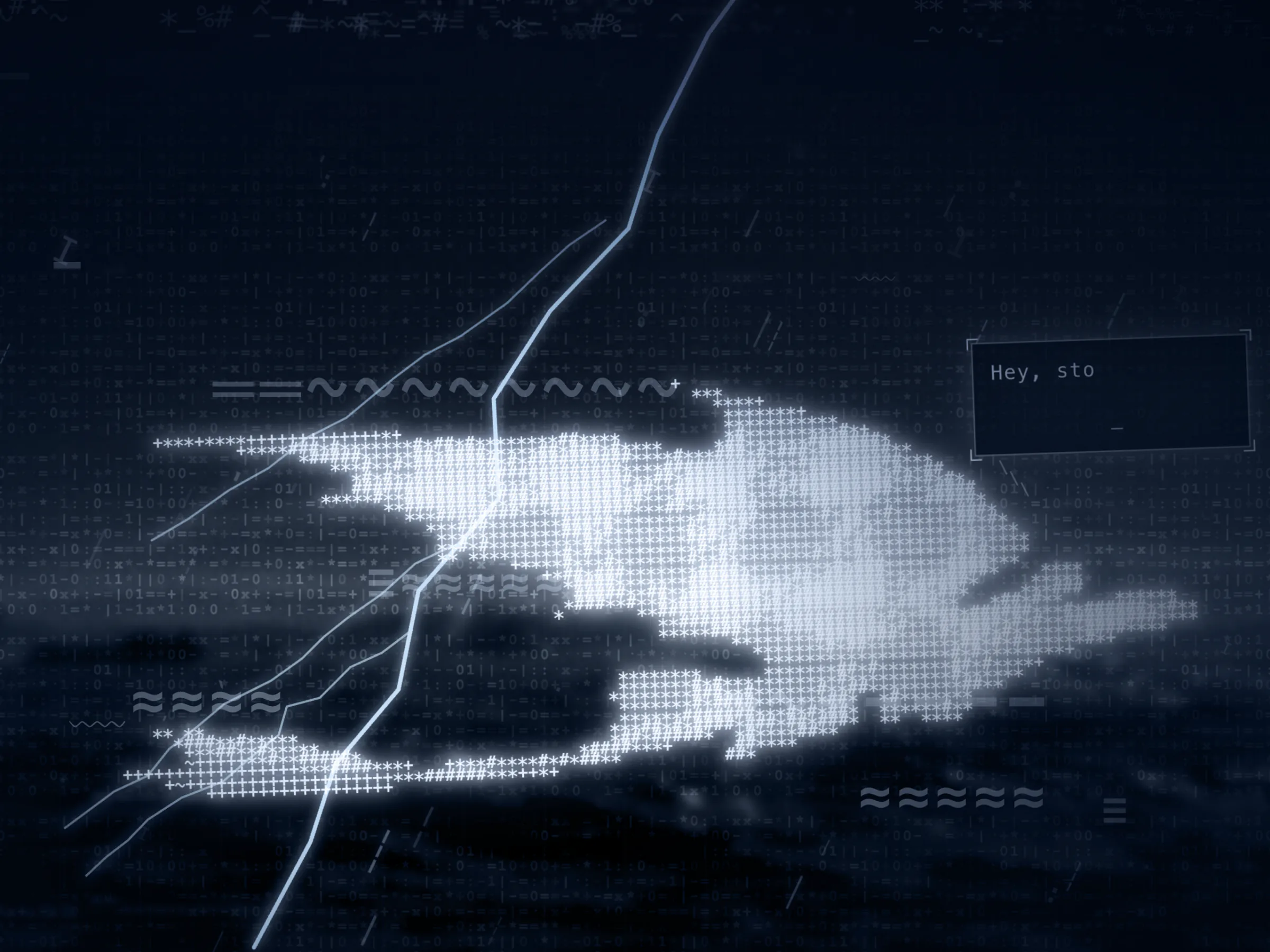
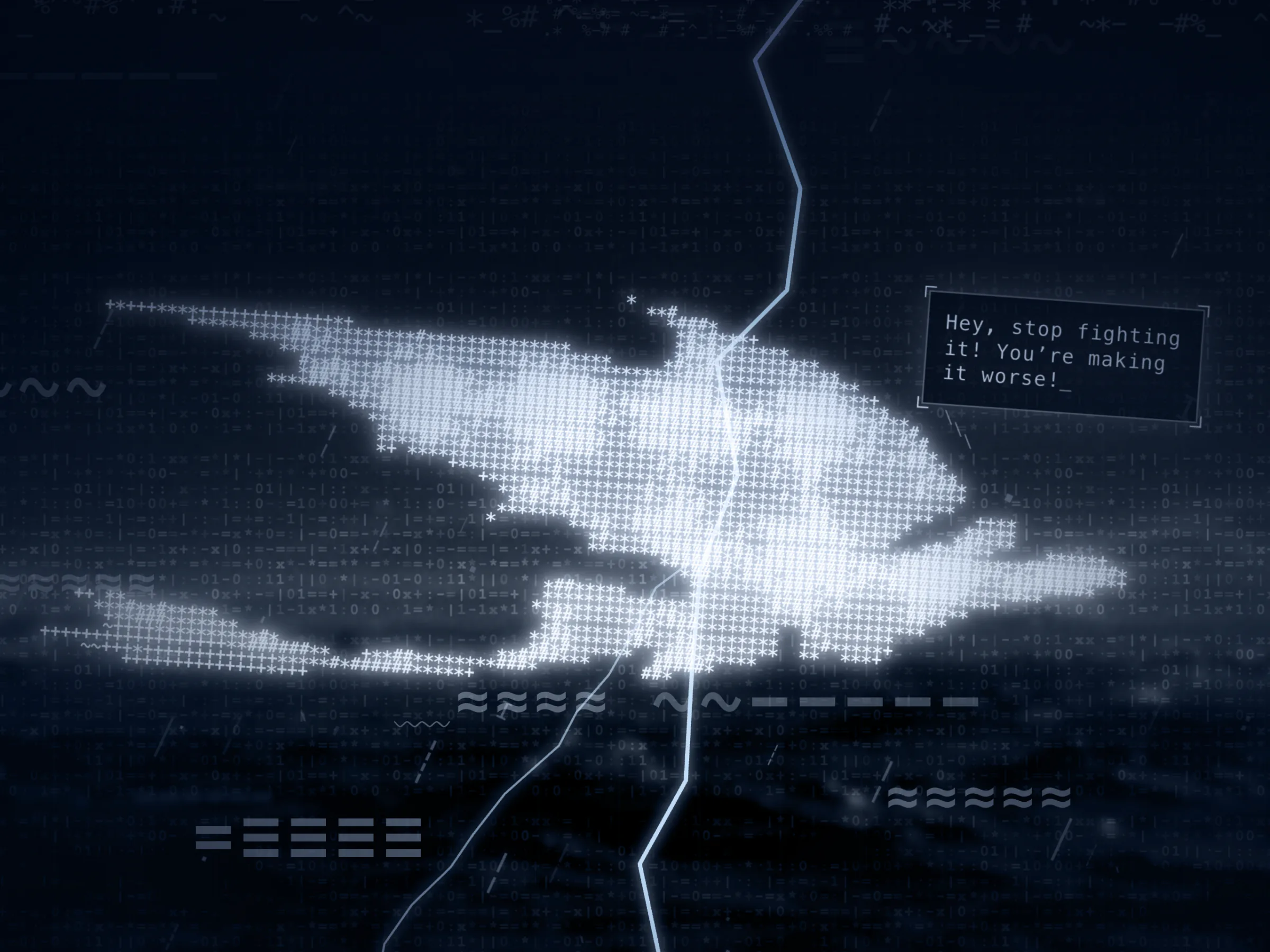
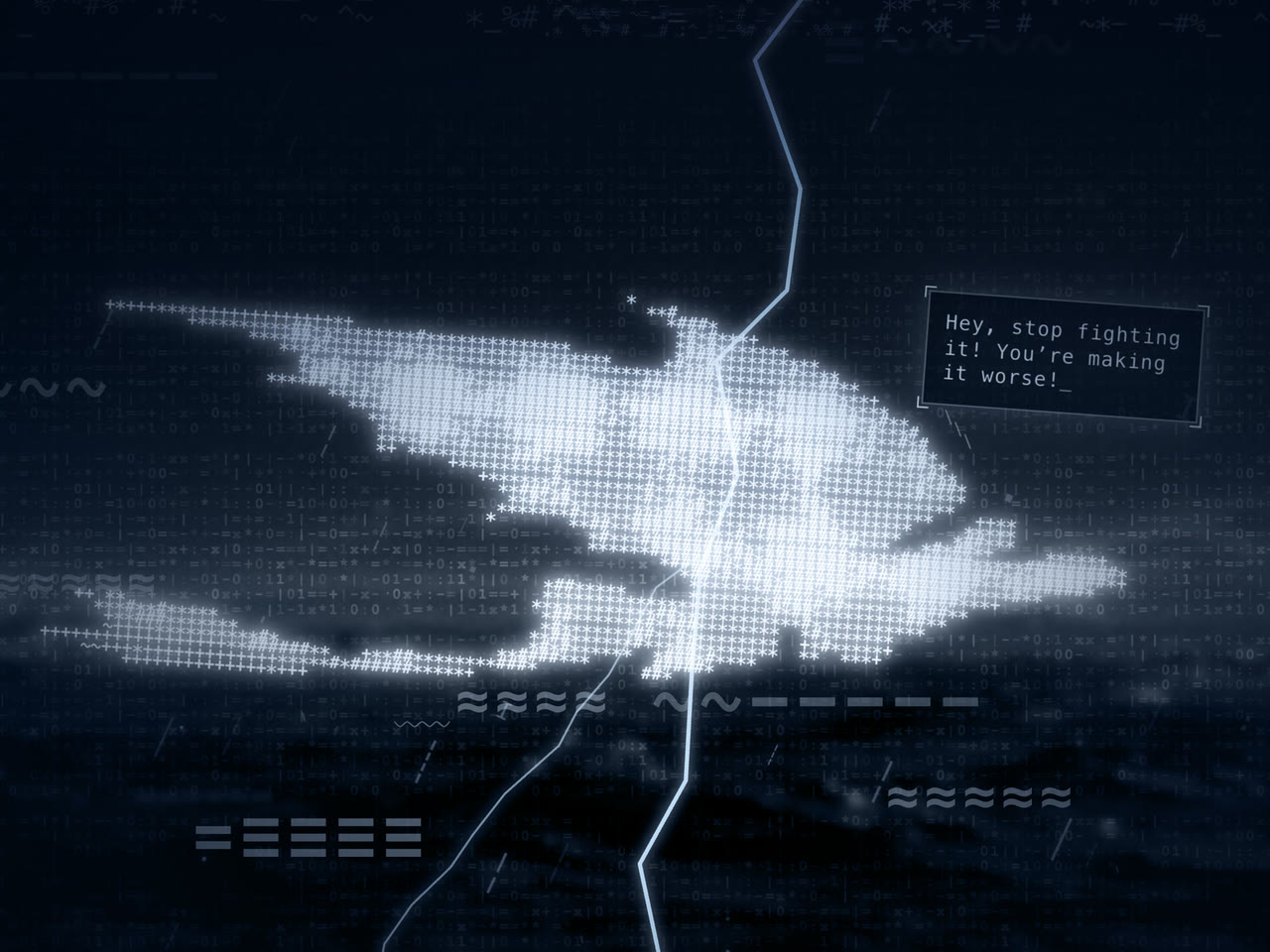
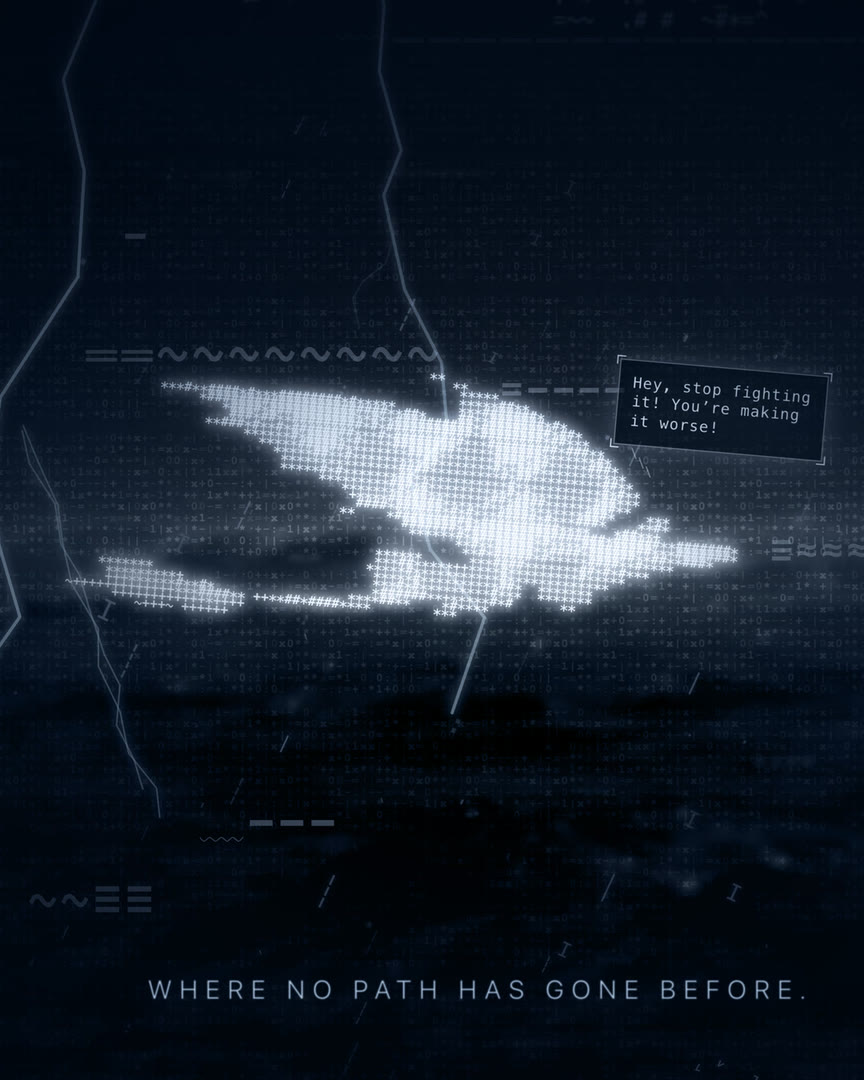
Close-up of the dragon with a bright forked bolt crossing its wing, and a speech bubble that has typed "Hey, sto".
24A forked bolt across his wing

The code underneath was generated, not chosen: React 18.3.1, Vite 6.3.5, Tailwind CSS 4.1.12 and Motion 12.23.24. The scene is 11 components, 1 hook and one app file of 213 lines.

04

How It Was Built

It was built in Figma Make, by prompt. All the code was written by AI; the prompts and the two images were made by hand. Nobody studied the code or chose how it was built. The project lists 55 packages and the scene imports from 3 of them, and 46 ready-made interface components sit in it unused.

The only record of the back-and-forth is in the code itself. The generator left notes on what it was asked to change, and they read like a diary.

  • Rain. 250 drops became 500: "Doubled for 'more many'".
  • Cloud. "SUPER SUPER Fast (Hurricane speed)".
  • Lightning. "RELENTLESS FREQUENCY".
  • Glow. "High Opacity per request".
  • Lines. "Reduced gap to 800ms for faster pacing".
  • Background. "Updated Background Image from User".
Decision 01

A Calmer Dragon

The flight was cut back, in the code's own words, for "Smoother turns, less flipping" and "More stable flight". He now rolls 8° at most.

Decision 02

A Smaller Dragon

"REDUCED SIZE", says the note. At 110 columns he is 794 px wide, 62% of a 1280 px window, which leaves the weather room to work.

Decision 03

More Storm, More Than Once

The storm was pushed harder more than once: more rain, faster cloud, more lightning. Each note reads like the answer to a prompt asking for more.

Decision 04

Ten Frames a Second, on Purpose

The dragon redraws 10 times a second while everything around him runs smoothly. A comment in the code calls it "the desired 'retro' look".

Decision 05

A Lighter Storm on Phones

The mobile version was thinned out for speed. One note reads "Drastically reduced for mobile performance".

There are no tests, no linter config and no build checks. The code builds cleanly, and the page loads with no console errors and no failed requests.

05

Design Details

  • Colour. Deep navy, pale cyan for the words and a sky blue for lightning. Very little else.
  • Type. Two voices. The dragon, the links and the speech bubble are in the browser's monospace font, which is Menlo Bold on a Mac. The lines at the bottom are light, wide and upper case, like a film title card.
  • Motifs. Code brackets on the links, corner ticks on the speech bubble and an underscore that blinks after the typed text: small nods to a picture made of text.
  • Motion. He drifts on loops of 18 s and 14 s and rolls on a loop of 8 s, and the whole scene shakes by up to 2 px.
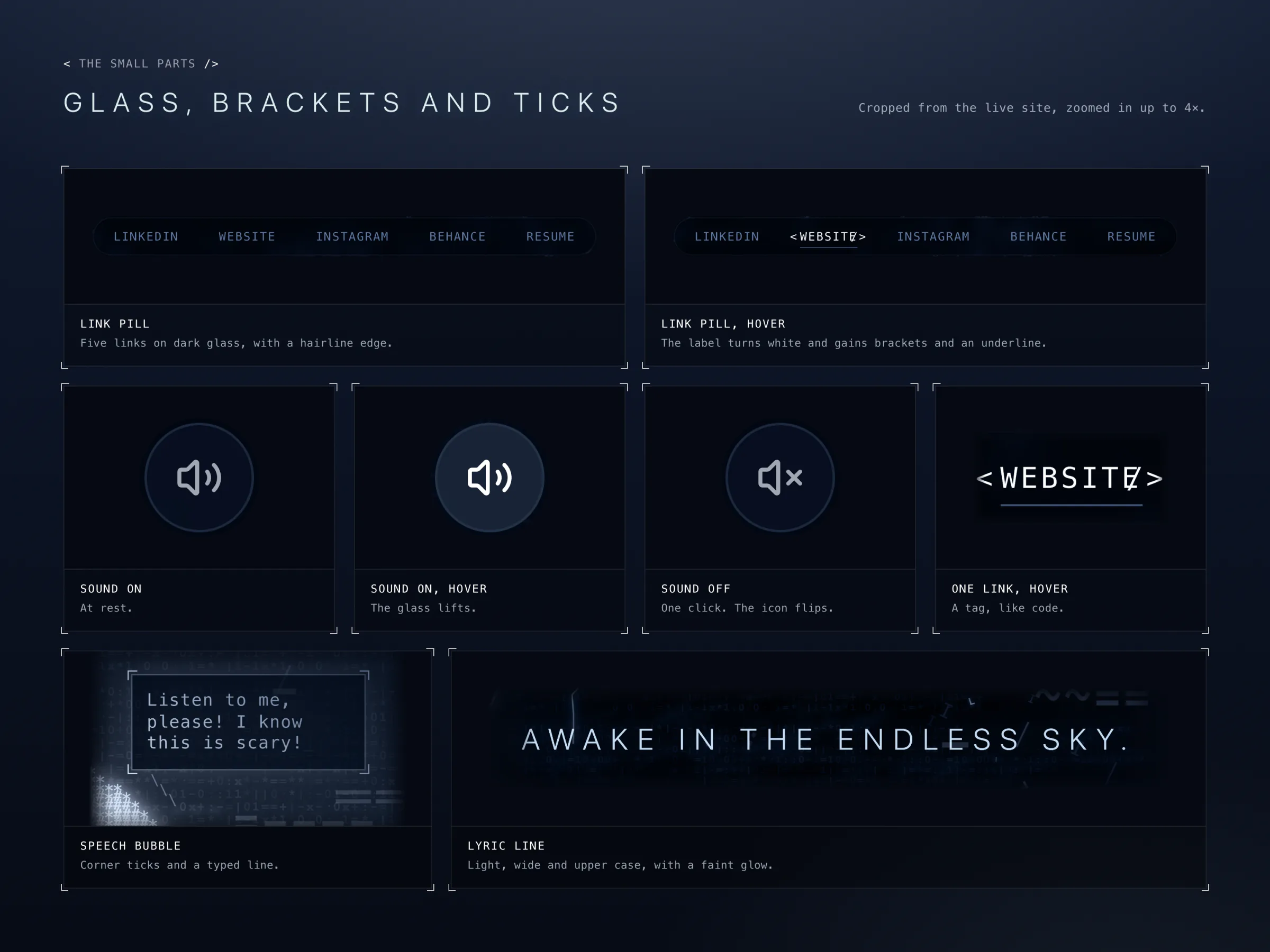
Eight tiles of interface parts on dark blue: the link pill at rest and with one link hovered, a round sound button at rest, hovered and muted, a single bracketed link, a speech bubble with corner ticks, and the line "Awake in the endless sky."
25The small parts: glass, brackets and ticks
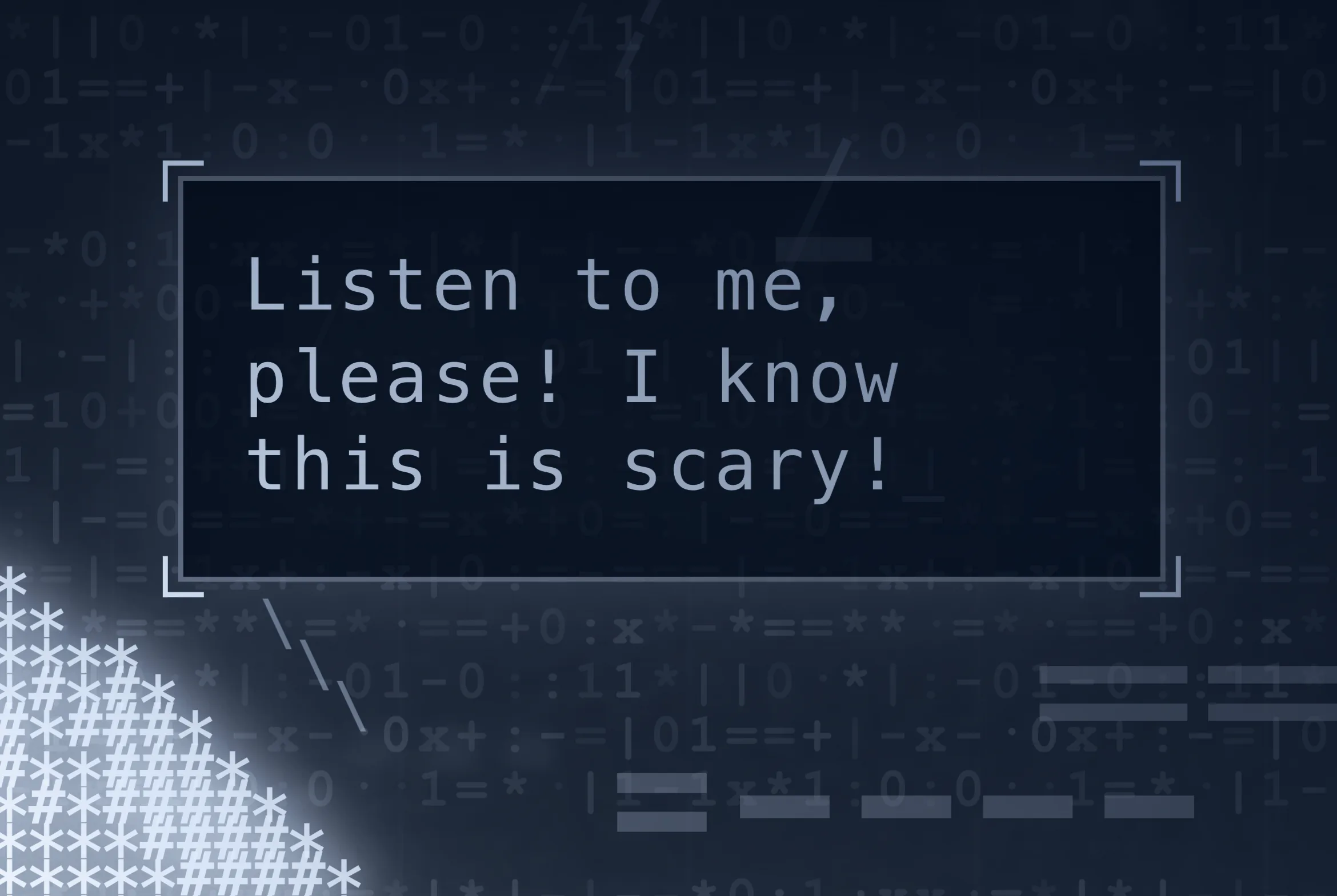
A dark rectangular speech bubble with small corner ticks, containing the typed line "Listen to me, please! I know this is scary!"
26The speech bubble, with its corner ticks
A round dark button with a speaker icon and two sound waves.
27Sound on
The same button, lighter, with a brighter speaker icon.
28Sound on, hovered
The same button with a speaker icon and a cross: sound off.
29Sound off
The same pill with WEBSITE white, wrapped in angle brackets and underlined.
30Five links in a glass pill, one hovered
The words "Awake in the endless sky." in light, widely spaced capitals with a faint glow.
31The lines at the bottom: light, wide and upper case
06

Outcome and Next

2Images the whole scene is made from
6Characters that draw the dragon
110 × 42Cells in his grid on a desktop
10Redraws a second, on purpose
500Raindrops on a desktop, 100 on a phone
5Faults found by filming it frame by frame
  • It is finished and live.
  • It was a first website built by prompt, and it was fun.
  • No visitor numbers, feedback or results exist, so none are claimed.

Next: get the two local fixes onto the live site, fix the seam at the edge, and decide whether the depth moves are wanted.
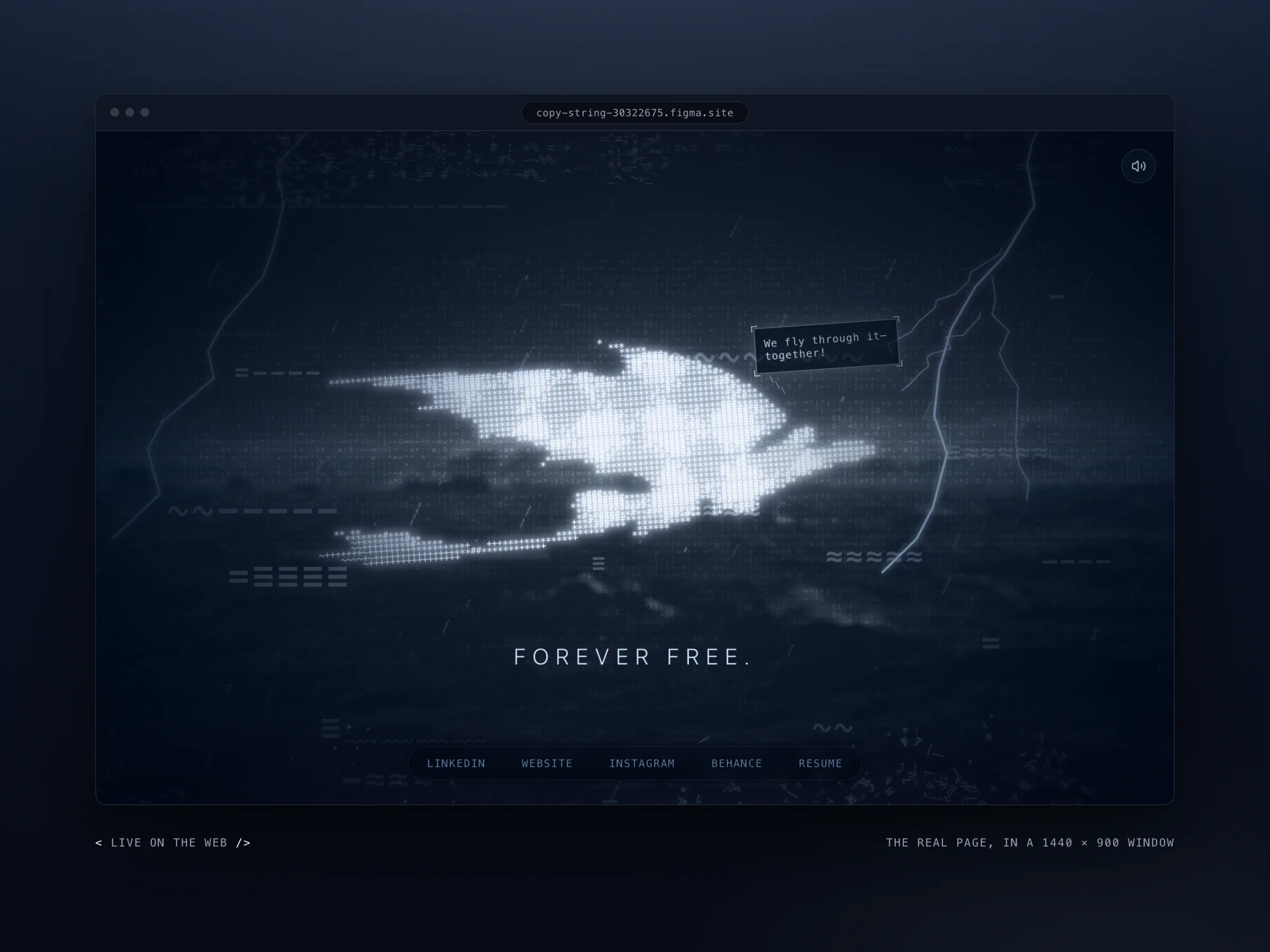
A browser window at the address copy-string-30322675.figma.site showing the whole page: the dragon mid-screen, lightning to the right, the line "Forever free." and five links at the bottom.
32The real page, at its real address
07

Gallery

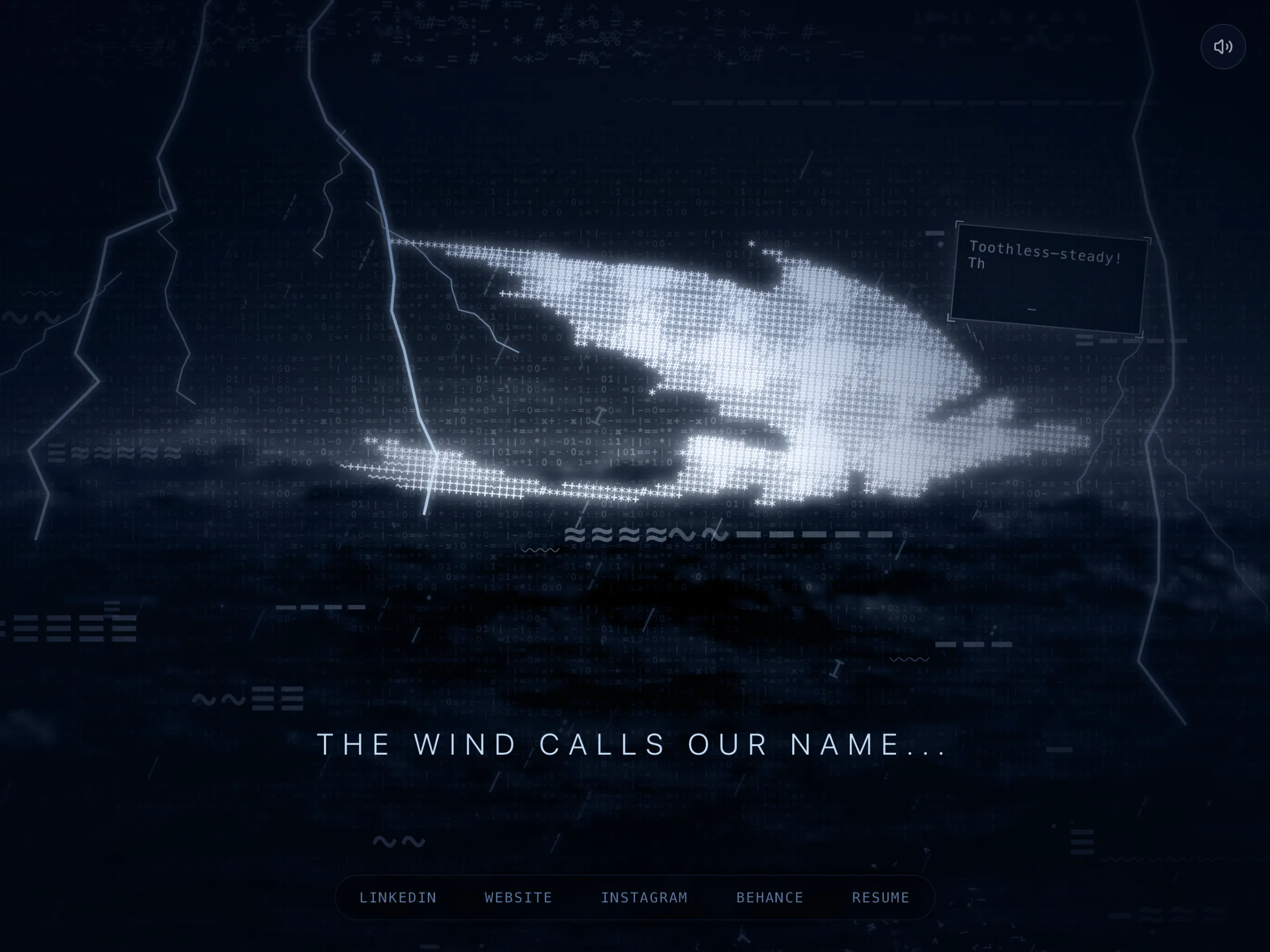
The storm in its first seconds: the dragon, lightning on both sides, a speech bubble still typing, and the line "The wind calls our name..."
33The storm in its first seconds
The whole scene with two bolts and the line "Rising to the clouds."
34Wide, with two bolts
Close-up of the dragon with a bolt across its back and a complete speech line.
35The close-up, a bolt across his back
The whole scene with the line "Unstoppable."
36The whole scene
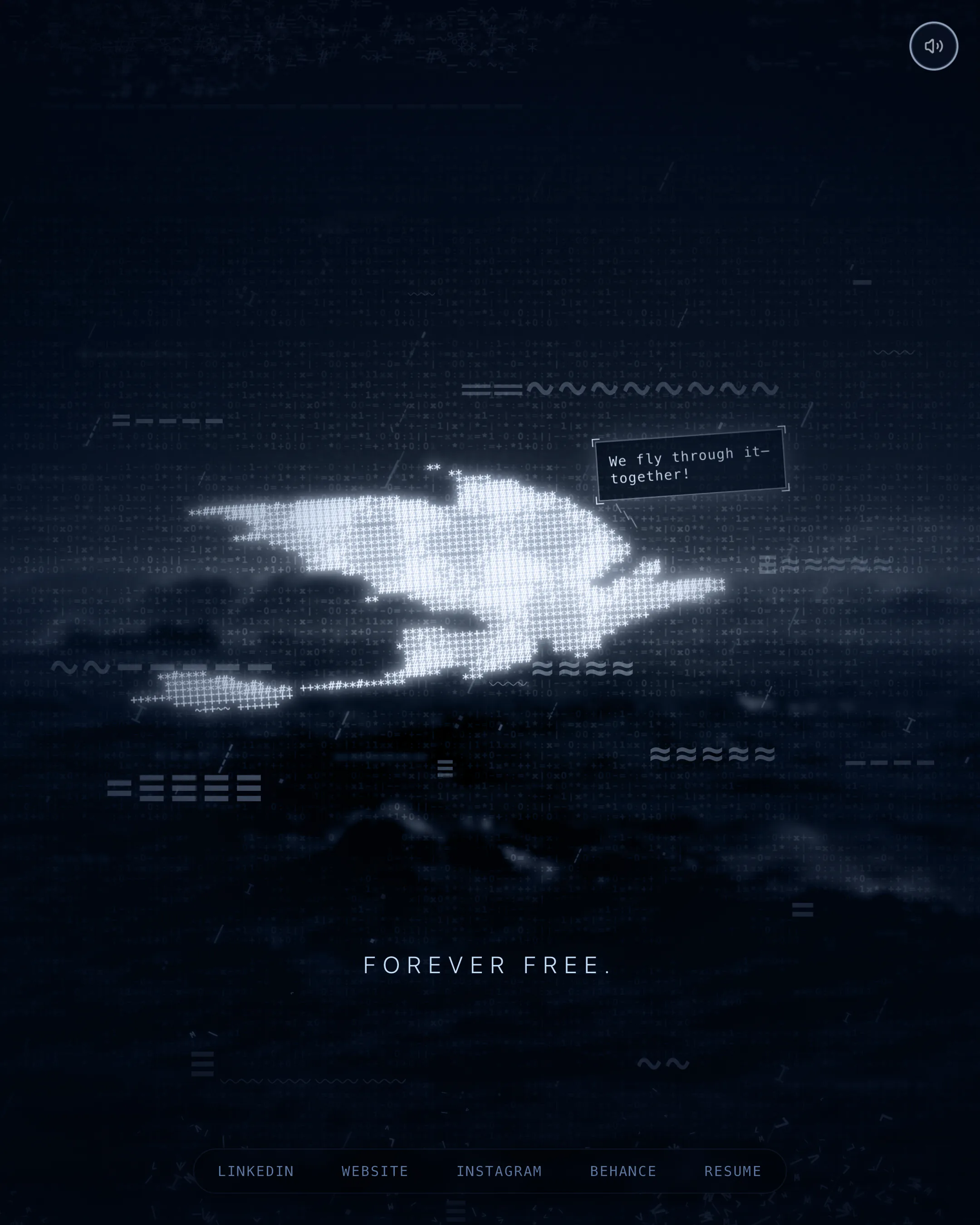
The whole scene with the last line, "Forever free."
37The last line of the loop
The page in a wide laptop window: the dragon, two bolts, a speech bubble and the line "Rising to the clouds."
38In a wide laptop window
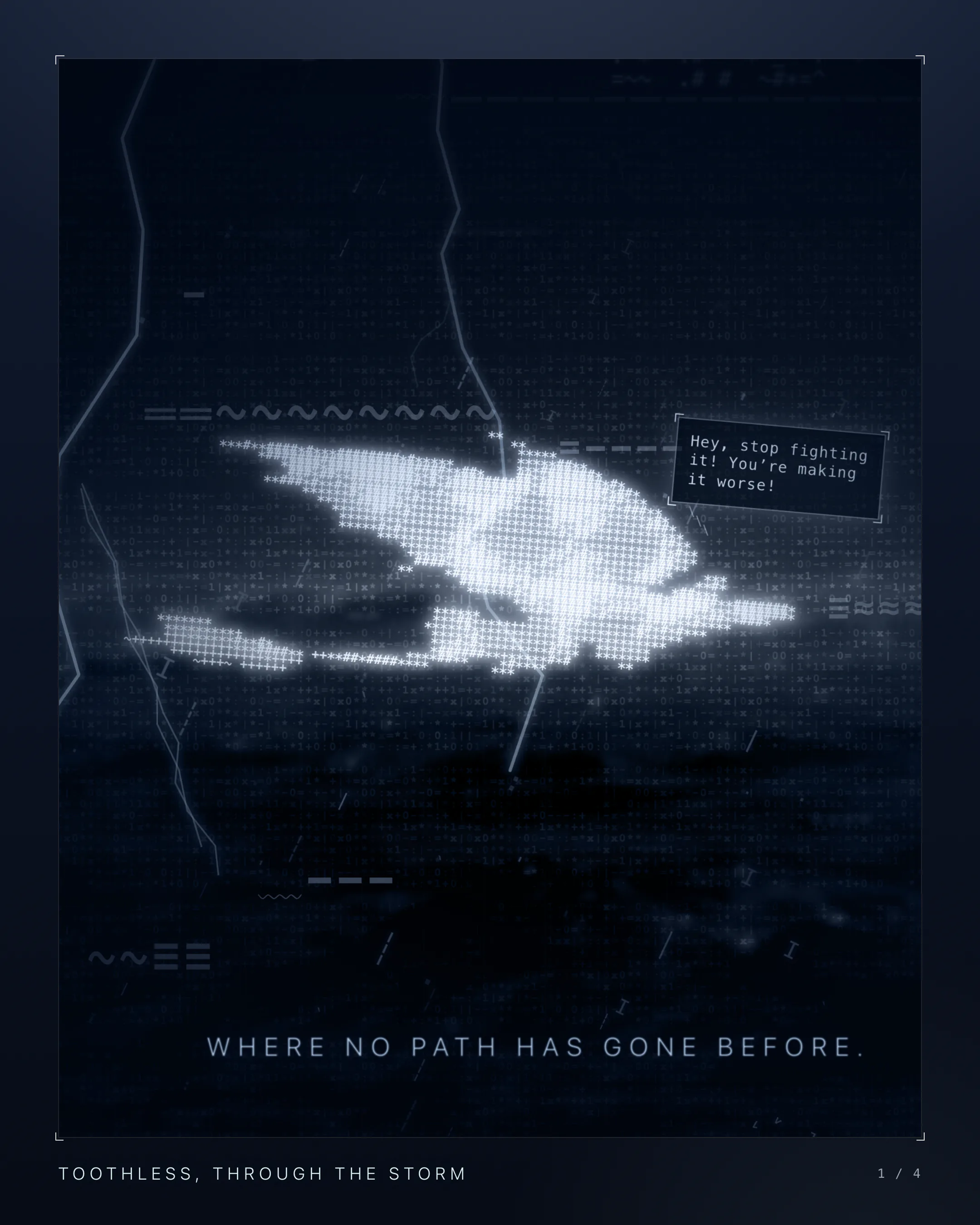
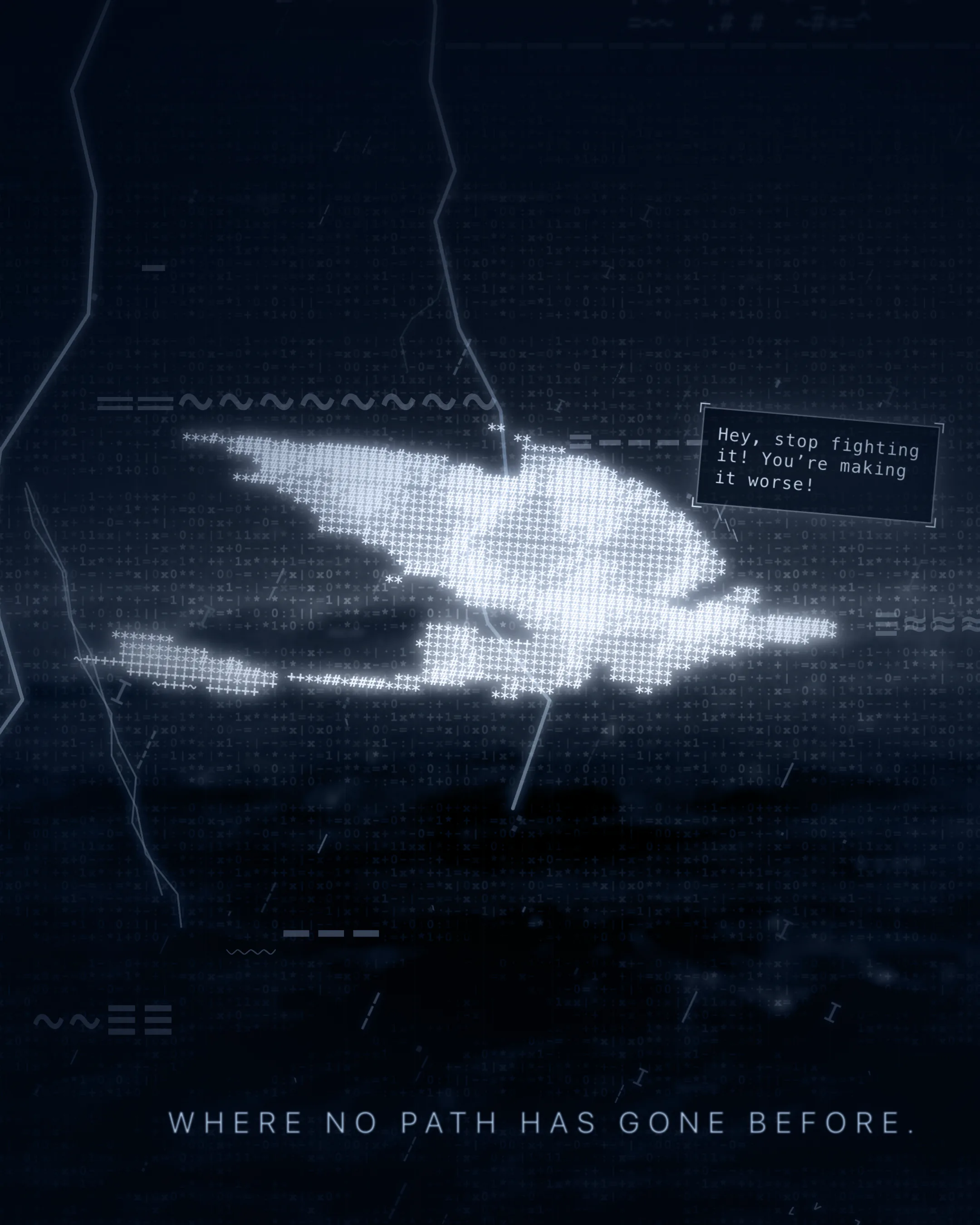
Tall close-up of the text-character dragon with lightning on the left, a speech bubble, and the line "Where no path has gone before.", framed with the title "Toothless, through the storm".
39The site, as a cover
The dragon alone, glowing white on flat dark blue, under the heading "Six characters". Six tiles below show a space, a full stop, a tilde, a plus, an asterisk and a hash, above the figure 110 × 42.
40Toothless alone on the page's own colour
Top: a black dragon silhouette with a red tail fin on pale grey, labelled 248 × 176 pixels. Bottom: the same dragon in white text characters on dark blue, labelled 110 × 42 characters.
41Before and after, stacked
Four large figures on a dark, blurred background: 500 drops of rain, 80 gusts of wind, 20 clouds, and 1.5 seconds as the longest wait for the next strike.
42The storm in four big numbers
Tall close-up of the dragon with three bolts and the line "Where no path has gone before."
43A tall close-up with three bolts
Tall frame with the last line, "Forever free."
44The tall frame at the end of the loop

Keep browsing

More AI Engineering

All projects
  • Ravenry ReelsA studio on one Mac that turns a two-word message into a researched, voiced and checked Reel, posted on Instagram, TikTok and YouTube.
  • Stratagem V2One platform, one login and one Admin for six business simulations, on a design system of its own.
  • Decyde ReelsAn AI UGC production line: one idea in, a finished Reel with an AI presenter out, for about $2.